TOOLNAVIA / BUYING GUIDE
WPX Powerstore Bandwidth: 400GB Advertised, 300Gb in Terms
The short answer
# WPX Powerstore bandwidth: 400GB advertised, 300Gb in the terms
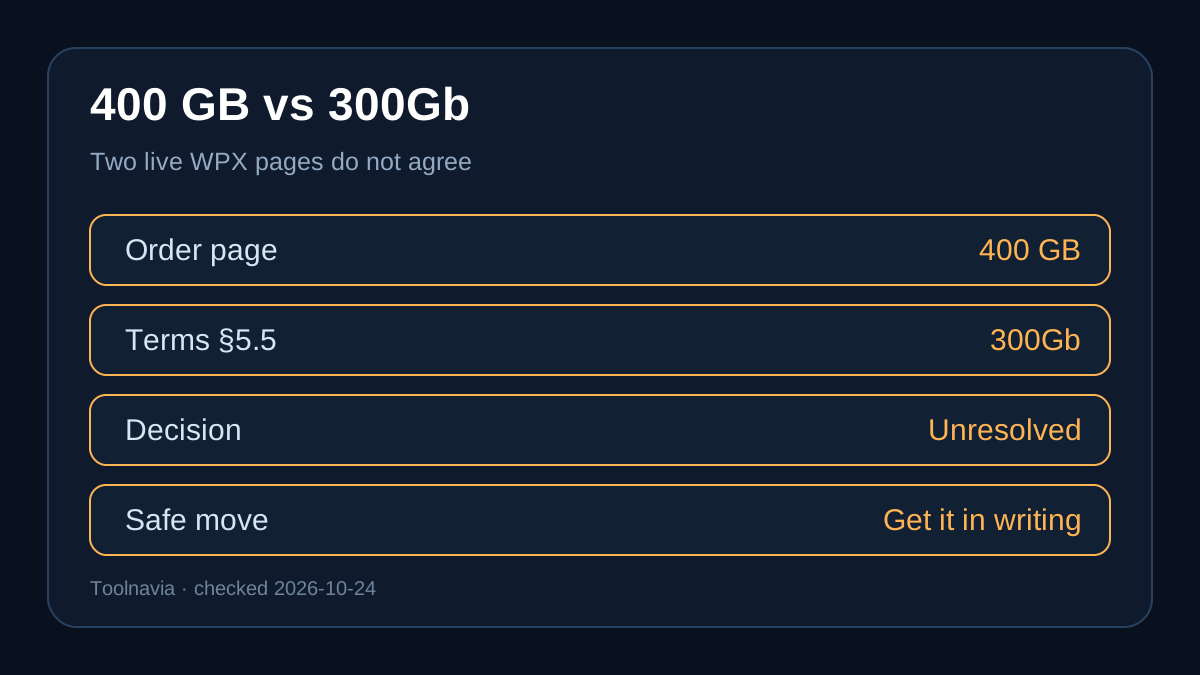
**Verdict:** do not buy WPX Powerstore on the assumption that 400GB is an uncontested contractual allowance. On October 24, 2026 (Asia/Shanghai), WPX's live WooCommerce order page advertised **400GB bandwidth** for Powerstore, while WPX's live Terms of Service still listed **“300Gb Monthly Maximum Bandwidth.”** WPX also has a current help article that discusses a generic 400GB limit. Those three official pages do not fully agree.
That does not automatically make Powerstore a bad plan. It means the safest buying decision is to treat the limit as unresolved until WPX confirms in writing which number governs a new account. This guide shows how to size your store under both thresholds, what WPX says happens after an exceedance, and which questions to ask before committing.
> Affiliate disclosure: Toolnavia may earn a commission if you buy through the approved WPX link. This does not change the price or the conflict analysis. No personal WPX coupon code is claimed here.

At a glance
- Best for
- One-store buyers who can stay below 300GB and obtain written policy confirmation.
- Price model
- $34.99 monthly or $1,399.60 five-year current
- Check first
- WPX's live cart and terms conflict on the numeric allowance; enforcement is not fully documented.
The conflict you need to resolve before checkout
The current [WPX WooCommerce order page](https://wpx.net/cart/woocommerce-hosting/) lists Powerstore at $34.99 month-to-month or $1,399.60 prepaid for five years. It pairs one website and 20GB storage with 8GB RAM, 2 CPU cores, 10 PHP workers and 400GB bandwidth.
The current [WPX Terms of Service](https://wpx.net/page/terms-of-service/) lists Powerstore at “300Gb Monthly Maximum Bandwidth.” The terms apply a reasonable-use policy to the higher WooCommerce plans described as unlimited. The abbreviation “Gb” is also less precise than the cart's “GB,” so this article does not silently normalize the units or choose the larger number.
WPX's [bandwidth-exceedance article](https://wpx.net/kb/what-happens-if-i-exceed-my-bandwidth-limit/) says sites are not automatically shut off. WPX says it contacts the owner to distinguish a one-time spike from a continuing trend, and recommends an upgrade when 400GB is no longer enough. That page supports a current 400GB operational reference, but it does not explicitly say that it overrides the Powerstore line in the terms.
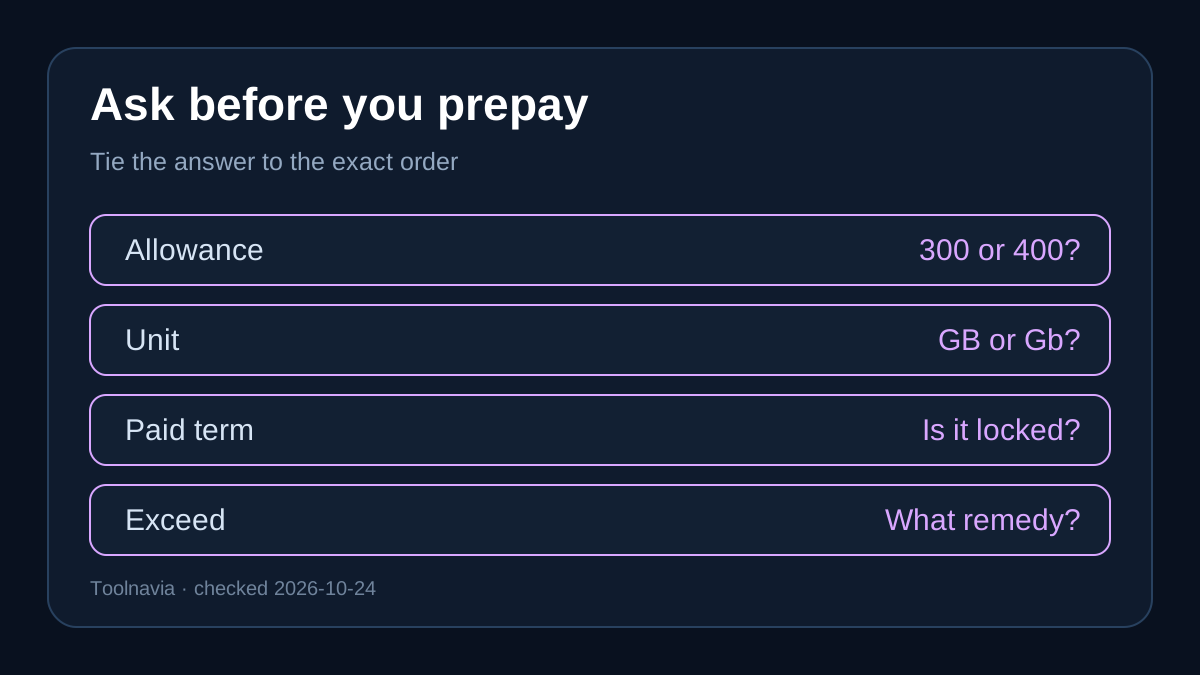
**Practical rule:** ask WPX support to confirm, in writing, the allowance attached to the exact Powerstore order you would place, whether the cart supersedes section 5.5 of the terms, and what remedy applies if your store repeatedly exceeds the governing limit.
Size the store under both numbers
Bandwidth is transferred data, not visitors, orders, storage, CPU or PHP workers. A simple planning estimate is:
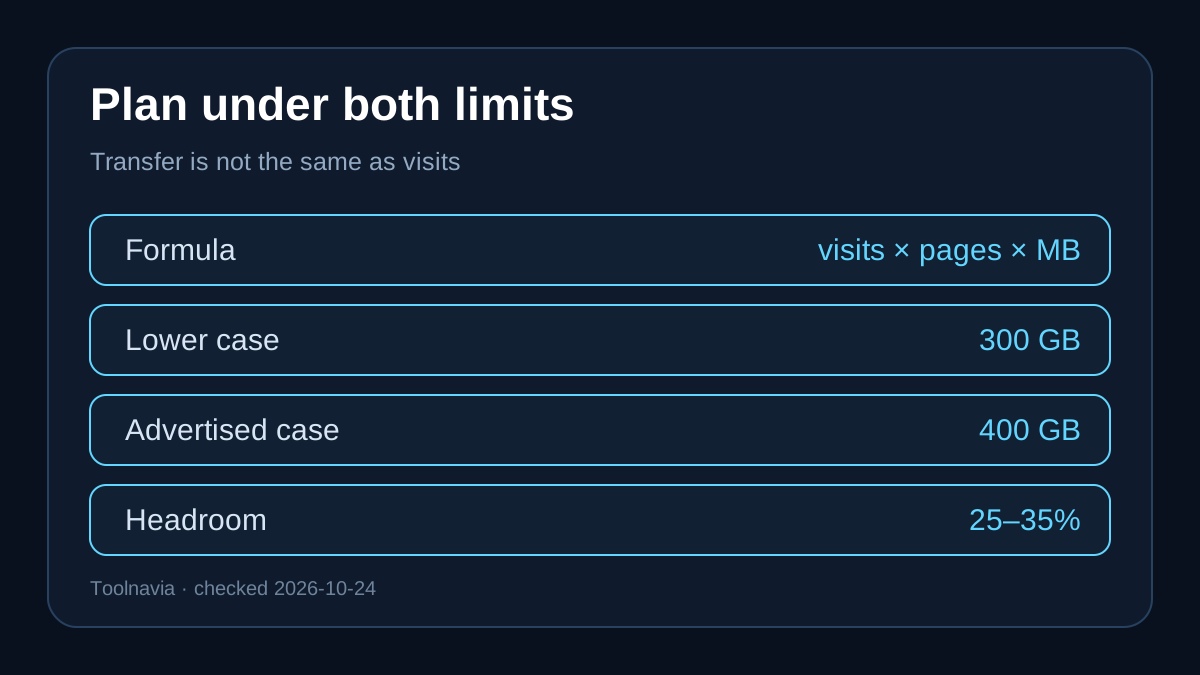
**monthly transfer ≈ visits × page views per visit × average transferred page weight**
Then add file downloads, feeds, API traffic and a safety margin. Fasthosts uses the same inputs and suggests extra headroom for spikes. This is a planning model, not a performance promise.
For illustration, a store averaging 2.5MB per page view and three page views per visit transfers roughly 7.5MB per visit before cache effects and downloads. Under a conservative planning assumption:
- 300GB supports roughly 40,000 such visits before safety margin. - 400GB supports roughly 53,000 such visits before safety margin. - Keeping 25% headroom reduces the planning bands to about 30,000 and 40,000 visits.
These are arithmetic scenarios, not visitor limits published by WPX. Real origin transfer can be lower when static assets are served from a CDN, or higher when product imagery, video, downloads, bots and uncached responses are heavy.

Monitor the number WPX actually records
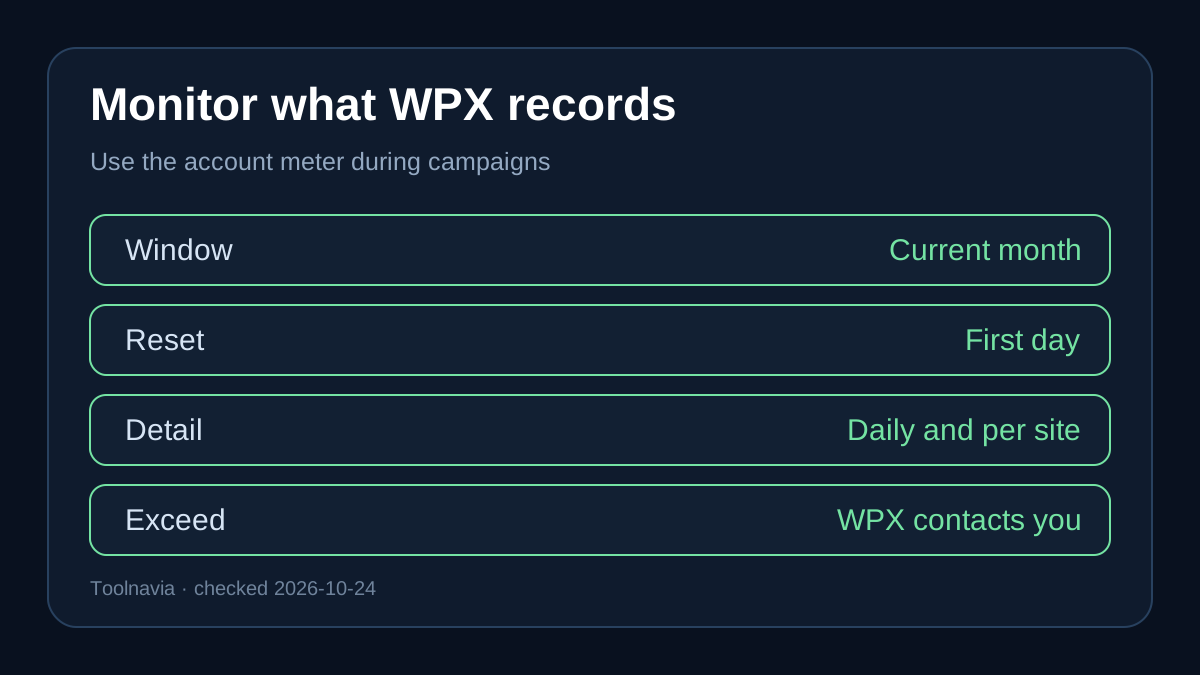
WPX says the Control Panel's **Usage** section shows current-month bandwidth, resets on the first day of each month, and provides daily and per-site detail. Use that meter during email campaigns, product launches and seasonal peaks rather than relying only on analytics pageviews.
A useful operating routine is:
1. Record the first seven ordinary days of a month. 2. Record one campaign or launch day separately. 3. Project the monthly total with a 25% to 35% buffer. 4. Ask WPX to explain any difference between your analytics and its bandwidth meter. 5. Save the written answer about the 300/400 limit with the order record.
WPX says exceeding bandwidth does not trigger an automatic site shutoff. It may contact you, investigate whether the spike is temporary and recommend an upgrade for recurring high usage. The public article does not publish a pay-as-you-go overage rate, so do not assume that excess transfer has a known per-GB price.

XDN can reduce origin transfer, not rewrite the allowance
WPX includes its XDN service. Its documentation says XDN can reduce previous bandwidth consumption by serving cached content closer to visitors, but it explicitly says the plan's bandwidth allocation does not change. It also warns that dynamic ecommerce elements such as individual carts do not benefit as much because they cannot be cached in the same way as static content.
That distinction matters. Compressing product images, embedding rather than self-hosting video, moving large downloads off the origin and enabling XDN can lower transfer. None of those actions proves whether your contract says 300 or 400, and none solves a PHP-worker or database bottleneck. WooCommerce's own hosting guide notes that burst failures often come from PHP workers, object cache and database contention rather than the headline bandwidth figure.
When Powerstore still makes sense
Powerstore can fit a single store when its 20GB storage, 2 CPU cores and 10 PHP workers are adequate, the observed transfer stays comfortably below 300GB, and the team values managed support, daily backups, malware handling and Redis. Planning below the lower published number makes the disagreement less operationally important, though written clarification is still prudent.
It is a weaker fit when transfer routinely approaches 300GB, the store serves large media or downloads, or marketing campaigns create sharp uncached spikes. Upgrading only for “unlimited” bandwidth is not automatically safe either: WPX's terms apply reasonable-use discretion to Superstore and Hyperstore, and higher PHP-worker or CPU needs may be the real reason to move.

Five questions to send WPX before buying
1. Does a new Powerstore account receive 400GB per month despite the 300Gb line in section 5.5? 2. Which unit and measurement method does WPX use for the account meter? 3. Does the order confirmation preserve the 400GB allowance for the paid term? 4. What happens after a recurring exceedance: optimization request, plan upgrade, restriction or another remedy? 5. Can support provide the answer in a ticket or email tied to the exact order?
If the written answer is clear and your measured transfer fits with headroom, [check the current WPX Powerstore offer](/go/wpx-woocommerce-powerstore-official-usd). If the answer remains ambiguous, pause the purchase or budget against 300GB. The safest conclusion is not “400GB guaranteed”; it is “400GB advertised, 300Gb still present in the terms, confirmation required.”
Decision evidence map
- **Current cart specification:** 400GB and the exact Powerstore resource bundle come from the live order page; the live terms retain 300Gb. - **Contact-first exceedance process:** WPX says it contacts the owner rather than automatically shutting down the site, while recurring demand may prompt an upgrade. - **Usage monitoring:** the account meter resets on day one and provides daily, per-site detail. - **Included XDN:** it can reduce previous origin consumption, but it does not change the allocation and helps dynamic carts less. - CPU and bandwidth are separate constraints; Powerstore's two CPU cores do not convert into a transfer promise. - Independent WPX buyer pages corroborate the current 400GB marketing specification and highlight discretion around resource limits. - Broader buyer guidance supports checking burst bottlenecks, overage terms, page weight, monitoring and optimization instead of equating traffic with one headline number.