TOOLNAVIA / BUYING GUIDE
WPX Business Account Security: 2FA, IP Restrictions and Safer Collaborator Access
The short answer
WPX Business gives a small team more than WordPress hosting: the platform includes **2FA, IP access restrictions, Collaborators and access controls**. The current Business display is $19.99/month when prepaid for five years, with up to five sites, 20GB storage, 5GB RAM and 15 PHP workers.
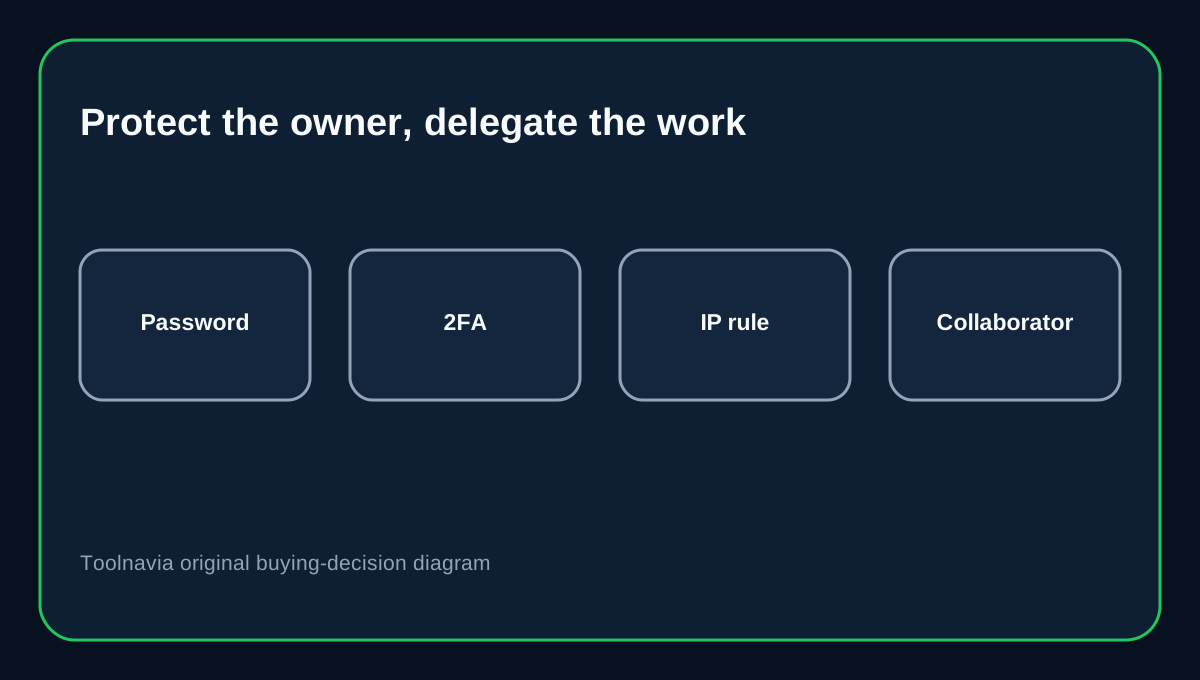
The risky shortcut is to put every developer or contractor behind one shared owner login. WPX already provides separate authentication and delegated-access controls, so the safer model is to protect the owner strongly and give each helper only the privileges they need.
At a glance
- Best for
- Small teams that want secure owner authentication and delegated developer access.
- Price model
- Current five-year prepaid display $19.99/mo; regular $29.99/mo; live checkout controls.
- Check first
- IP allowlisting requires stable addresses and does not replace MFA; collaborator permissions require offboarding.
Use an authenticator app for the owner account
WPX supports authenticator-app and email-based 2FA. Its guide recommends the authenticator-app method as the stronger choice because the code is generated on the device rather than delivered to the same mailbox that may already be under attack.
For a hosting owner who can affect sites, databases and platform settings, 2FA should be treated as default. CISA and OWASP also recommend MFA for privileged accounts.
Recovery codes are part of the setup
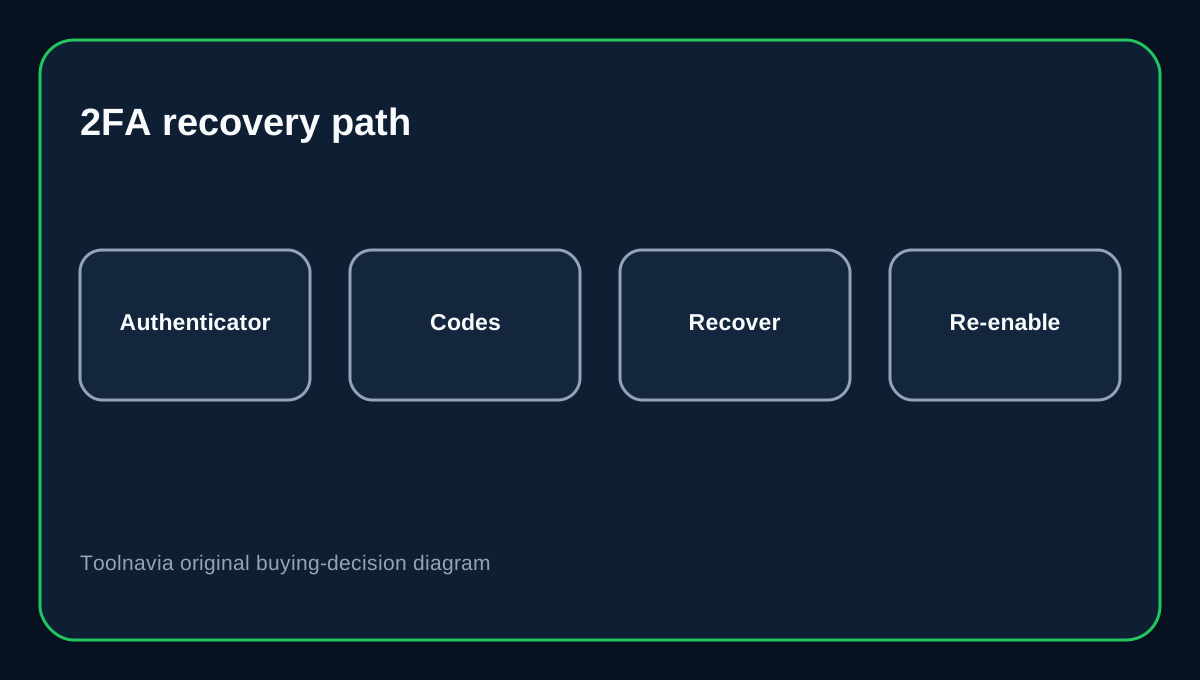
WPX generates four one-time recovery codes during 2FA enrollment. They restore access if the normal second factor is unavailable and should be saved securely.
Do not keep them in the same inbox used for email 2FA or in a shared project note. A password manager or controlled offline copy is safer. After using a code, regenerate the set and re-check 2FA.
IP restrictions can help—and can lock you out
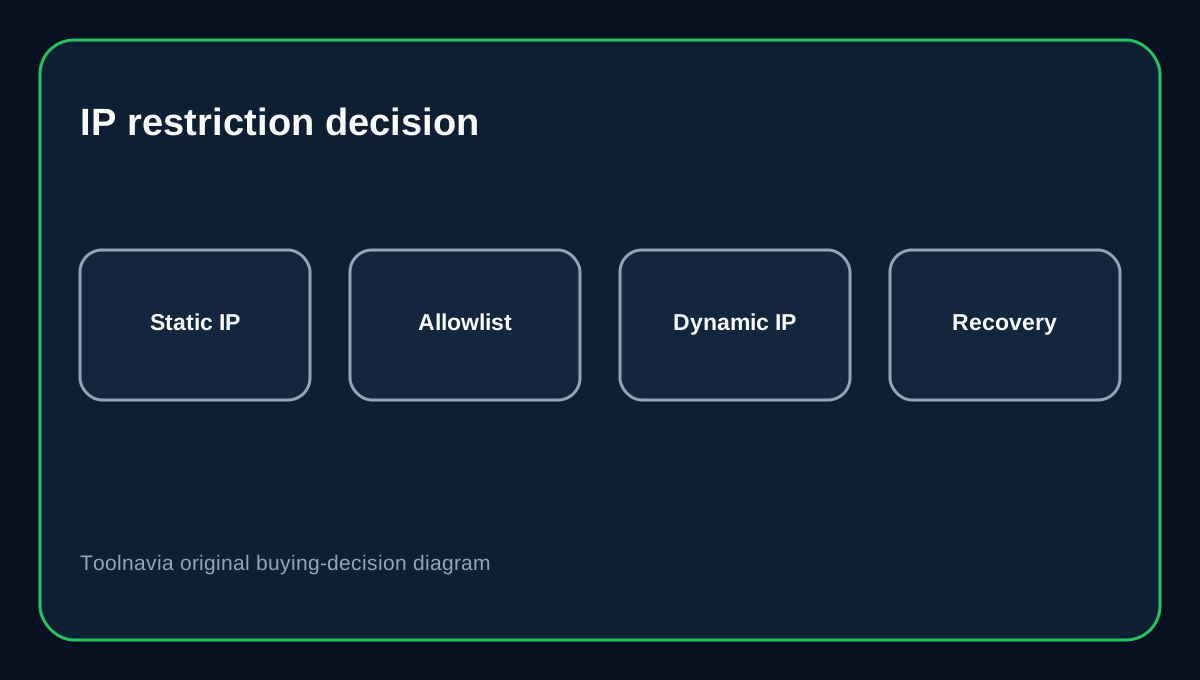
WPX lets you restrict account access to allowed IP addresses or subnets. That is useful for an office with a stable public IP or a controlled VPN egress.
WPX also warns that dynamic addresses change. If you allowlist today's residential IP and your ISP assigns another tomorrow, you can block your own access. Confirm the egress IP is stable and define a recovery path first.
OWASP treats IP allowlists as useful access/risk signals but **not a replacement for MFA**.
Give developers Collaborator access, not the owner password
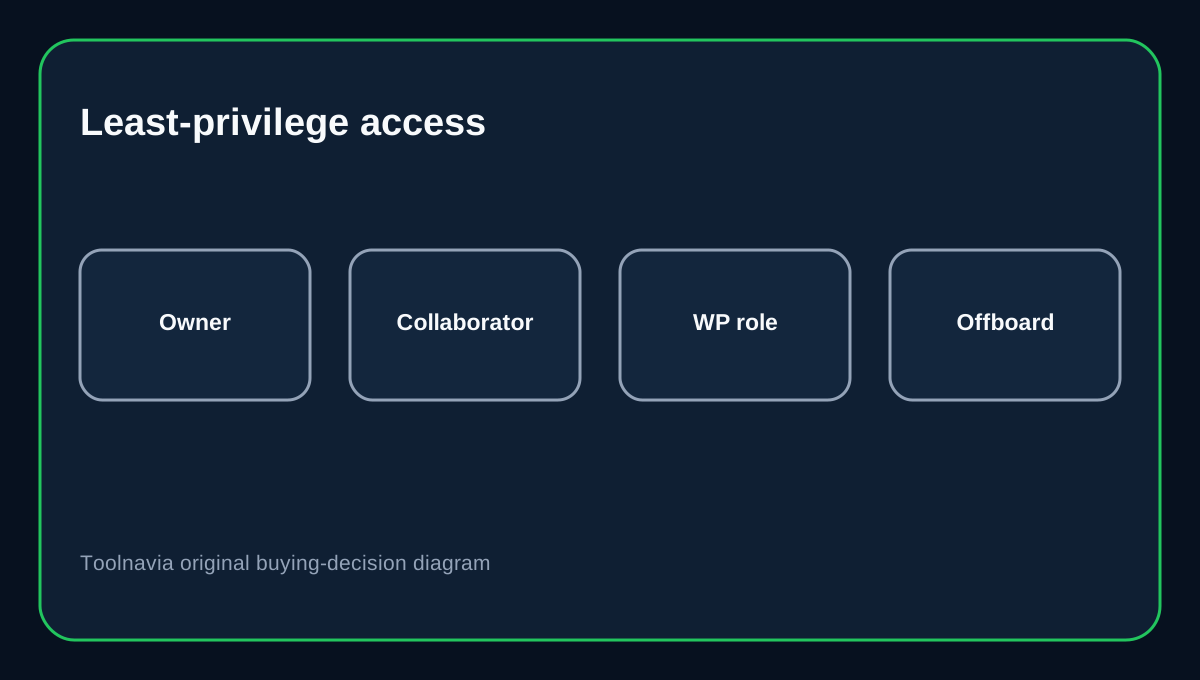
WPX's Collaborator workflow starts with privileges at None and lets the owner explicitly grant what the person needs. That is safer than handing over the master hosting credential.
Apply the same least-privilege rule WordPress recommends for application users: a developer who needs one site or one maintenance task should not automatically receive every administrative capability.
Separate WPX access from WordPress admin access
A WPX Collaborator and a WordPress Administrator solve different problems. Hosting access can reach platform-level tools; WordPress roles govern what a user can do inside the CMS.
Do not give a content editor WPX access merely to publish posts. Likewise, do not give a contractor WordPress Administrator when a narrower role works. Map each person to the smallest platform and application permissions required.
Build an offboarding checklist
When a developer or agency leaves, remove or reduce the WPX Collaborator, rotate shared SFTP/SSH/database credentials they used, revoke unnecessary WordPress users, review recent activity, and confirm owner 2FA/recovery codes remain under company control.
Also review allowed IPs. Former office, VPN or contractor ranges should not stay trusted forever.
Buying decision
WPX Business fits a small team that wants managed WordPress hosting plus account-level security controls. Use authenticator-based 2FA, store recovery codes safely, use IP restrictions only with stable addresses, and delegate work through Collaborators instead of sharing the owner login.
Affiliate disclosure: Toolnavia may earn a commission from an eligible WPX purchase. That does not change the access-control recommendations.