TOOLNAVIA / BUYING GUIDE
ScalaHosting Build #1 SPanel DNS: A, CNAME & MX Without Breaking Email
The short answer
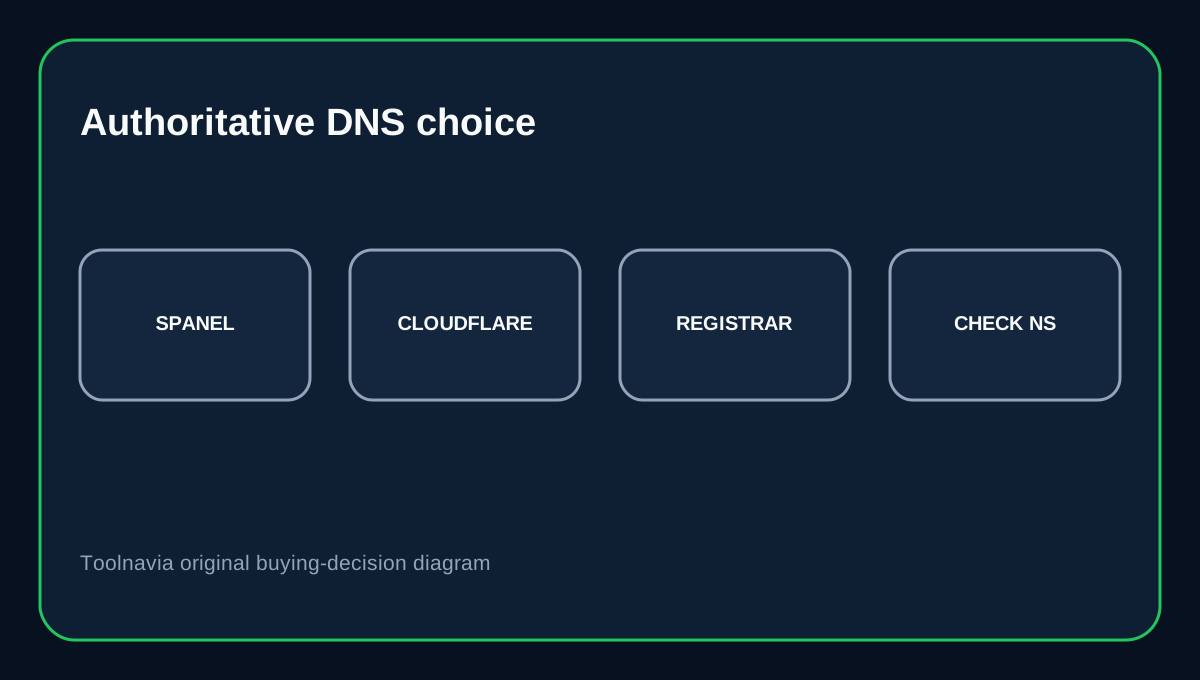
ScalaHosting Build #1 includes SPanel DNS-zone tools, but a safe DNS change starts with one question: is SPanel actually authoritative for your domain? If the domain uses Cloudflare or another provider’s nameservers, editing the SPanel zone may not change what the public internet sees. ScalaHosting’s guide covers A, CNAME, MX and TXT records in SPanel; the nameserver delegation determines which copy is live.
At a glance
- Best for
- Owners managing website and email DNS records through SPanel.
- Price model
- Current display $22.46/mo promotional equivalent; $54.95/mo renewal reference; exact total depends on term.
- Check first
- SPanel edits do not control DNS when the domain uses another authoritative nameserver.
Current Build #1 price
ScalaHosting’s managed-cloud page currently displays a promotional $22.46/month equivalent for Build #1 and a $54.95/month renewal reference. The page has term selectors, so confirm the exact upfront total and selected billing period at checkout rather than multiplying a displayed monthly equivalent blindly.
A and CNAME records do different jobs
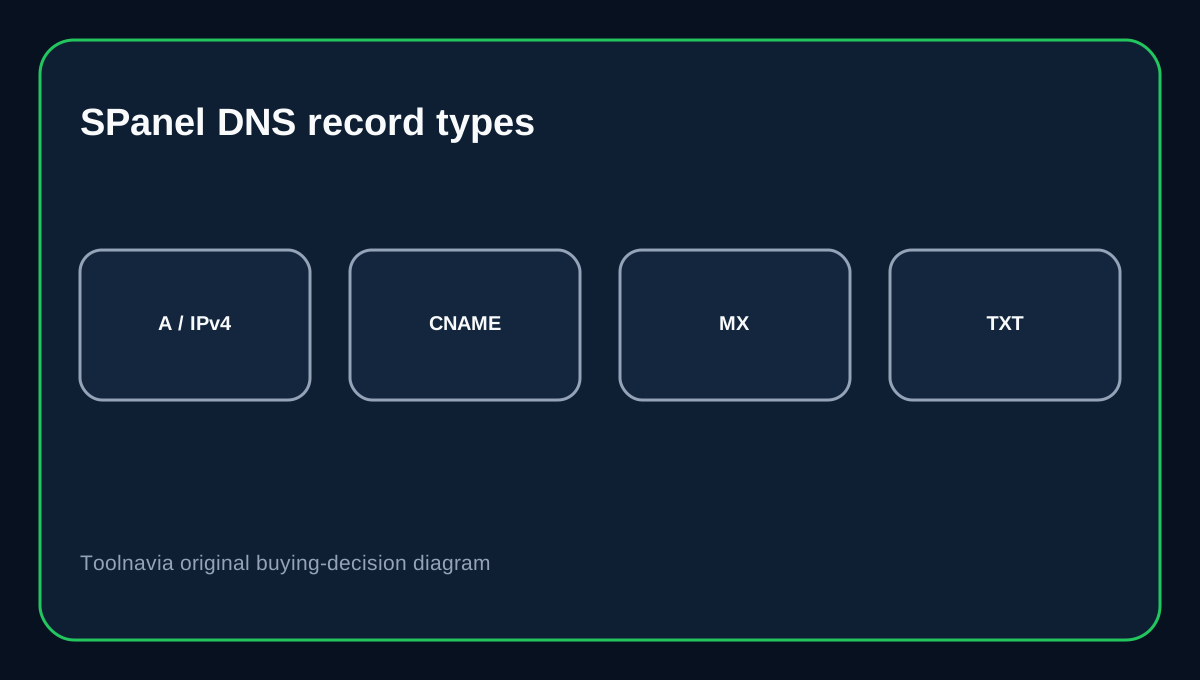
An A record maps a hostname to an IPv4 address. In SPanel, ScalaHosting’s guide uses @ for the root domain and lets you edit or remove the record in the DNS zone editor. Cloudflare’s DNS guide describes the same A-record role: mapping a domain name to an IPv4 address. A CNAME points a hostname to another hostname, not directly to an IP. It is common for www or a shop subdomain, but avoid putting a CNAME on the bare root name when it conflicts with other records such as MX.
TTL controls caching, not instant propagation
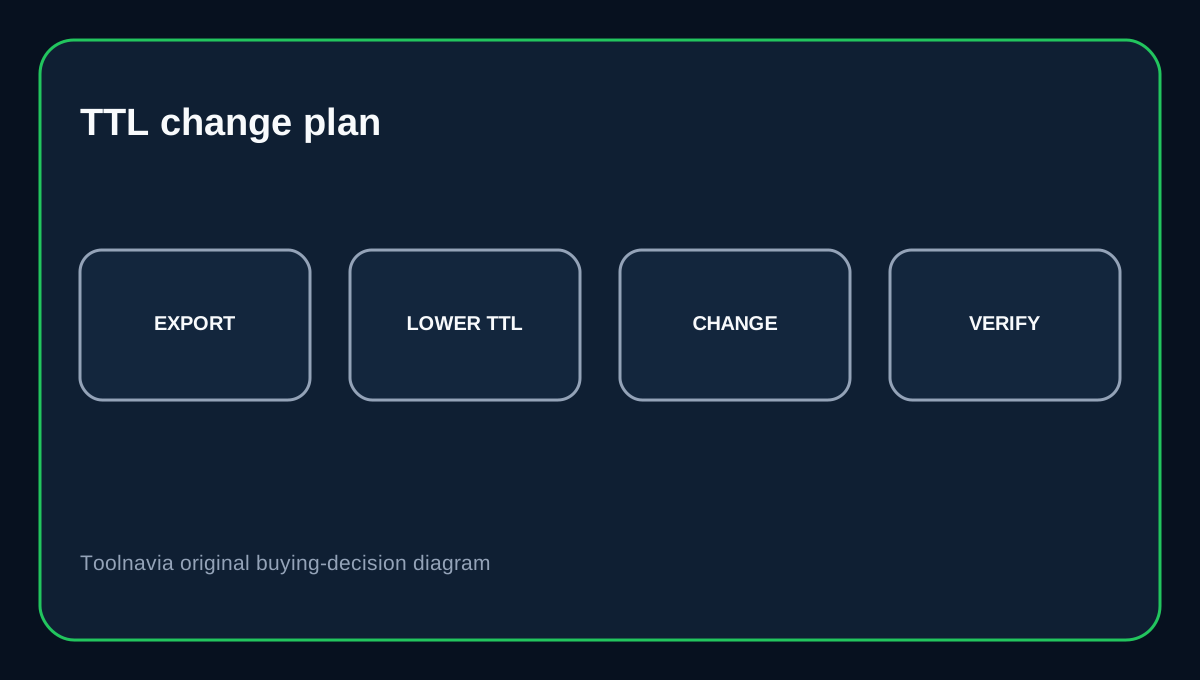
ScalaHosting says SPanel defaults TTL to 14,400 seconds and allows values as low as 30 seconds for supported records. A shorter TTL can reduce how long resolvers keep an old answer after its existing cache expires; it does not instantly flush caches that already hold the previous TTL. For a planned website move, lower TTL at least a day ahead when possible, then change the A/CNAME target at the agreed cutover. Keep a copy of the previous values so you can restore them if the new destination fails.
MX records control email separately
MX records tell sending mail servers where to deliver incoming mail. In SPanel, the lower priority number wins, so priority 0 is preferred over 10; ScalaHosting also documents a trailing period for mail-server hostnames in its zone editor. Cloudflare’s MX guide confirms that lower values have higher preference and that MX targets should resolve directly to A/AAAA records rather than a CNAME. Do not change MX just because you are changing the website A record. If email stays with the existing provider, keep its MX values. If moving to Google Workspace, use Google’s current setup guide; it currently lists smtp.google.com with priority 1 while legacy aspmx values remain supported for older setups.
Keep SPF, DKIM and DMARC TXT records
TXT records are also used for SPF sender policy, DKIM keys, DMARC policy and domain verification. ScalaHosting documents these TXT use cases in SPanel. When moving mail providers, copy the new provider’s exact SPF/DKIM/DMARC values and avoid leaving conflicting old entries. In particular, do not add a second SPF record at the same hostname; merge authorized senders according to the mail provider’s instructions.
A safer cutover checklist
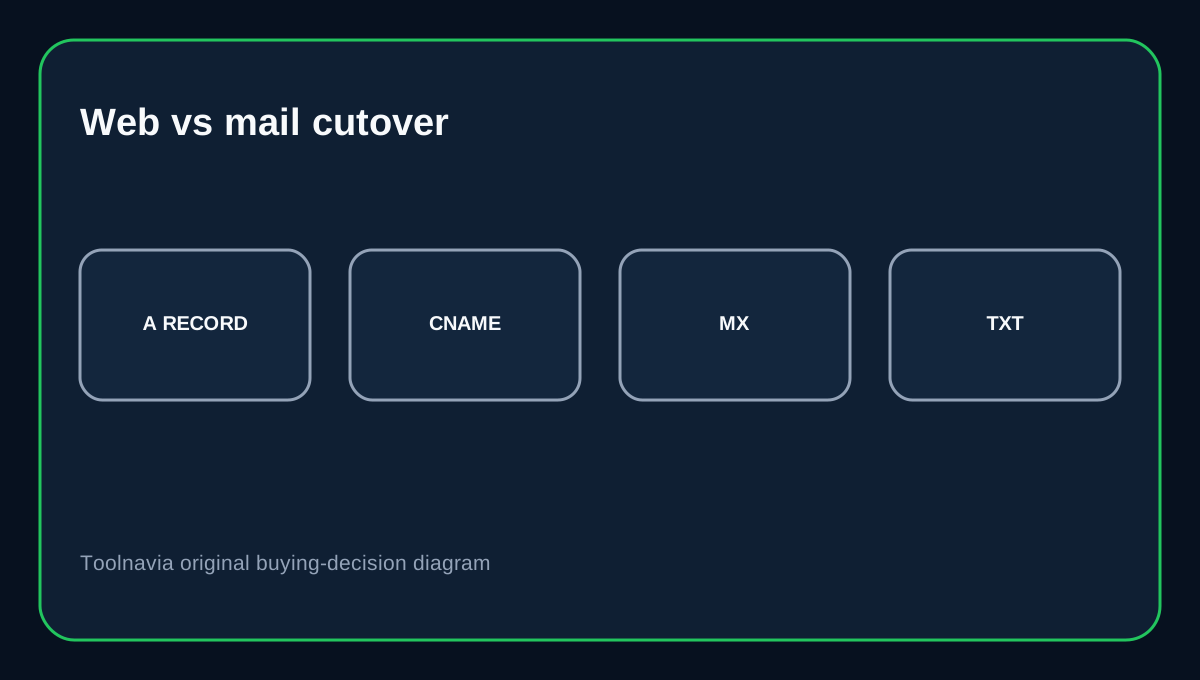
First export or screenshot the existing zone. Confirm which nameservers are authoritative, lower TTL ahead of time, and then change website A/CNAME records separately from MX/TXT records. Verify the website, inbound mail, outbound mail and domain-verification checks after the change. Google notes that MX updates can take up to 72 hours to be recognized everywhere, so do not diagnose every delayed message as a bad SPanel edit immediately.
Buying decision
Choose Build #1 if you want managed cloud hosting with SPanel record editing and the ability to manage web, mail and verification records in one place. It is not a universal DNS control panel for domains delegated elsewhere: edit records at the provider running your authoritative nameservers. Keep web cutover and email cutover as separate changes so one can be rolled back without disrupting the other.
Affiliate disclosure: Toolnavia may earn a commission from an eligible ScalaHosting purchase.