TOOLNAVIA / BUYING GUIDE
Namecheap Quasar cPanel Guide 2026: Solo, 5 or 30 Accounts?
The short answer
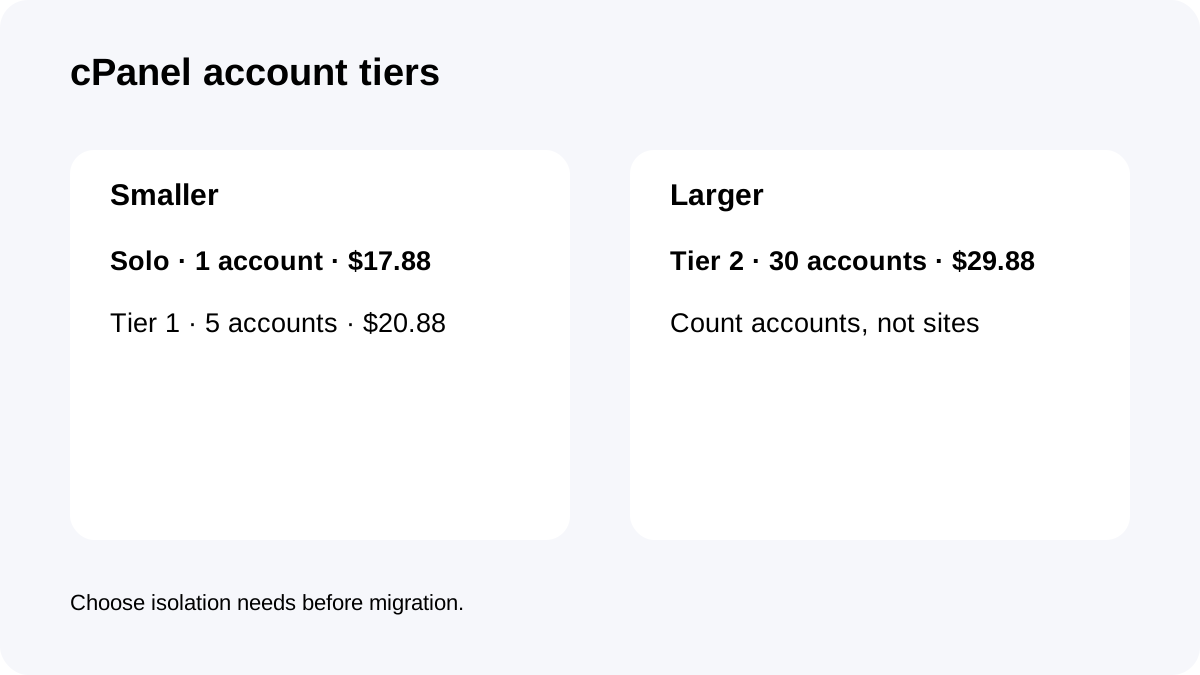
**Quick answer:** for Quasar with Complete Management, choose cPanel by **account count**, not website count. Solo is **$17.88/month for 1 account**, Tier 1 **$20.88 for up to 5**, and Tier 2 **$29.88 for up to 30**.
At a glance
- Best for
- Quasar buyers who need managed cPanel and must choose the right account-count license before migration.
- Price model
- Solo $17.88/mo · Tier1 $20.88/mo · Tier2 $29.88/mo, plus Quasar and $25/mo Complete Management
- Check first
- cPanel tiers count accounts, not websites; Complete Management removes root/reboot/SolusVM access and backup allocation is 100GB.
The three cPanel tiers change the real Quasar price
Quasar's current primary pricing grid is **$154.56 for the first year** and **$190.56/year at renewal**, with 4 CPU cores, 6GB RAM, 120GB SSD and 3TB bandwidth.
Complete Management adds **$25/month** and requires AlmaLinux plus cPanel.
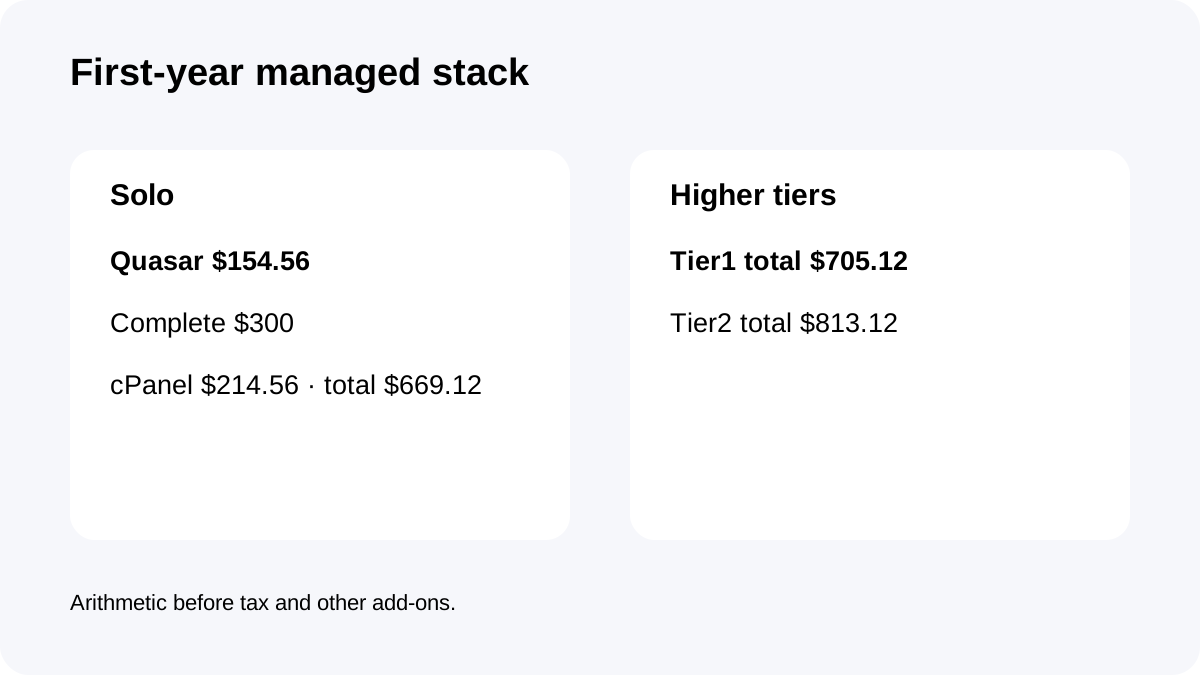
Add the current cPanel license and the first-year managed stack becomes about **$669.12 with Solo**, **$705.12 with Tier 1**, or **$813.12 with Tier 2**. Those totals are arithmetic from current component prices before tax or unrelated add-ons.
Account count is not website count
The cPanel licensing table is based on **cPanel accounts**, not how many WordPress sites or domains exist inside one account.
A single owner hosting several sites inside one cPanel account can still fit Solo. An agency that needs separate cPanel isolation for three clients needs Tier 1 even if each client has only one site.
This distinction matters because buying the wrong tier can create migration friction later. Count the independent cPanel accounts you need for ownership, permissions and isolation before ordering the license.
Complete Management changes control as well as cost
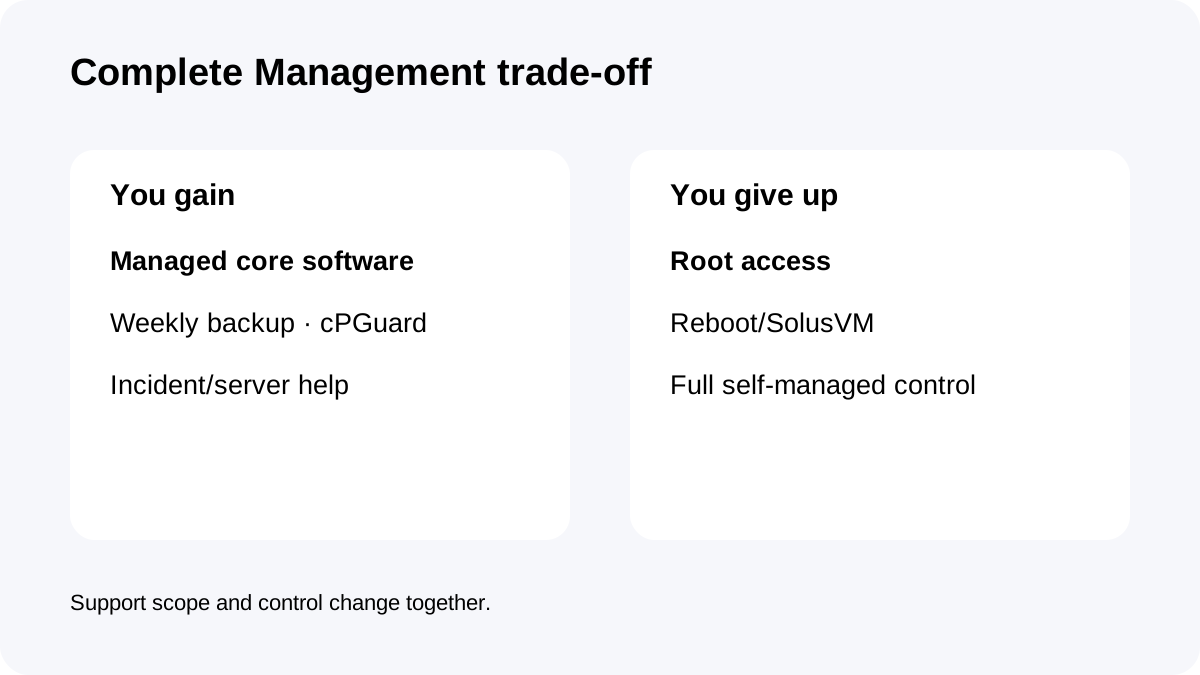
Complete Management is not simply a support add-on. Namecheap says it includes core software changes, incident root-cause work, server-failure restoration, weekly offsite backups and cPGuard.
In exchange, the customer receives reseller-level WHM/cPanel access rather than root, reboot or SolusVM access.
That trade-off is important for agencies. If your workflow depends on root-level packages, custom kernel/system changes or direct VPS lifecycle control, Complete may not fit even if the support value looks attractive.
Backup allocation should influence account density
For Quasar with Complete Management, the documented offsite backup allocation is **100GB** and Namecheap guarantees one weekly copy only when account data fits that allocation.
Quasar itself has 120GB SSD. That means a server can theoretically use more live storage than the guaranteed backup allocation.
If several cPanel accounts share the VPS, track the combined data footprint rather than assuming every account is fully covered. A higher cPanel tier does not automatically increase backup allocation.
cPanel installation timing matters
cPanel is a separate paid VPS license, and Namecheap warns that installing cPanel after purchase can erase existing server content. Separately purchased cPanel licenses are also non-refundable.
That makes “I'll add cPanel later” a risky default plan for a production migration.
Choose the operating system, management level and cPanel tier before moving data. If you expect to grow from one to several cPanel accounts soon, compare the small Tier 1 premium with the operational cost of changing the setup after migration.
First-year and renewal-year scenarios
With current prices, **Solo** produces about **$669.12 first year**: $154.56 Quasar + $300 Complete + $214.56 Solo.
**Tier 1** is about **$705.12 first year** and **Tier 2** about **$813.12**.
At today's annual Quasar renewal of $190.56, the equivalent renewal-year planning becomes about **$705.12 Solo**, **$741.12 Tier 1**, and **$849.12 Tier 2** if management and cPanel prices stay unchanged.
The main lesson is that the panel tier is a meaningful part of managed VPS TCO, especially at 30-account scale.
Checkout checklist
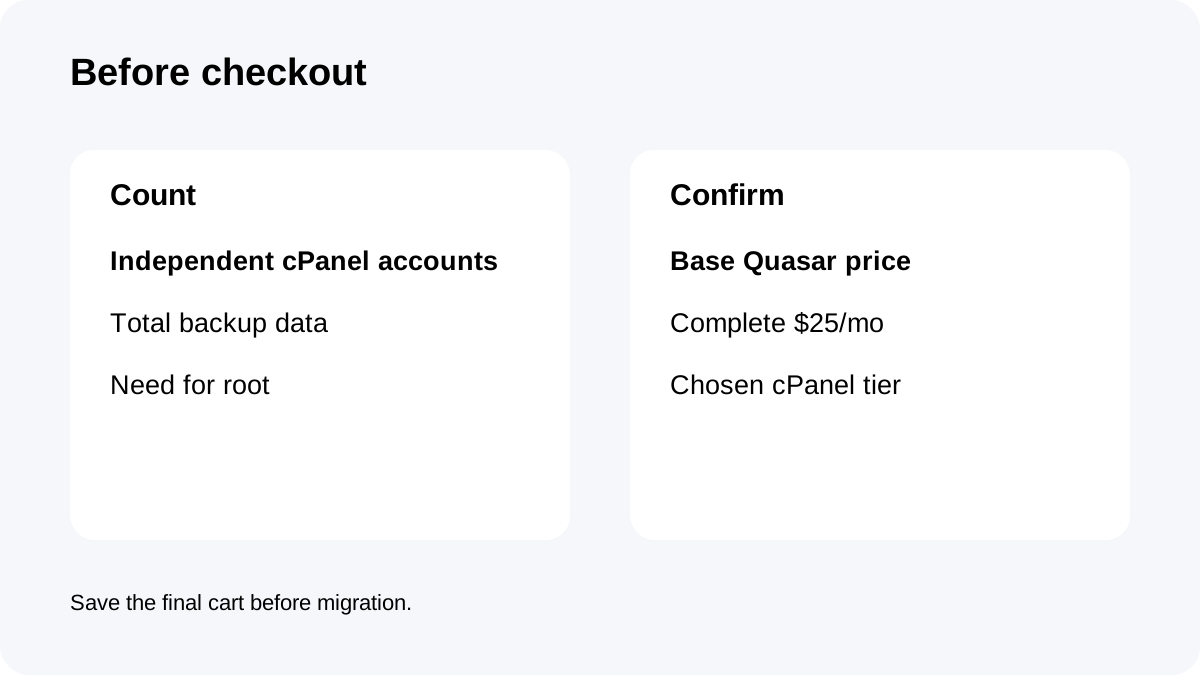
Before ordering, confirm Quasar's current selectable base price rather than a conflicting comparison-table figure on the same page.
Count required **cPanel accounts**, choose Solo/Tier1/Tier2, verify Complete Management's $25/month scope and control trade-off, confirm the 100GB backup allocation, and save the final checkout total before migration.
Also decide whether you need root. If yes, Complete Management may be the wrong operating model even if the cPanel pricing works.
**Bottom line:** Solo is not automatically the cheapest correct choice, and Tier 2 is not automatically “for 30 websites.” Buy the cPanel tier that matches independent account isolation, then judge the full Quasar + management + license cost.