TOOLNAVIA / BUYING GUIDE
GreenGeeks Pro Resource Limits Guide 2026: How Many Sites Fit?
The short answer
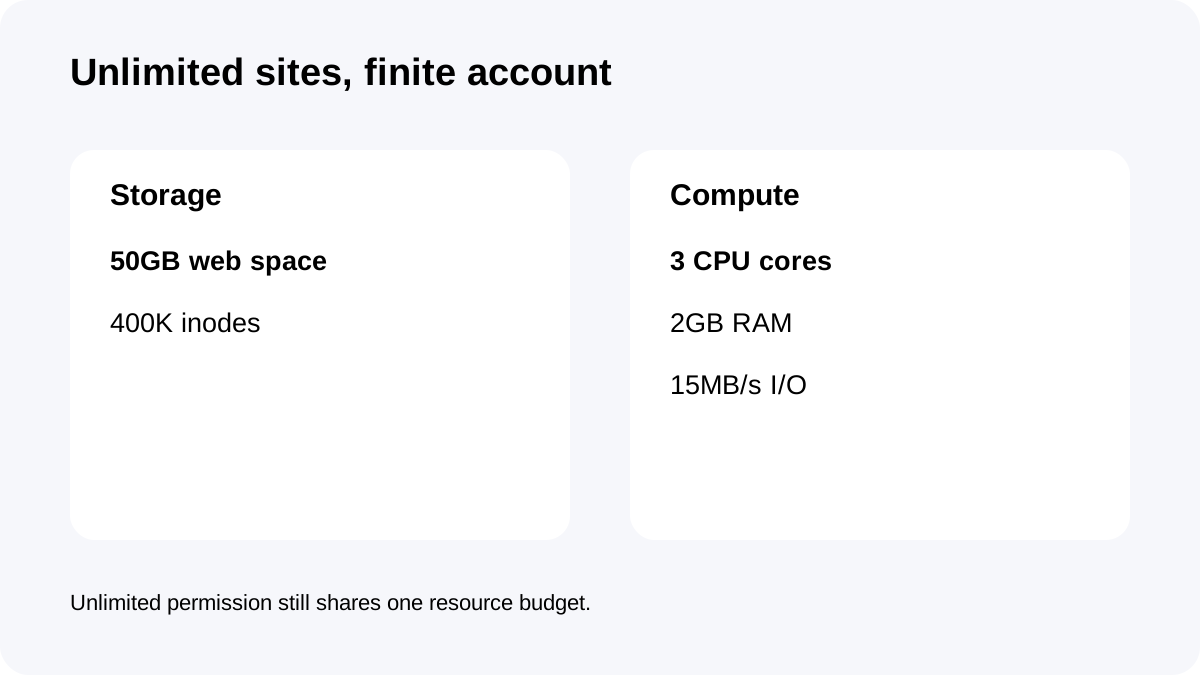
**Quick answer:** GreenGeeks Pro allows **unlimited websites**, but the account is not unlimited. Current published limits include **50GB storage, 3 CPU cores, 2GB RAM, 15MB/s I/O and 400,000 inodes**. The practical site count depends on how unevenly those resources are consumed.
At a glance
- Best for
- Multi-site shared-hosting buyers who manage storage, inodes and dynamic resource usage as a shared budget.
- Price model
- $4.95/mo first 12 months; current renewal $18.95/mo
- Check first
- Unlimited websites are subject to finite storage/CPU/RAM/I/O/inodes; density examples are not guarantees; renewal is much higher than intro.
Unlimited websites means permission, not infinite capacity
GreenGeeks says Pro supports unlimited websites and unmetered traffic.
Its own unlimited-hosting documentation explains that unlimited websites and databases remain subject to physical server resources and acceptable-use monitoring.
That means there is no honest answer such as “Pro always handles 50 sites.” Fifty tiny brochure sites and five WooCommerce stores can stress the same account very differently.
Use storage and inodes for a first-pass density check
Pro publishes **50GB storage** and **400,000 inodes**.
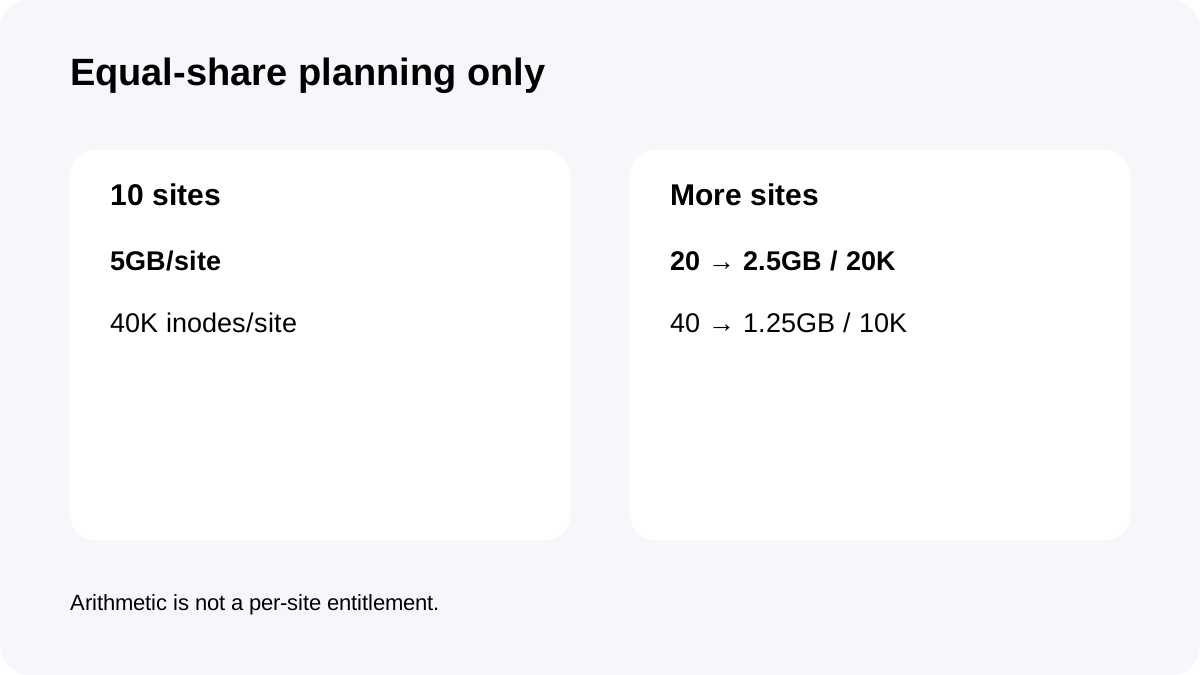
If you divided those numbers evenly, 10 sites would average **5GB and 40,000 inodes each**; 20 sites about **2.5GB and 20,000 inodes**; 40 sites about **1.25GB and 10,000 inodes**.
Those are planning examples, not entitlements. One media-heavy site can consume far more disk, while caches, email, logs and plugin files can consume inodes faster than expected.
Use equal-share math only to reject obviously overcrowded plans, then measure the actual portfolio.
CPU, RAM and I/O can become the limit before storage
GreenGeeks' resource table lists **3 CPU cores, 2GB physical memory and 15MB/s I/O** for Pro.
Shared-hosting resource documentation says high CPU, RAM, I/O, entry-process or inode use can require optimization or a higher tier.
A cached brochure site may use very little compute. WooCommerce checkout, membership logins, imports, search/filter plugins and backup jobs can create bursts that make 2GB RAM or entry/process limits matter before the 50GB disk fills.
For dynamic sites, track resource graphs and error patterns rather than assuming unused disk means spare performance.
Backups are useful, but account size changes the workflow
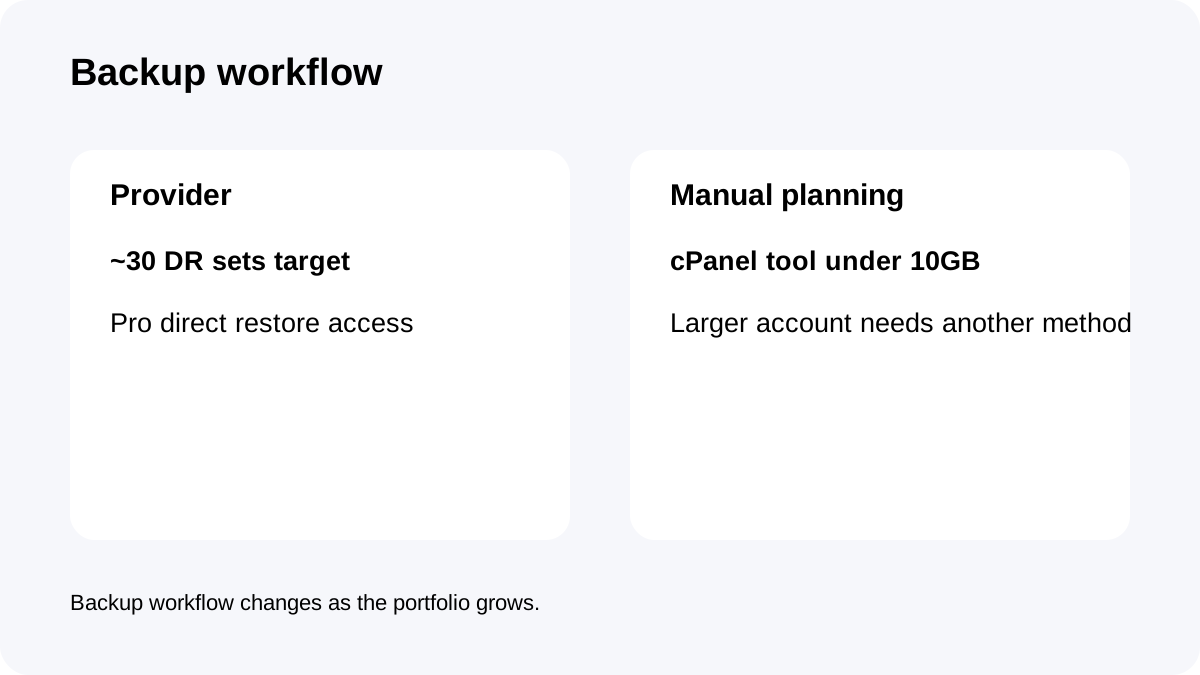
GreenGeeks says it aims to keep about **30 disaster-recovery backup sets**, and Pro/Premium customers have direct access to system backups for on-demand restores.
That is valuable for a multi-site account because recovery does not always require a support ticket.
However, GreenGeeks' cPanel manual-backup instructions say the cPanel backup tool is available for accounts under **10GB**; larger accounts need another manual backup method, and home-directory backups saved on-server are deleted after 48 hours.
As a portfolio grows, backup workflow should be planned alongside site density—not after the account is already large.
Tooling helps, but it does not remove shared limits
Pro supports cPanel, LiteSpeed/LSCache, PHP, MariaDB, JetBackup, Cloudflare-related tooling and developer features.
Good caching and disciplined plugin choices can help many sites coexist efficiently. They cannot turn 2GB RAM or 400K inodes into infinite resources.
For an agency-style account, standardize themes/plugins, remove abandoned staging copies and old cache files, and keep email/log growth under control. Operational hygiene creates more useful capacity than simply counting site slots.
Renewal cost changes the economics of site density
The current Pro promotion is **$4.95/month prepaid for 12 months**, or **$59.40 for year one**, and it currently renews at **$18.95/month**.
At today's unchanged renewal reference, one renewal year is about **$227.40**. The low first-year cost can make a lightly used account look attractive; the renewal year rewards actually using the multi-site capacity efficiently.
Do not add sites just to “justify” renewal. Add sites only while storage, inodes, resource usage and backup workflow remain comfortable.
Capacity checklist before adding another site
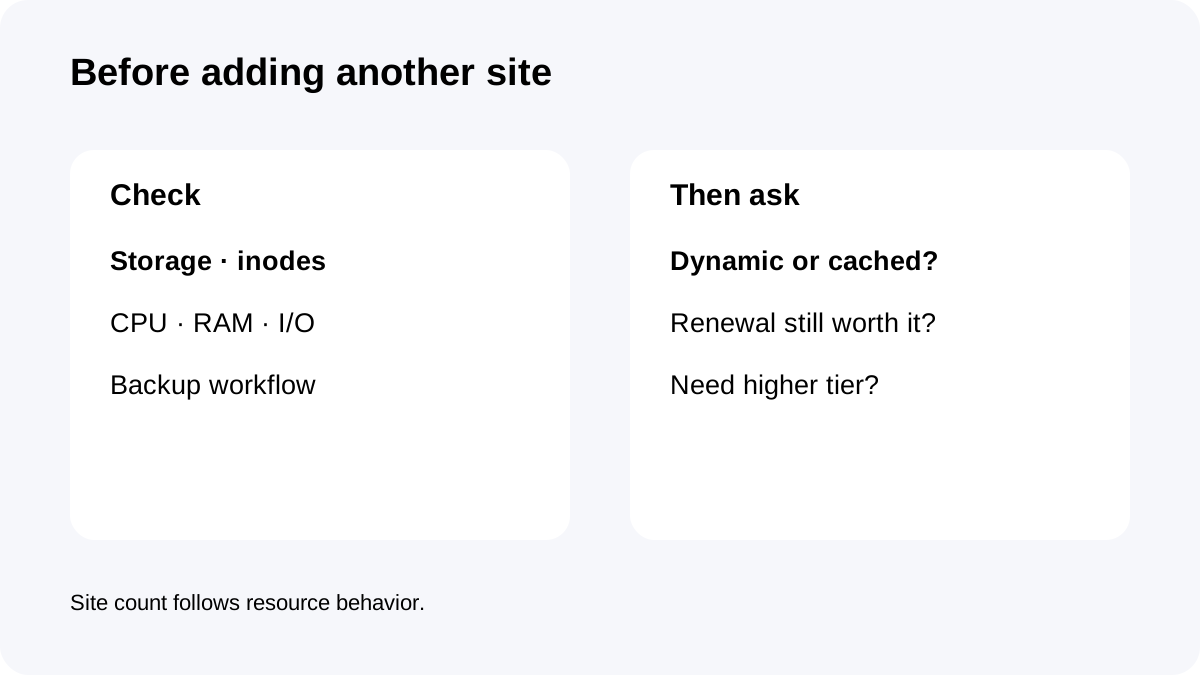
Check total storage and inode usage first. Compare them with the **50GB / 400K** account limits.
Then review CPU/RAM/I/O pressure for the busiest existing sites, especially dynamic pages and scheduled jobs.
Confirm the backup strategy still works at the current account size and whether the manual cPanel backup limit affects your process.
Finally, remember the renewal jump from $4.95 to $18.95 and decide whether the portfolio still earns its place on one shared account.
**Bottom line:** GreenGeeks Pro is genuinely flexible for multi-site hosting, but “unlimited websites” is a permission model inside finite resources. The best buyer manages the account as a shared resource budget, not as an infinite collection of site slots.