TOOLNAVIA / BUYING GUIDE
Cloudways Premium 2GB Bandwidth Guide 2026: When 2TB Is Not Enough
The short answer
**Quick answer:** Cloudways Premium 2GB includes **2TB of transfer** in the $28/month base. DigitalOcean overage is currently **$0.02 per additional GB**, so bandwidth usually stays cheap until the workload becomes media-, download- or API-heavy.
At a glance
- Best for
- Premium 2GB buyers with media, download, API or multi-site traffic who need transfer-cost visibility.
- Price model
- $28/month base with 2TB included; $0.02/GB DigitalOcean overage
- Check first
- 2TB is included but not unlimited; DigitalOcean overage and backups are separate usage costs.
What the $28 Premium 2GB plan includes
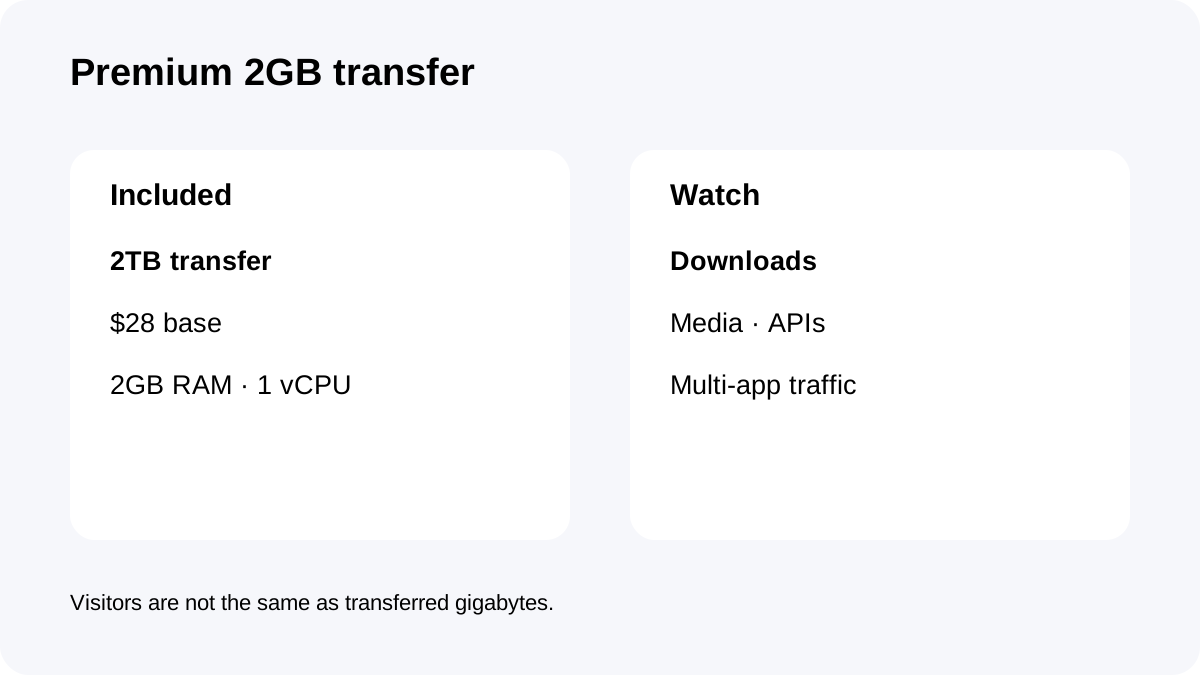
The current plan lists **2GB RAM, 1 vCPU, 50GB NVMe and 2TB included bandwidth** for a $28 monthly cap.
Cloudways Flexible also supports multiple applications, staging, migration tooling, firewall/server management and scaling controls, so several apps can share this same server-level transfer pool.
That 2TB allowance is generous for many ordinary sites, but less comfortable for software downloads, image-heavy communities, public APIs or several busy apps sharing one server.
Overage math above 2TB
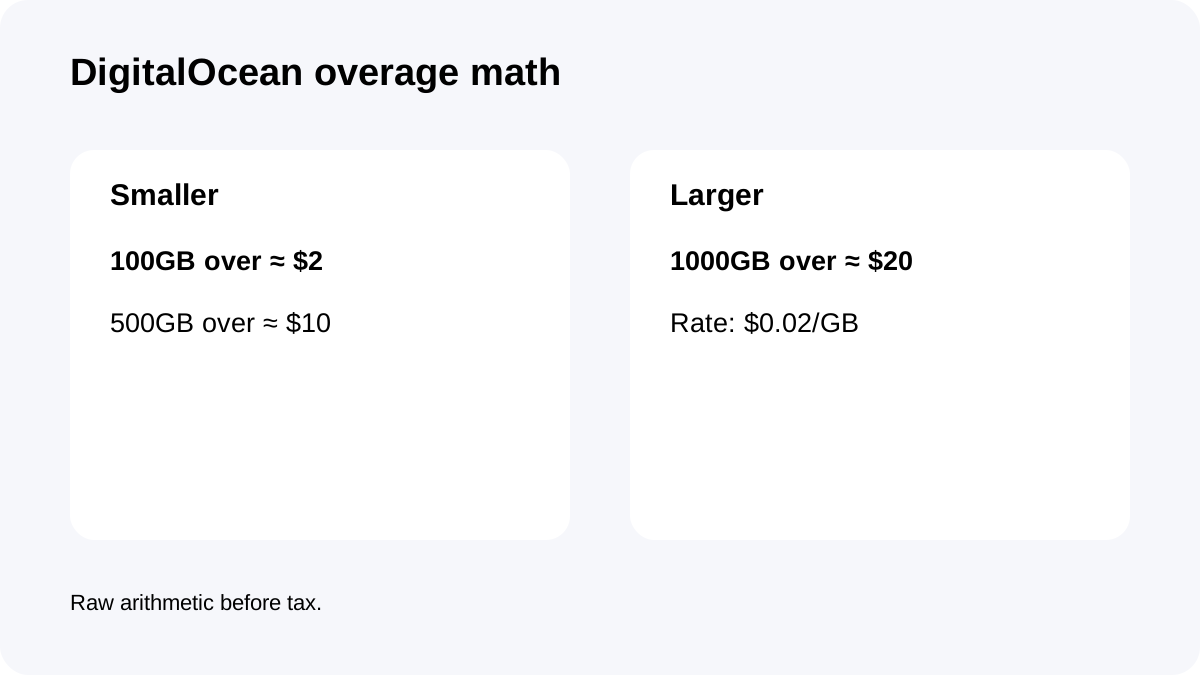
DigitalOcean bandwidth above the included allowance is currently **$0.02/GB**.
**100GB over** is about **$2**, **500GB over** about **$10**, and **1,000GB over** about **$20**, before tax. These are raw arithmetic examples, not bundles.
Small excess usage is inexpensive, but repeated overage is a signal. If transfer exceeds 2TB every month, understand the workload before accepting the line item forever.
Workloads that can consume transfer faster than expected
Large downloads, self-hosted video, high-resolution galleries, public API responses, backup exports and software packages can move far more data per user than normal cached pages.
A multi-app server aggregates demand. One quiet application does not reserve its own private slice of 2TB.
Before a campaign or migration, take the previous month's transfer, estimate file size × expected downloads, and add a safety margin. That calculation is often more useful than visitor count alone.
Bandwidth and backup storage are separate costs
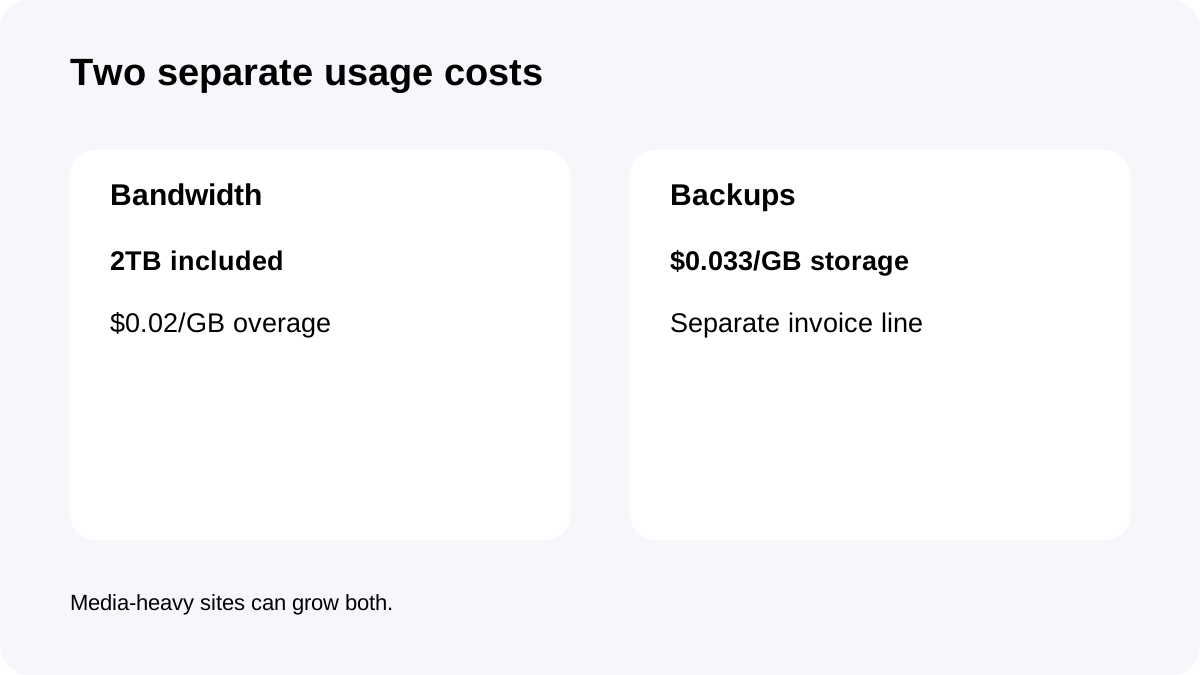
Bandwidth overage and off-site backup storage are different. Premium 2GB backups are separately charged at **$0.033/GB**.
A media-heavy site can therefore raise two usage lines: more origin transfer when users fetch content and more backup storage when those files are retained off-site.
Budget **$28 base + backup storage + bandwidth overage + optional add-ons + tax**.
Hourly billing does not erase usage already incurred
DigitalOcean servers use hourly billing for partial-month server time and cap the server at the monthly plan price for a full month.
Deleting a server after a traffic spike does not erase transfer and server time already used. Cloudways' billing guidance also warns that stopped resources or enabled paid add-ons can continue creating charges; unused resources should be deleted and paid add-ons disabled.
Cost control therefore needs traffic monitoring and lifecycle cleanup, not only a low plan-card number.
Three buyer scenarios
A normal business site well under 2TB has little reason to obsess over bandwidth; backup storage and tax may matter more.
A download-heavy site at 2.5TB is about 500GB over allowance, or roughly **$10** of raw overage at today's rate.
A portfolio server at 3TB is about 1TB over, or roughly **$20**. At that point review caching, static-asset delivery, CDN choices and whether one server is carrying workloads that should be separated.
Monitoring and checkout checklist
Before buying, confirm **DigitalOcean Premium 2GB**, **$28/month**, **2GB RAM, 1 vCPU, 50GB NVMe and 2TB transfer**.
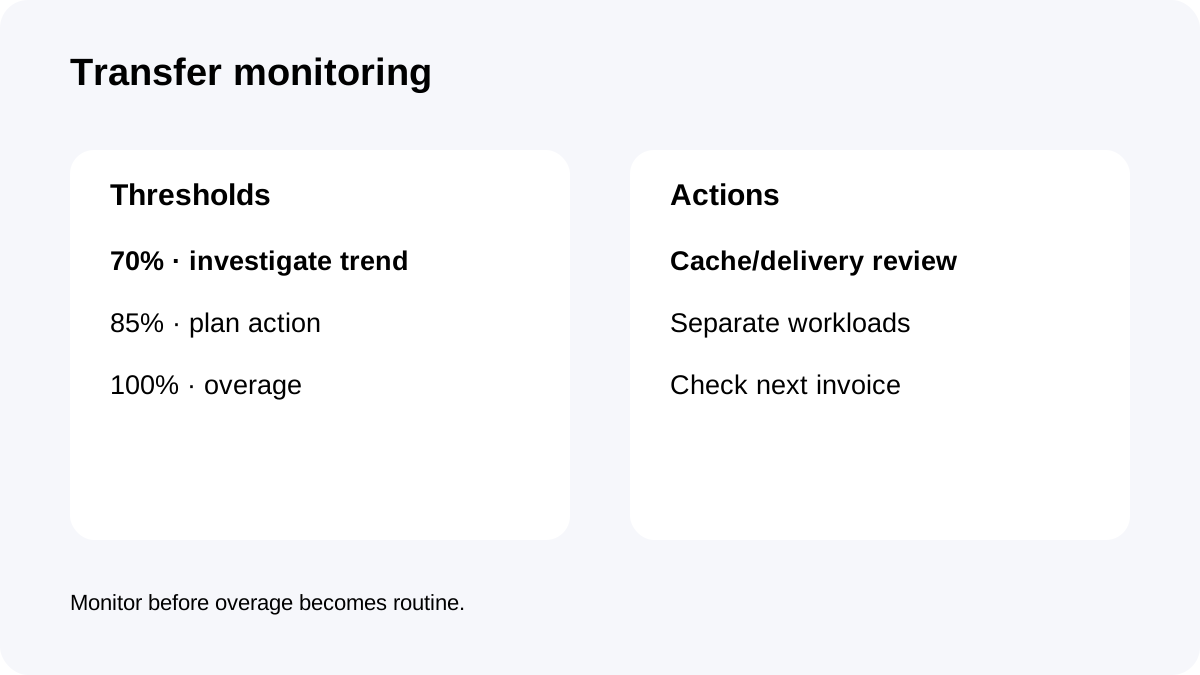
After launch, record monthly transfer beside live disk and backup storage. Create internal thresholds—such as 70%, 85% and 100% of included transfer—so the team investigates before overage becomes routine.
Confirm the current **$0.02/GB** DigitalOcean overage and **$0.033/GB** backup rate.
**Bottom line:** Premium 2GB's 2TB allowance is comfortable for many sites, but not unlimited. Monitoring is valuable because it catches a content-delivery or architecture problem before variable usage grows every month.