TOOLNAVIA / BUYING GUIDE
Cloudways Redis ACL: Check Every Client Before the Server Switch
The short answer
At a glance
- Best for
- Multiple applications with documented Redis client and authentication ownership.
- Price model
- Confirm the exact DigitalOcean Premium2GB Flexible configuration, backup charges and add-ons.
- Check first
- Server ACL readiness depends on every relevant client; WordPress automation does not establish universal CMS support.
Verdict: buy for coordinated application compatibility
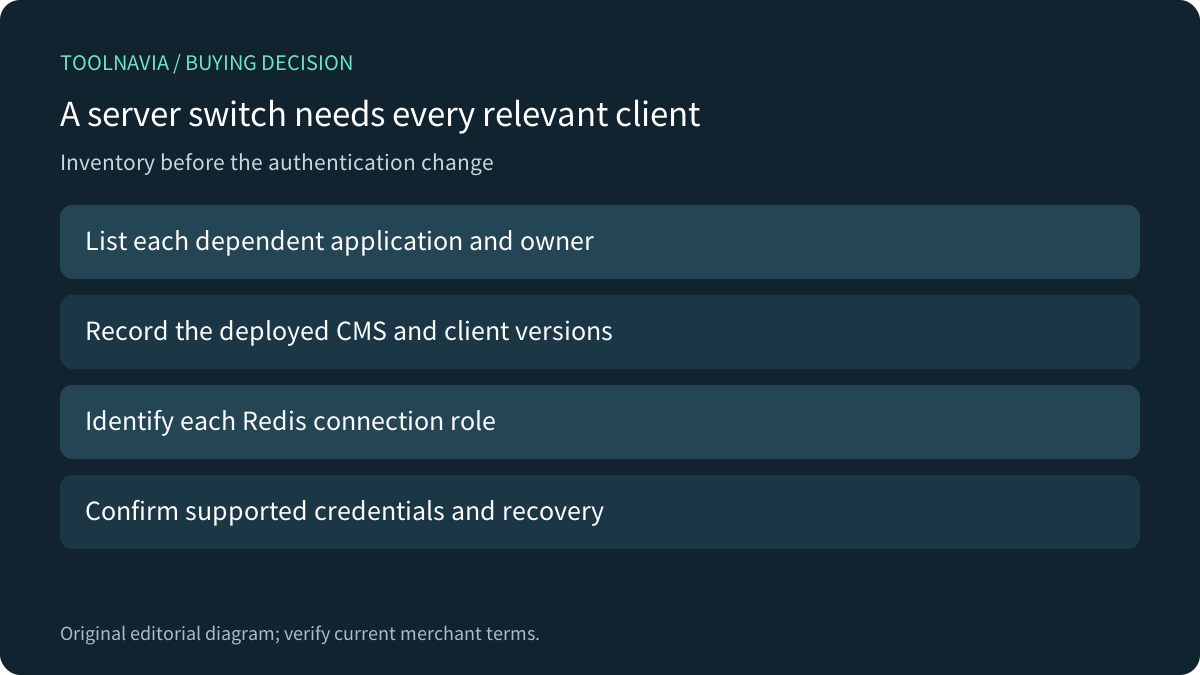
Cloudways Flexible can fit a team that wants managed infrastructure while retaining application ownership. Its Redis ACL guide places the control in server Settings & Packages. Before selecting that shared setting, inventory every dependent client: an automatically configured WordPress integration does not prove that another CMS, plugin or background connection can authenticate correctly.
This is documentation analysis. No server, account, Redis login, credential, ACL, restart or cache action was operated.
Review the approved Flexible offer. Toolnavia may earn a commission on an eligible purchase; the link does not select a server size or prove application compatibility.
Read the application identity before changing the server
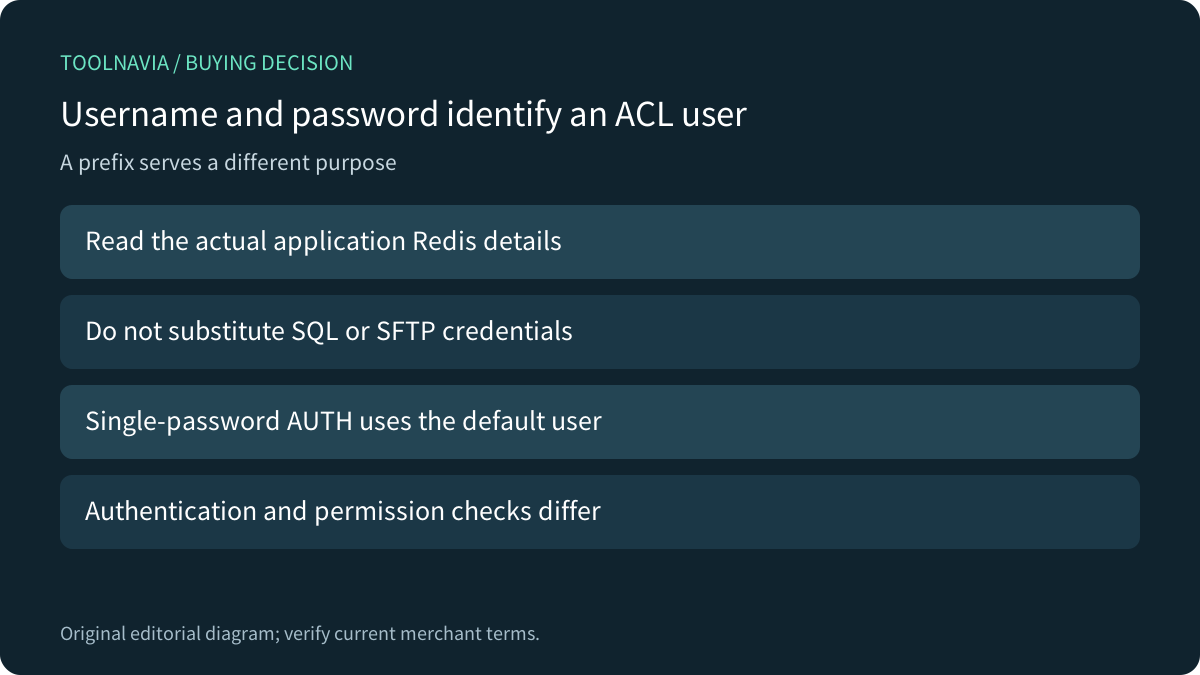
Cloudways' Flexible Access Details guide lists Redis Access with a key prefix, username and password. These are separate from SQL access and application SSH/SFTP credentials. Use the actual application record through an authorized private route rather than a tutorial's example values.
Redis explains why the username matters: ACL-style authentication identifies a named user, while the single-password AUTH form uses the default user. A client that accepts a password is not automatically configured for the intended application's named identity. Authentication also remains distinct from command and key permissions.
Keep credentials out of published examples, screenshots and logs shared with unrelated recipients. A prefix is configuration data; it is not a replacement for the authentication and permission policy.
Separate managed WordPress setup from other clients
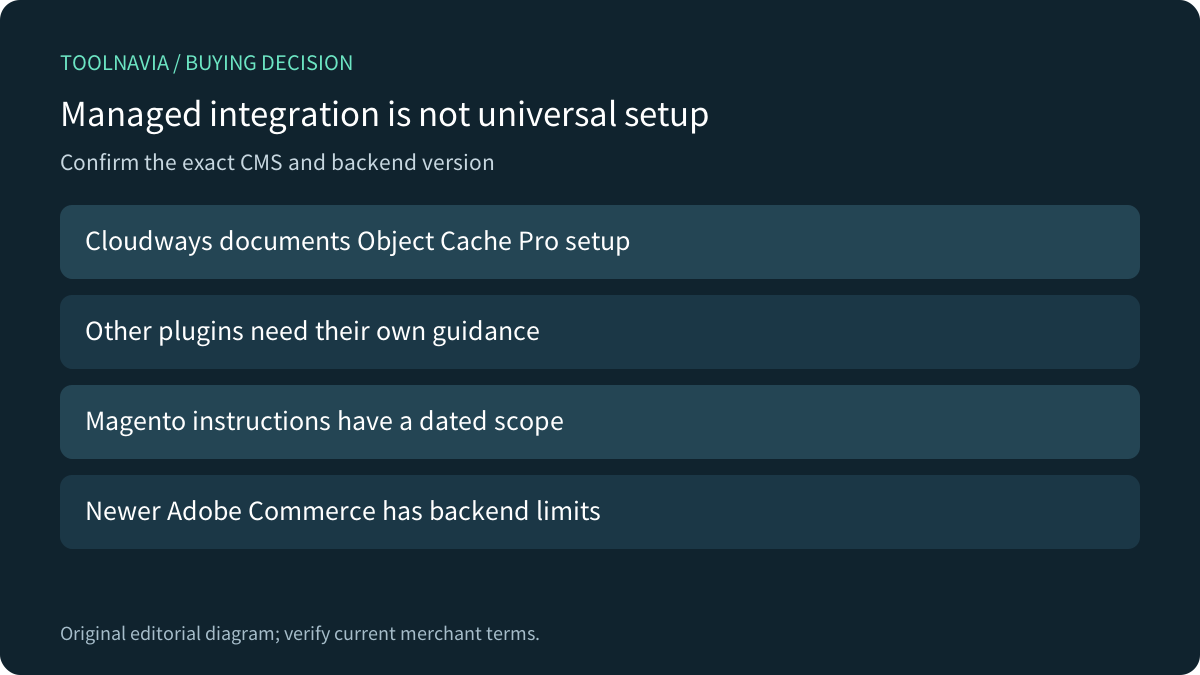
Cloudways says it applies required Redis configuration automatically for Object Cache Pro. For other WordPress plugins, it directs users to their documentation or support; Laravel and other CMS also need their own guidance. Treat those as different readiness paths, not one universal setup promise.
An inventory should identify which application owns each connection and what it uses Redis for. A normal web request succeeding does not establish that every scheduled or long-running client has the intended configuration. Coordinate the supported rollout with the owners of those processes rather than making an unexplained global change.
Check the exact framework and commerce release
Laravel 12 documentation includes username, password, database and prefix configuration, including distinct default and cache connections. The page now identifies 12 as an older version. Those fields show a configuration route, not proof that a deployed client's version, environment and every connection agree. Confirm the actual project and dependency versions.
The Cloudways ACL article is dated November 2025 and says its Magento Redis route requires ACL disabled because of username compatibility. Do not turn that into blanket advice to disable a shared protection. Ask for the supported configuration for the exact installed application first.
Adobe's October 2026 on-premises guide adds another check: Redis cache is unsupported for Commerce 2.4.9 and patches later than its listed 2.4.5-p16, 2.4.6-p14, 2.4.7-p9 and 2.4.8-p4 boundaries, directing those releases to Valkey. Its on-premises configuration also differs from Adobe Cloud deployment. This does not certify Cloudways packages; it makes exact-version confirmation essential.
Accept each required client in a disposable environment
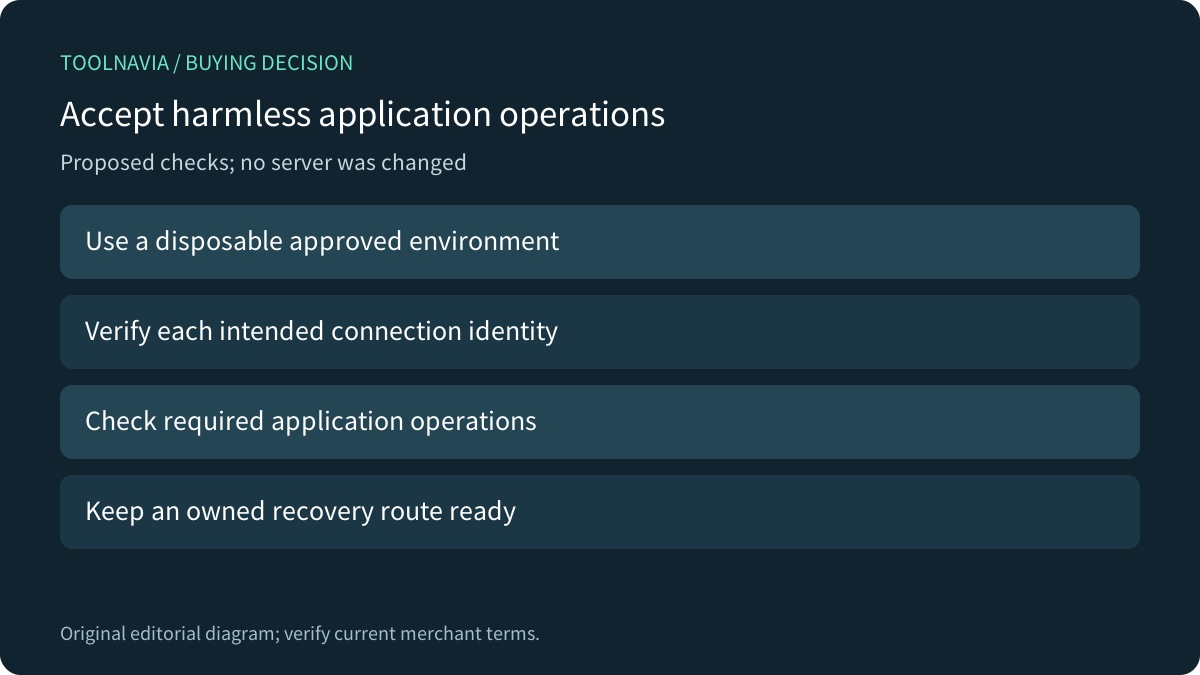
For a proposed authorized exercise, use a disposable environment with harmless application data. Record the supported server setting, each intended identity and the application operations that must continue. Verify each connection through the supported client and inspect relevant errors without exposing secrets. Include an owned recovery procedure before expanding the change. No exercise was performed here.
Avoid inventing a universal failure message or using a destructive shared-cache operation merely to prove permissions. The acceptance goal is that each approved application can perform its necessary work with the intended identity and supported policy.
Confirm the configured price after the dependency map fits
Four useful Cloudways capabilities are a managed ACL control, per-application Redis details, documented Object Cache Pro configuration and explicit CMS-specific guidance. Their value depends on maintained clients and a supported rollout. They do not establish a performance benchmark or complete application isolation.
The current DigitalOcean page exposes several server classes and configurations. Confirm the exact approved Premium 2GB Flexible selection, region, backup storage, transfer, tax and add-ons in the configured quote rather than quoting one ambiguous page-wide amount. Choose the service when that complete cost and client-maintenance responsibility fit.