TOOLNAVIA / BUYING GUIDE
ChemiCloud Turbo Redis: Who Owns the Object Cache?
The short answer
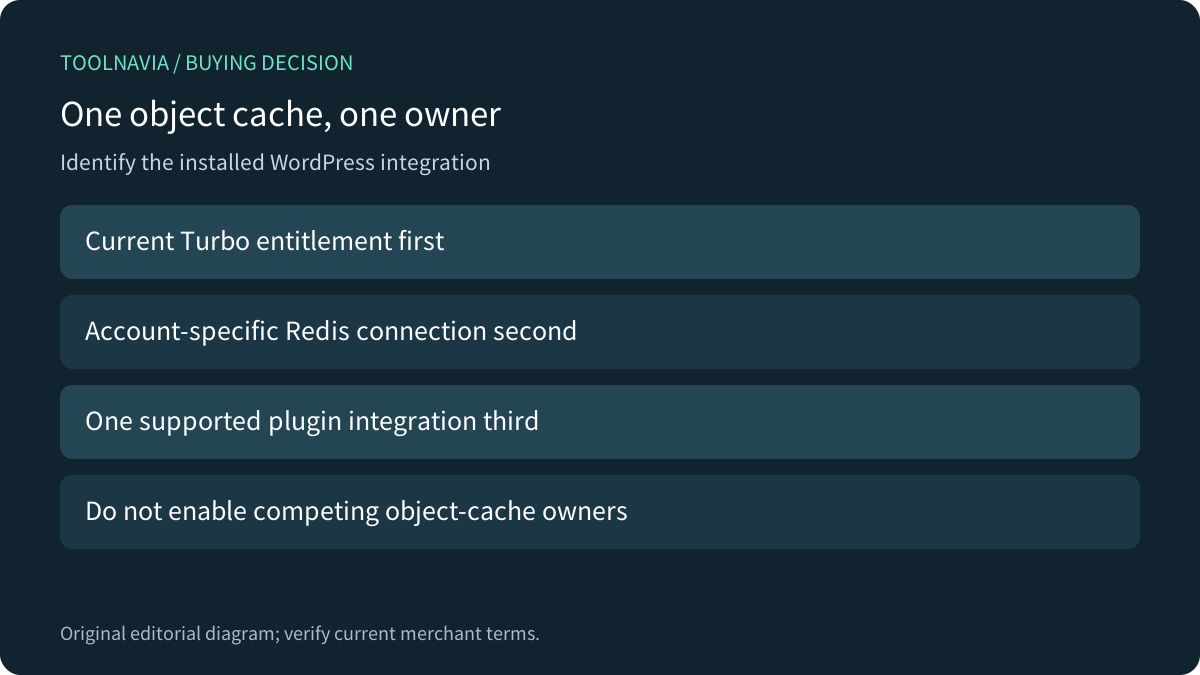
ChemiCloud Turbo lists Redis in its current shared-hosting offer. That makes it a candidate for WordPress sites with repeated database work, but buying the plan does not establish which plugin owns the object-cache connection. Before migrating, identify the entitlement, actual connection details and one supported integration. Two enabled object-cache managers are not a stronger setup.
At a glance
- Best for
- A supported Redis integration with clear plugin ownership and measured database work.
- Price model
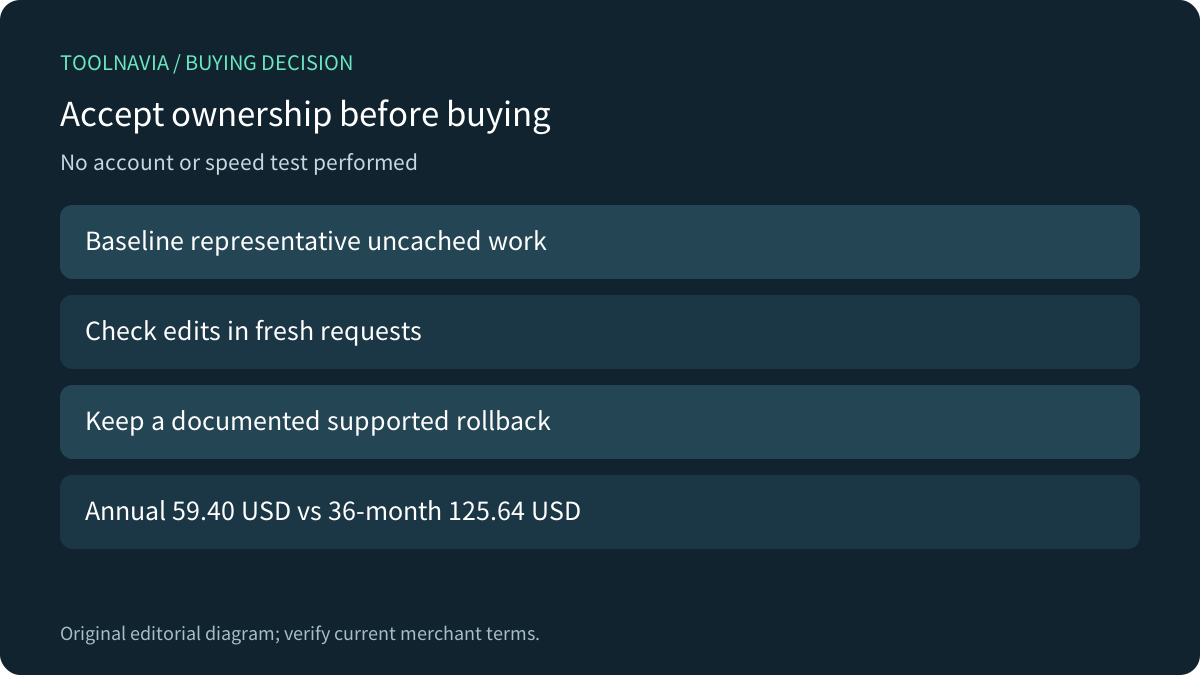
- Turbo: annual 59.40USD or 36-month 125.64USD first-term calculation; recheck order.
- Check first
- Actual socket, quota and supported manager must be confirmed; no speed or backup guarantee.
Start with the current plan, then inspect the account
The current plan card places OPcache/APC/Redis under Turbo. ChemiCloud's older object-caching tutorial says Redis is available for its web hosting in broader terms. Read that tutorial as setup guidance, not proof that every current Starter or Pro account includes the same entitlement. This guide binds the purchase decision to Turbo; exact activation and account availability still need confirmation.
The tutorial describes an AccelerateWP route that activates Redis Object Cache for the selected WordPress installation. An older menu screenshot or a feature label does not prove that the assigned account has the same controls today. Ask which manager is supported for the selected installation and who handles problems after a plugin change.

Map three components before switching anything
First is the Redis service. Second is the account-specific connection, which may use a Unix socket. Third is WordPress's object-cache integration. WordPress normally keeps its default object cache within one request; a persistent integration allows suitable cached data to be reused between requests. Installing a general optimization plugin alone does not establish that complete path.
Write down the installation, manager, actual socket or endpoint, applicable PHP support and current status. Keep secrets out of screenshots and public tickets. Do not copy another customer's path, use a sample hostname as an account value or expose a Redis endpoint publicly to make a connection test pass.
Give the object cache one owner
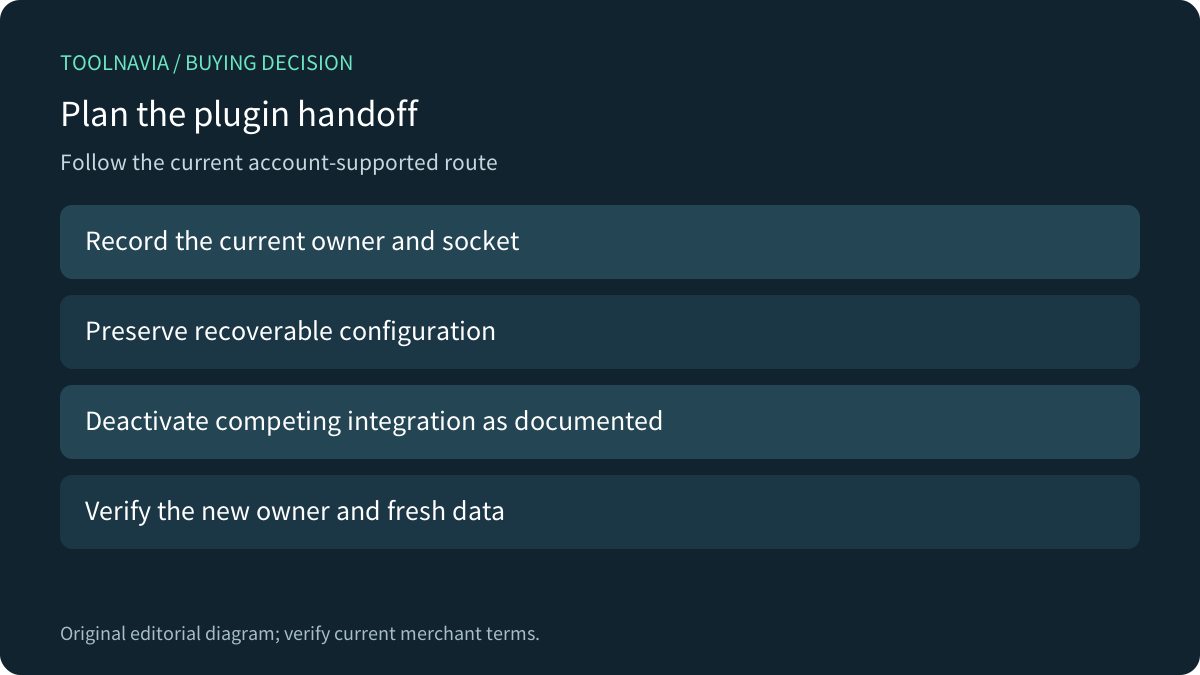
ChemiCloud's tutorial describes enabling Redis through AccelerateWP, which installs and configures Redis Object Cache. Its alternative LiteSpeed route first obtains the existing host/socket information and deactivates that Redis Object Cache plugin before enabling LiteSpeed's object-cache option. The provider explicitly warns against enabling both integrations together.
That handoff concerns the object-cache integration. LiteSpeed can still manage other cache functions; Redis, page caching and browser caching remain different layers. Hosting.com's explanation is useful here: Redis does not replace the whole page-cache or CDN system.
On an authorized maintenance copy, document the current owner before changing it. Preserve recoverable configuration, follow the supported handoff and verify the new owner. If the account differs from the tutorial, stop that configuration change and obtain current provider instructions rather than layering a second manager over an uncertain setup.

Use settings for the installed version
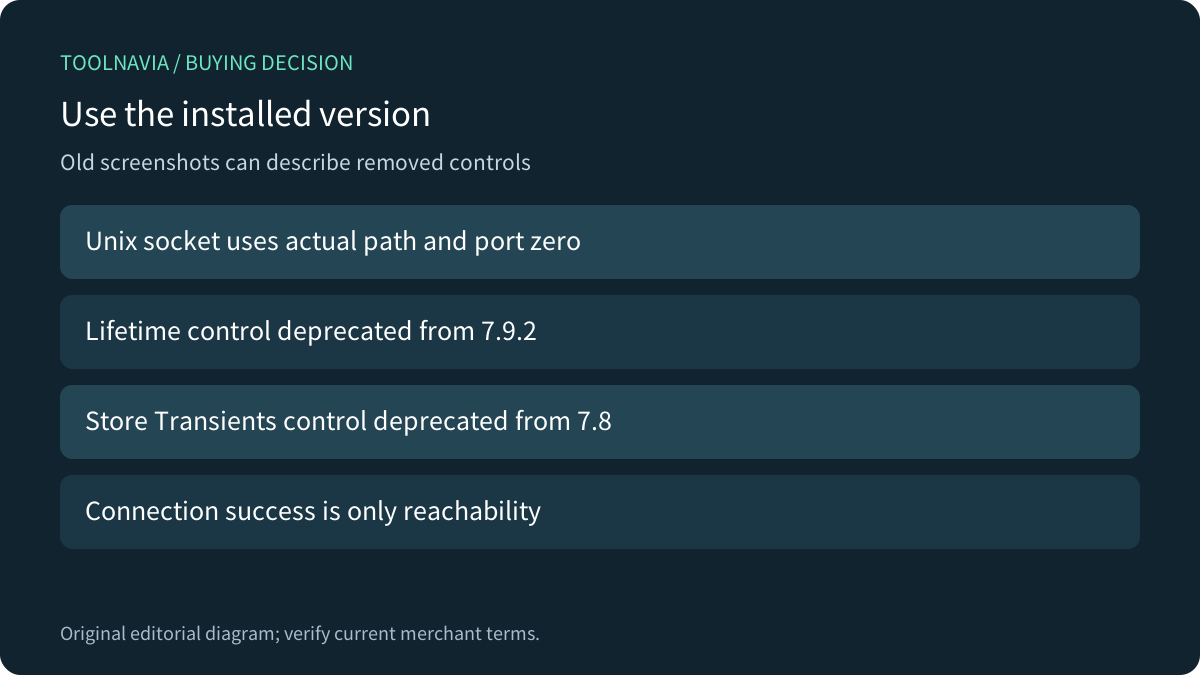
LiteSpeed's current Object tab relies on an external object-cache service. For a Unix socket it documents the actual socket path and port zero; that is not a universal TCP configuration. Its status area reports the external connection. A passed connection test proves reachability, not that application data remains correct after edits.
The current documentation also marks Default Object Lifetime as deprecated from version 7.9.2 and Store Transients as deprecated from version 7.8. An old tutorial's screenshot is therefore not a reason to search for a removed switch or force an obsolete value. Read the installed plugin version and its matching controls.
Redis supports multiple memory-limit behaviors: some policies evict cached keys, while noeviction can reject new writes at the limit. The Turbo account's actual Redis ceiling and policy were not verified here. Its published account memory is not automatically a dedicated Redis allocation, and cache availability is not an independent backup.

Compare integration control and the prepaid commitment
Cloudways' Redis tutorial illustrates another provider's service-plus-plugin workflow and separate cache-purge controls. Its commands and defaults do not establish permissions or configuration on ChemiCloud. Compare who owns service activation, plugin configuration, diagnostics and rollback, rather than selecting a host from a generic Redis benchmark.
The current Turbo first-term annual display is 4.95 USD per month equivalent, or 59.40 USD for twelve months by calculation. The 36-month display is 3.49 USD, or 125.64 USD upfront. These are different prepaid commitments, not monthly invoices. Check the selected term, regular reference, tax, location availability and renewal quote before paying.
The official 2026 promotion runs through December 7 at 11:59 PM EST, with automatic discounts and no code. It applies to new services, including additional new services for existing customers, rather than renewals or replacement of an existing service. A customer upgrade needs its own quote.
Accept a handoff, not just a green status
Use an authorized disposable copy to record a baseline, confirm the current owner, make one supported change and repeat representative uncached and logged-in operations. Edit a harmless record, verify the changed value in a fresh request, and check errors and repeatable response behavior. Keep a documented route back to the previous supported integration; avoid a shared-server global flush.

Choose Turbo when the measured workload, confirmed entitlement, supported integration and prepaid cost fit together. Keep the present plan when that need is absent. ChemiCloud has an open cash affiliate program, but this exact Turbo offer has no enabled affiliate purchase link here. This documentation-based guide performed no account change, cache flush, speed test or purchase.