TOOLNAVIA / BUYING GUIDE
ChemiCloud Pro vs Cloud 1: Same 2 CPU + 4GB, or a Different Resource Class?
The short answer
ChemiCloud Pro and Cloud 1 both publish **2 CPU and 4GB RAM**, yet that numerical match is the wrong place to end the comparison. Pro applies those labels inside a shared-hosting account; Cloud 1 sells a managed VPS boundary with 80GB NVMe, 4TB transfer and cPanel Solo for one account. The current pages display **$2.95/month versus $32.95/month**, so the real question is whether isolation, control or account separation is worth roughly $30 more before backup and license extras.
At a glance
- Best for
- ChemiCloud Pro owners with measured contention or a real need for VPS isolation, control or account separation.
- Price model
- $2.95 vs $32.95 current monthly displays; add-ons and checkout control
- Check first
- No speed guarantee; display price, term, internal migration, support scope and application fit require live confirmation.
1. Verdict: equal labels do not mean equal resource classes
Keep Pro when several sites fit inside 35GB NVMe, 350,000 inodes and the shared resource policy without recurring CPU, memory, entry-process or database pressure. Its low display price and 20 daily backups make it a strong consolidation plan for ordinary sites that do not need their own server boundary.
Choose Cloud 1 only when evidence identifies a problem that a managed VPS can actually solve: recurring contention, a server-level software or configuration requirement, a stronger isolation boundary, or a need to separate cPanel accounts. A VPS can make capacity and control more predictable, but no published specification guarantees a particular page speed, uptime result or application compatibility.
2. Why the same 2 CPU and 4GB are not interchangeable
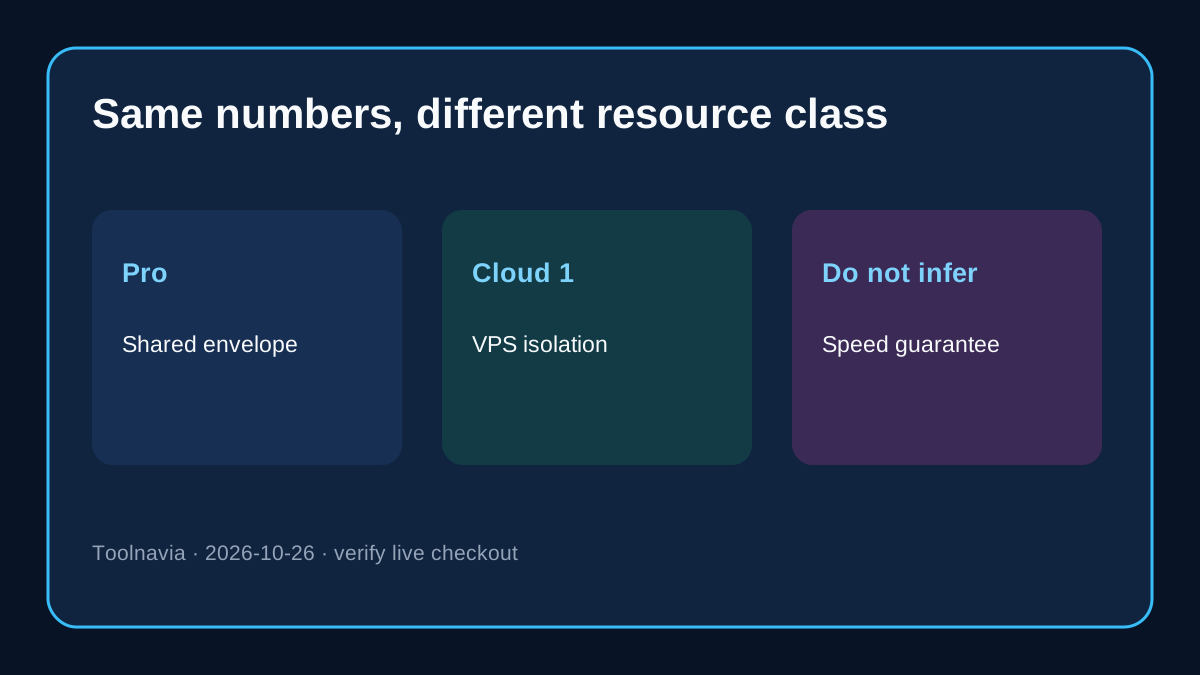
On Pro, 2 CPU and 4GB sit inside a shared-hosting service governed by a shared resource policy. That is a per-account operating envelope, not a promise that two processor cores and 4GB of physical memory are reserved for your sites at every moment. ChemiCloud's own resource guidance tells users to inspect sustained cPanel evidence and workload behavior.
Cloud 1 is presented as a managed VPS with 2 CPU, 4GB RAM, 80GB NVMe and 4TB transfer. Independent shared-versus-VPS guides consistently describe the architectural distinction as a shared pool versus an isolated virtual environment with allocated resources. An independent ChemiCloud review also places Pro's 2 CPU/4GB beside Cloud 1's 2 vCPU/4GB, illustrating why the equal-label question arises. That supports investigating the resource-class distinction, not a speed promise for ChemiCloud or your application.
A fair decision therefore compares **contention and control**, not just matching numbers. If your Pro sites remain healthy, buying the same printed CPU/RAM numbers in a different architecture can be unnecessary. If logs repeatedly show contention and the application can use an isolated server boundary, the architecture—not the headline number—is the purchase.
3. Multi-site convenience is not the same as multi-account isolation
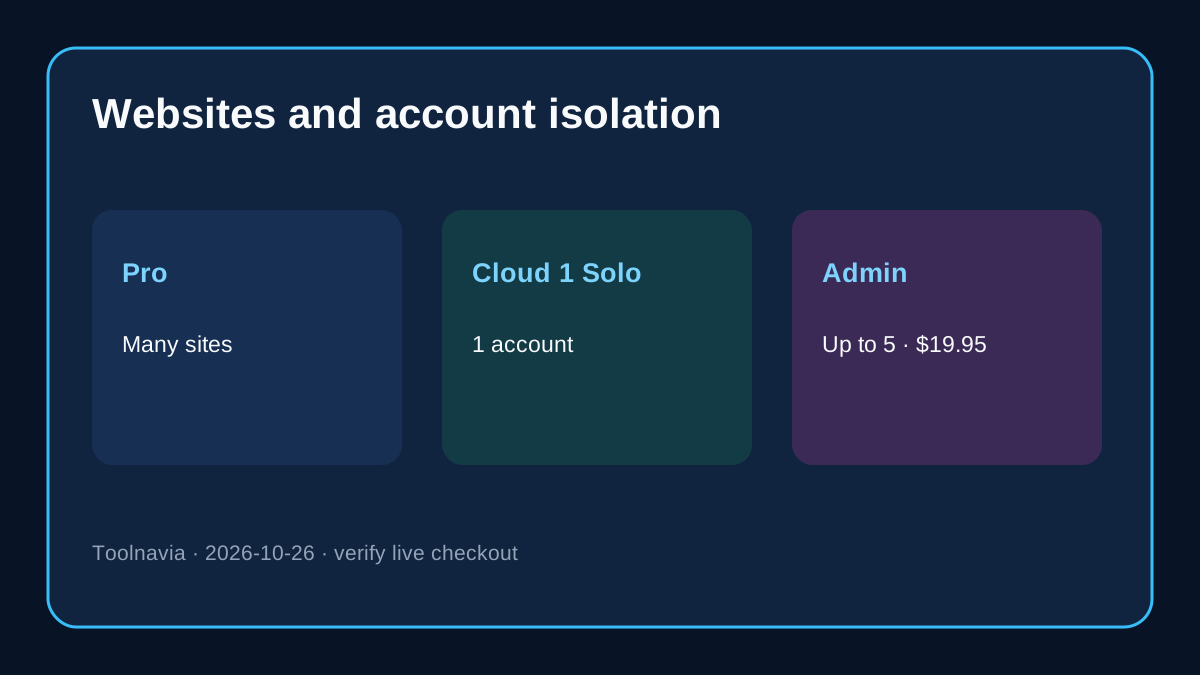
| Decision item | Pro Shared Hosting | Cloud 1 Managed VPS | |---|---|---| | Current monthly display | $2.95 vs $17.95 regular | $32.95 vs $59.95 regular | | CPU / RAM label | 2 CPU / 4GB inside shared policy | 2 CPU / 4GB managed VPS | | Storage | 35GB NVMe | 80GB NVMe | | Sites or accounts | Unlimited websites inside the shared-hosting account | cPanel Solo includes one account | | More isolated accounts | Not the Pro product model | Admin up to five accounts: $19.95/month | | Backup | 20 daily backups listed | Optional 80GB Remote Backup: $9.95/month | | Refund rule | First-time Shared: 45 days, exclusions apply | VPS: 7 days, exclusions apply |
“Unlimited websites” on Pro is useful for operating several sites together, but it does not create separate cPanel tenants with independent credentials, quotas and blast radii. Cloud 1 starts with cPanel Solo, which also means one account. If an agency needs up to five separate accounts, the official Admin upgrade adds $19.95/month. More websites and more isolated accounts are different requirements.
4. Price the outcome, not the base plan
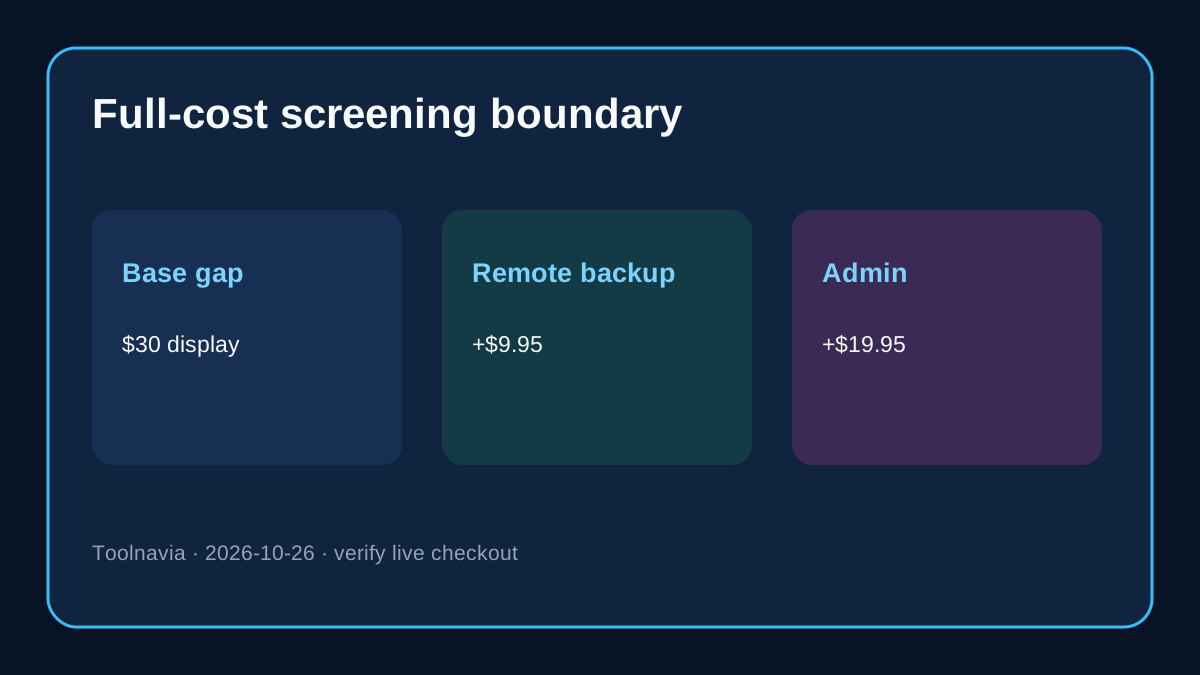
The displayed base gap is $30 per month. At the regular references, the gap is $42. If Cloud 1 needs the optional 80GB Remote Backup, its current-display arithmetic becomes $42.90/month. If it also needs cPanel Admin, the arithmetic becomes $62.85/month before tax or other extras. These are comparison sums, not a promised invoice; selected timeframe and final checkout control.
Pro's included 20 daily backups reduce the simple cost of a multi-site shared setup, but they should not be mistaken for a tested recovery program. Cloud 1 lets a buyer add remote backup, yet the buyer still needs an independent copy, restore test and recovery objective. “A backup exists” and “we can restore within the business deadline” are not the same statement.
Use a business threshold: if an isolated server prevents more than the incremental monthly cost in lost sales, support hours or client-separation risk, Cloud 1 may be rational. If the only argument is “VPS sounds faster,” remain on Pro and measure first.
5. Five upgrade gates
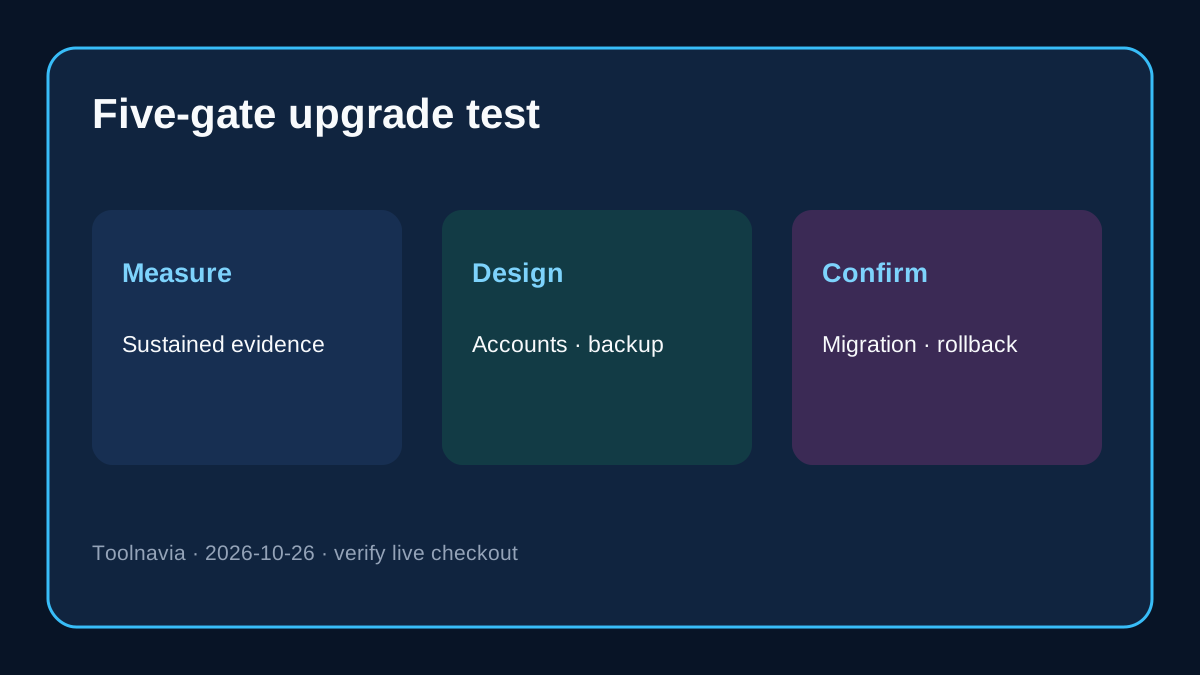
**Gate 1 — sustained evidence.** Record cPanel CPU, memory, entry-process, inode and database behavior across normal and peak periods. One spike is not a migration case.
**Gate 2 — an architectural cause.** Confirm that the bottleneck is contention or a server-level limitation. Slow plugins, missing indexes, external APIs and poor cache behavior can remain slow on a larger server.
**Gate 3 — account design.** List the number of websites and the number of truly separate cPanel accounts. If the latter exceeds one, include the Admin license or reconsider the target.
**Gate 4 — recovery design.** Decide whether the optional remote backup is required, where an independent copy lives and how restoration will be tested.
**Gate 5 — support and migration scope.** Get ChemiCloud's managed-service boundary and internal Pro-to-Cloud-1 migration scope in writing. The public migration page covers moves from another host; it does not establish an included same-provider entitlement.
If any gate is unknown, delay. Cloud 1 has a seven-day VPS refund window under the current terms, compared with 45 days for first-time Shared hosting, so discovery after purchase is unusually expensive.
6. A safer Pro-to-Cloud-1 migration plan
1. Inventory every site, database, mailbox, DNS record, certificate, cron job, webhook and third-party dependency. 2. Capture a baseline: resource history, page and transaction checks, email delivery and scheduled-job results. 3. Ask support to confirm the exact internal migration scope, downtime expectation, licensing, IP changes and rollback ownership. 4. Create an independent backup, then test a representative site on the target through a hosts-file or staging path. 5. Validate checkout, login, uploads, email, cron, integrations and restore—not just the home page. 6. Cut over DNS only after acceptance passes; keep Pro through a stability window and cancel only after rollback risk is acceptable.
The sequence is deliberately conservative because the public free-migration workflow is framed around moving from another host. It is safer to treat the internal move as unconfirmed than to convert a missing entitlement into a promise. Keep Pro active until the written migration and rollback scope is accepted.
7. The purchase rule
Choose **Pro** when many sites can share one account, 35GB and the published shared limits fit, included daily backups meet the baseline need, and measurements show no recurring contention.
Choose **Cloud 1** when all of these are true:
- recurring evidence points to isolation or server-level control; - the application can benefit from the managed VPS boundary; - one cPanel account is enough, or the Admin license is in the budget; - backup, refund and final-cart terms are accepted; - internal migration and rollback are confirmed in writing.
Choose **delay** when matching 2 CPU/4GB labels are the only reason to move. The numbers describe different service architectures; your logs, account design and recovery plan determine whether the difference is valuable.
Bottom line
Pro is the economical multi-site choice while the shared-account envelope works. Cloud 1 is not “more of the same”; it is a managed-VPS operating model with a larger storage and transfer boundary, a one-account cPanel starting point and optional recovery costs. Buy that model only for a measured isolation, control or account-separation problem worth more than the full invoice.