TOOLNAVIA / BUYING GUIDE
Bluehost Starter vs Business Malware Protection: Is AI Defense Worth $108?
The short answer
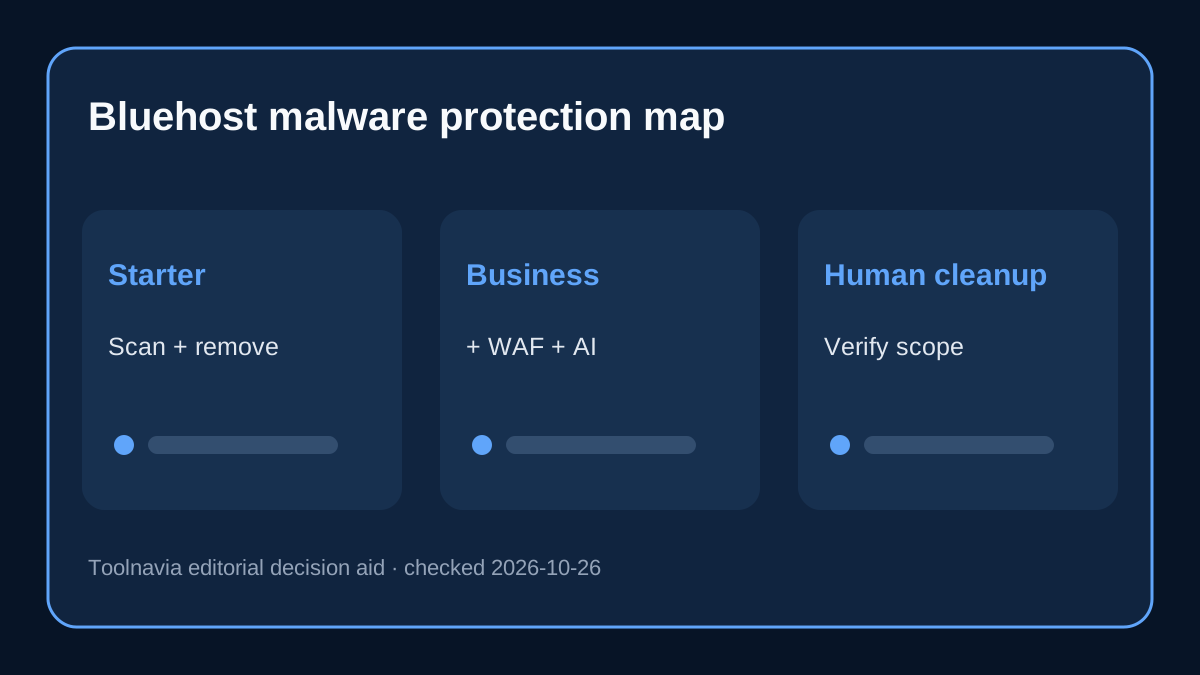
**Quick verdict:** Bluehost Starter now includes Malware Scan & Clean, while Business includes AI Malware Defense. The upgrade is not “scan versus cleanup”: Bluehost’s current security table gives both tiers continuous scanning, blacklist monitoring, proactive protection, automatic malware removal, malicious-process killing, a dashboard and 24/7 support. Business adds ThreatShield Smart WAF, AI-powered cloud file scanning, injection remediation, brute-force login protection and WordPress SQL-injection protection.
Affiliate disclosure: Toolnavia may earn a commission when a reader deliberately uses the approved Bluehost link and completes an eligible purchase. This does not raise the buyer’s price. The article compares published entitlements, not the success rate of any cleanup.
At a glance
- Best for
- Bluehost buyers deciding whether Business's preventive malware controls justify upgrading from Starter.
- Price model
- $3.99 vs $6.99 current 36-month monthly equivalents; $108 first-term gap
- Check first
- No security guarantee; human cleanup, response scope, per-domain coverage, price and checkout require live confirmation.
The current inclusion map is more generous than many older reviews
Bluehost’s malware FAQ says Malware Scan & Clean is included with Starter Hosting and AI Malware Defense is included with Business Hosting and above. The detailed feature table confirms that both products include detection, continuous scanning, unlimited pages scanned, Google blacklist monitoring, proactive protection, automatic removal, a security seal, malicious-process killing, dashboard reports and 24/7/365 support.
That changes the buying question. A Starter buyer is not choosing an empty security tier. A Business buyer is paying for added prevention and attack-surface controls, not merely the first ability to remove malware.
What Business adds over Starter
The clearest Business additions are ThreatShield Smart WAF and AI-powered cloud file scanning. A WAF is designed to filter hostile requests before they reach the application, while cloud file scanning looks for suspicious code with a broader detection layer. Bluehost also lists injection-attack remediation, brute-force login protection and WordPress database SQL-injection protection under AI Malware Defense.
These additions matter most for a public WordPress site with logins, forms, plugins or revenue exposure. They do not prove that every exploit will be blocked, and they do not replace patching WordPress core, plugins and themes. Bluehost’s own prevention guidance still tells owners to use strong credentials, 2FA, safe uploads and current software.
What Business still does not include
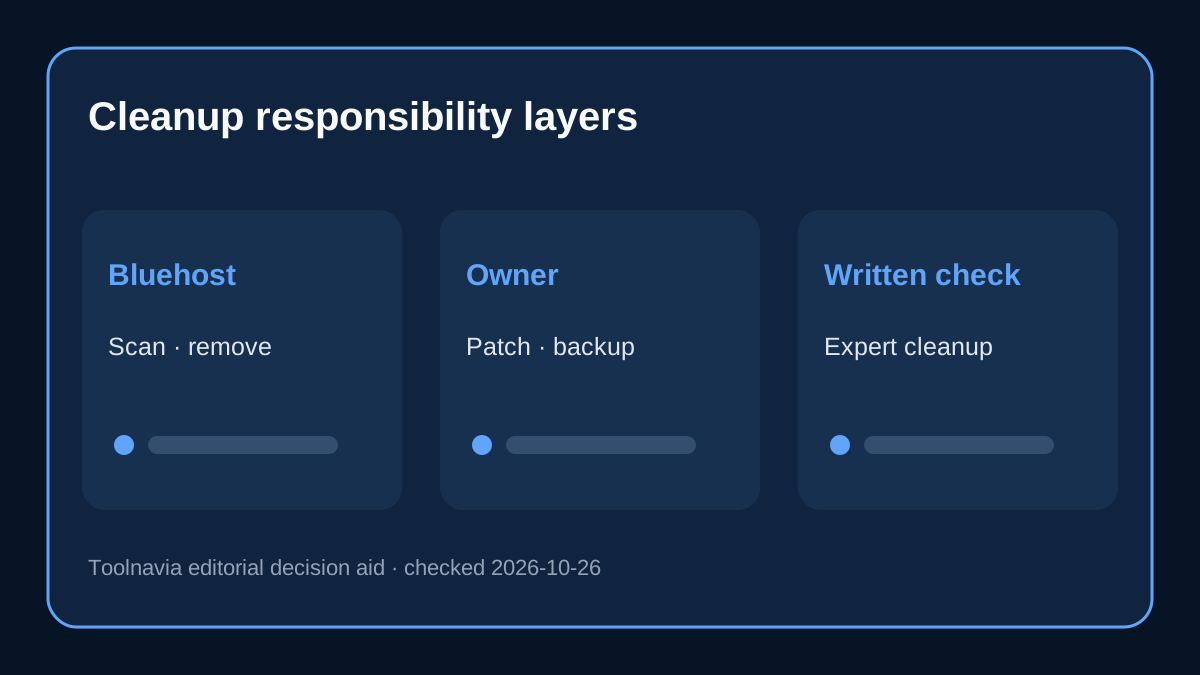
Bluehost’s current comparison marks human expert comprehensive website cleanup as unavailable in both Malware Scan & Clean and AI Malware Defense; it appears in Bluehost Complete Security. The same table labels comprehensive WordPress database scanning as “Coming Soon” for AI Malware Defense, while Complete Security lists it as included.
Bluehost’s FAQ later says expert cleanup can be available when automatic removal cannot fix an issue. Because that sentence is broader than the plan table, do not assume Business includes unlimited human remediation. Before relying on it for a revenue site, ask Bluehost to state in writing which cleanup path, response level and restore work apply to the exact domain.
The upgrade page also says Complete Security is purchased separately for each domain when you want its features on multiple websites. Business supports many sites, but that does not make a paid per-domain security add-on universal across the whole account.
The upgrade costs less than Complete Security—but solves a different problem
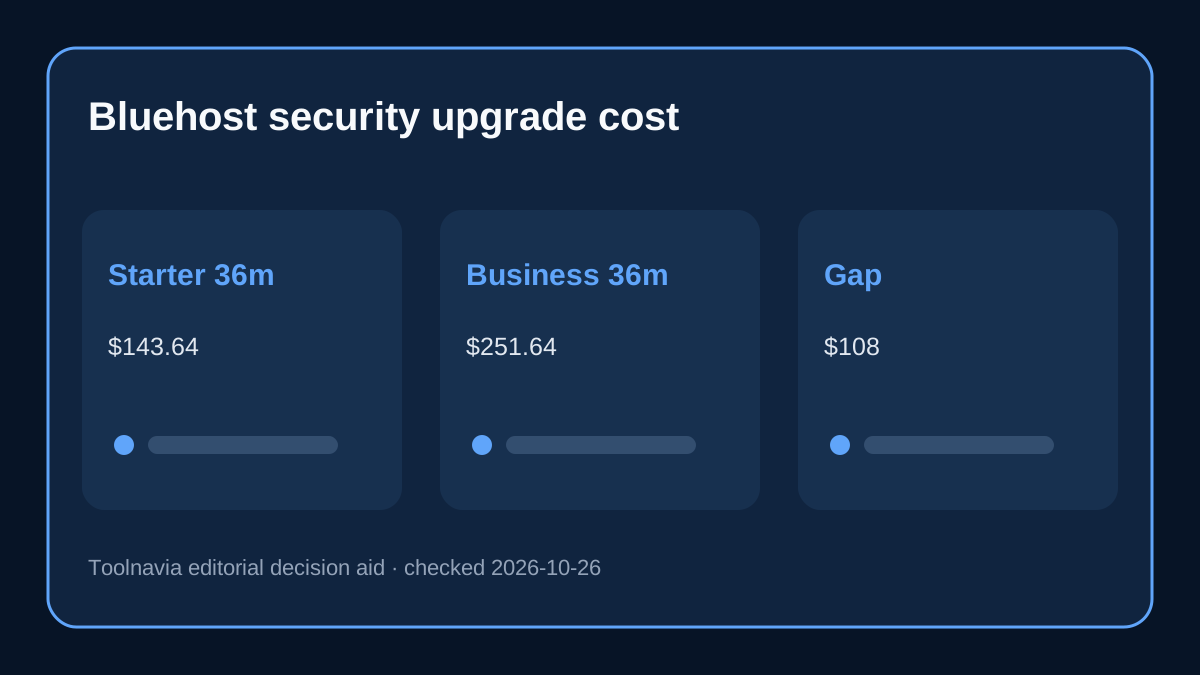
Bluehost’s current public plan figures are $3.99 per month equivalent for Starter and $6.99 for Business on a 36-month term, with current renewal references of $9.99 and $13.99. Simple arithmetic makes the Business upgrade $108 over the first 36 months and $144 over a later 36-month renewal period at today’s displayed rates.
Bluehost lists Complete Security at $19.99 per month on renewal. Thirty-six months at that reference would be $719.64 for one domain. This is not an apples-to-apples substitute: Complete Security adds human expert cleanup and comprehensive database scanning, while Business also adds hosting capacity, phone support and first-year domain privacy. The arithmetic only shows why a buyer should identify the actual missing security control before purchasing either route.
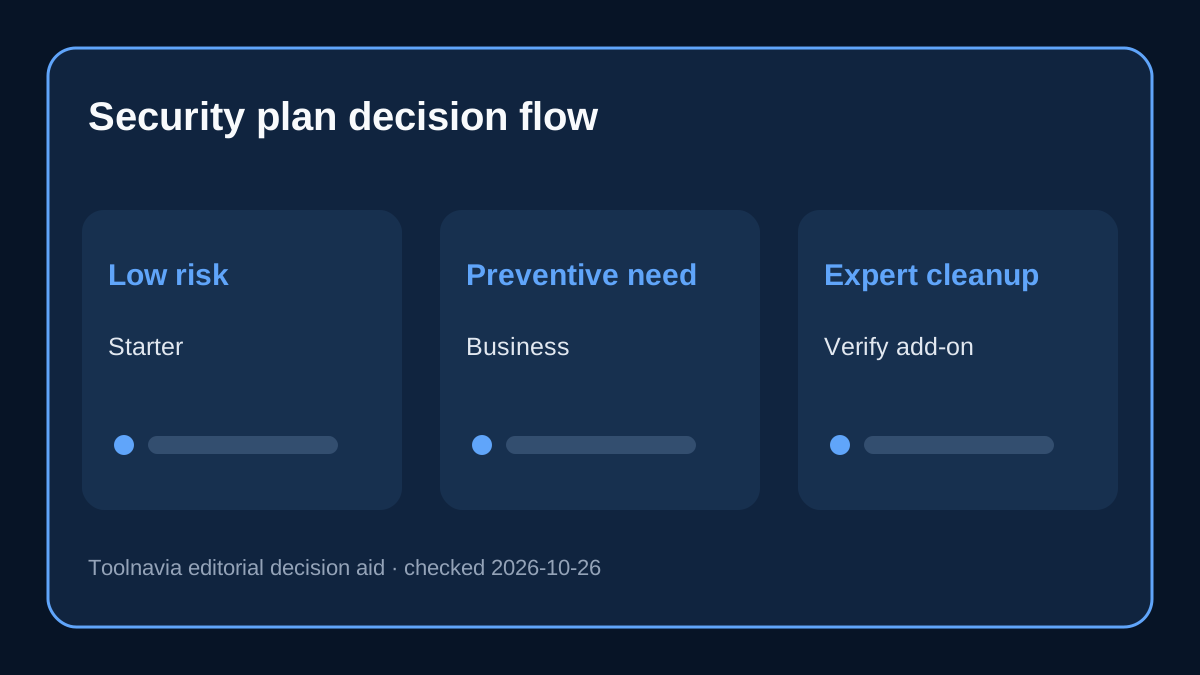
Choose Business for security when the WAF, cloud scanning and injection/login protections are worth the plan-wide upgrade and the rest of Business is also useful. Choose Complete Security only when its domain-specific expert-cleanup scope is the real requirement and the current cart confirms it.
Independent reviews disagree because Bluehost changed the bundle
A current HostingAdvice review describes Starter security as basic while identifying Starter and Business as the main low-cost choices. TechRadar’s October 2026 review says all shared tiers include malware scanning and removal, while Business adds AI-powered malware detection and removal. Those observations align with Bluehost’s September 2026 support pages.
Forbes still says malware scanning is included but removal requires a higher tier, and All About Cookies similarly describes removal as a Business upgrade. Those statements conflict with Bluehost’s current official table, which explicitly puts automatic removal in both Starter and Business. This article therefore treats the newer official plan table as controlling and preserves the disagreement so readers do not mistake an older review for the current entitlement.
Three buyer scenarios
**A small brochure or content site:** Starter is usually enough if automatic scanning/removal, blacklist monitoring and ordinary WordPress hygiene match the risk. Keep independent backups and test restore access.
**A lead-generation, membership or login-heavy site:** Business is easier to justify when WAF filtering, brute-force protection and injection defenses reduce a meaningful operational risk. Confirm that all production domains are assigned and visible in the security dashboard.
**A revenue site that cannot tolerate uncertain cleanup:** Neither plan name alone is enough. Confirm whether human expert cleanup is included, what “restore” means, whether databases are covered and how quickly escalation starts. If the written answer points to Complete Security, price it per protected domain.
Verify these six items before paying
1. The cart labels Starter as Malware Scan & Clean or Business as AI Malware Defense. 2. Every production domain that needs protection is assigned in the Bluehost portal. 3. Automatic removal, WAF and database protections match the exact plan table shown at purchase. 4. Human cleanup eligibility and any response target are stated in writing. 5. You hold a separate, restorable backup; malware tooling is not a backup. 6. The 36-month bill, renewal reference and any per-domain add-on total are saved before checkout.
Bottom line
Do not upgrade from Starter to Business merely to obtain “malware removal”; current Bluehost documentation gives automatic removal to both. Upgrade when the added WAF, cloud scanning, injection remediation, brute-force protection and WordPress SQL-injection controls solve a real risk—and when Business’s broader hosting benefits are useful too. If human expert cleanup is non-negotiable, verify Complete Security’s per-domain scope instead of assuming the Business label guarantees it.
Official Business-specific cross-check: Bluehost’s current AI Malware Defense table and pricing page are registered separately for the Business product.