TOOLNAVIA / BUYING GUIDE
Bluehost Business Backup Guide 2026: 50GB Plan vs 20GB/100K System-Backup Rule
The short answer
**Quick verdict:** Bluehost Business currently advertises **weekly website backups** for a plan that can host up to **50 websites and 50GB NVMe**, but Bluehost also maintains a separate general Shared-account system-backup policy with **20GB / 100,000-inode eligibility conditions**. The safe purchase decision is to understand which backup layer you are relying on and keep an independent copy.
At a glance
- Best for
- Multi-site buyers who keep independent backups and verify the active Bluehost backup layer as accounts grow.
- Price model
- $6.99/mo 36-month intro; $13.99/mo renewal
- Check first
- Weekly plan backup and general shared system backup are distinct layers; general system policy documents 20GB/100K conditions and customers should keep independent copies.
Weekly website backup and system backup are different layers
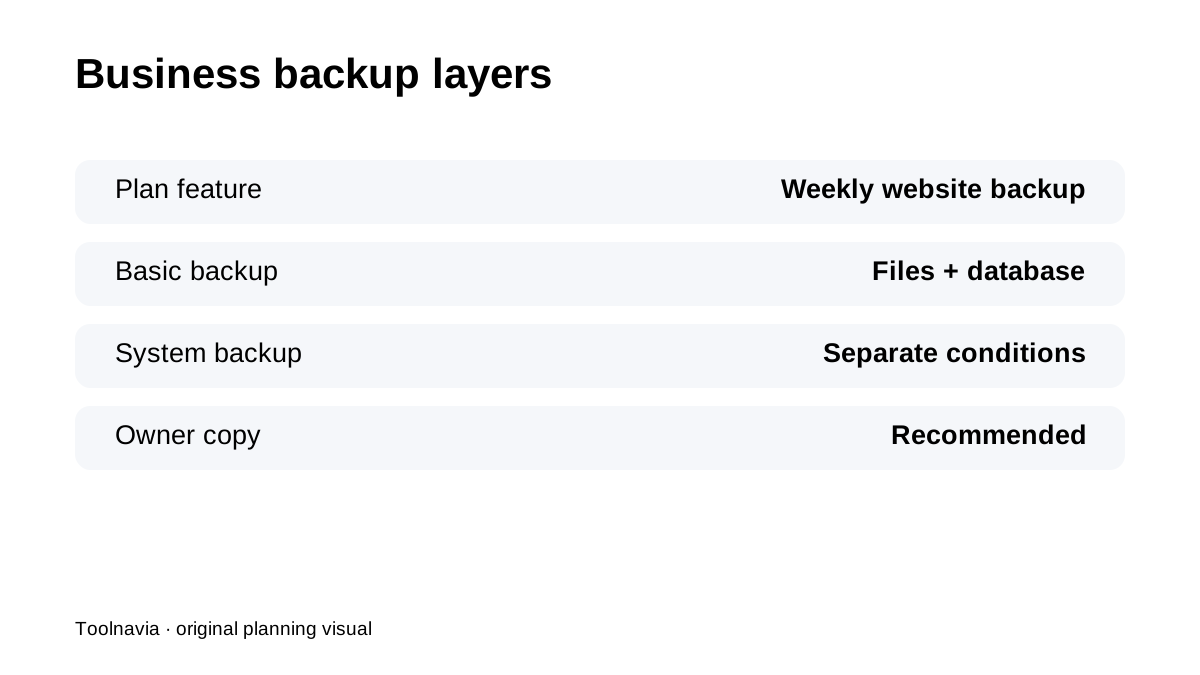
The Business plan table includes weekly website backups. Bluehost also documents a Basic Weekly Backup product that stores website files/databases and supports restore/download. Separately, Bluehost's general Shared-account system-backup article describes daily/weekly/monthly server backups subject to account-size and inode conditions. Do not merge those descriptions into one guaranteed deep backup history.
A 50GB plan can outgrow the general system-backup threshold
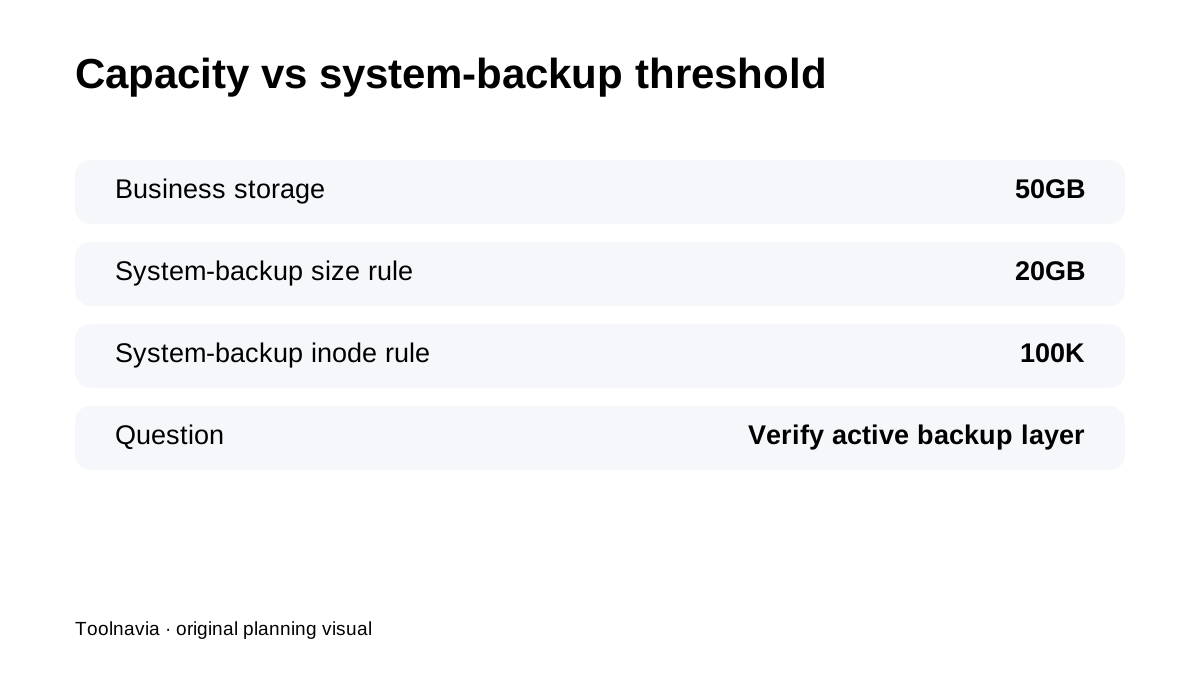
Business includes **50GB NVMe**, while the general system-backup article says shared accounts may be eligible only while they remain under **20GB and 100,000 inodes**. That does not mean Business becomes unusable above 20GB; it means a buyer should not assume the general system-backup layer continues unchanged as account data grows.
Basic weekly recovery is not long retention
Bluehost's Basic Weekly Backup is useful for routine rollback, but it is not presented as a 30-day archive with many historical points. If the site changes daily, keep an independent database/file backup at a cadence that matches the maximum data loss you can tolerate.
Restore workflow should be tested before the site is critical
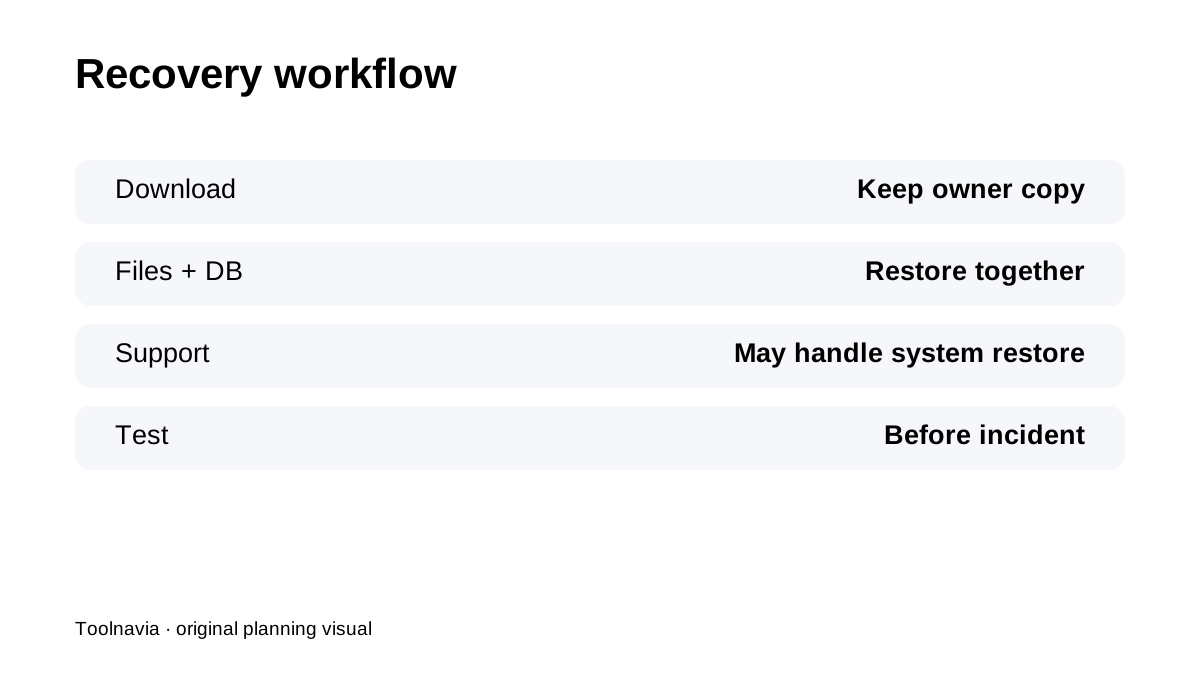
Bluehost's general backup article routes some restores through support and explicitly advises customers to create their own backups. Before relying on Business for a revenue site, download a copy, restore files plus database to a safe test environment and document what happens to email or other account data.
Use the first 30 days to validate the real recovery path
Bluehost's hosting refund policy provides a **30-day** money-back period with exclusions. Use that early window to validate migration, weekly backup visibility, download/restore workflow and independent-copy automation—not just page speed or design.
What current reviews reinforce
Current WPBeginner, HostGage, TechRadar and HostingDive pages all treat backup/recovery scope as an important part of Bluehost fit, while their plan snapshots vary. For the exact Business plan, Bluehost's current first-party pages should control the purchase decision.
Four buyer scenarios
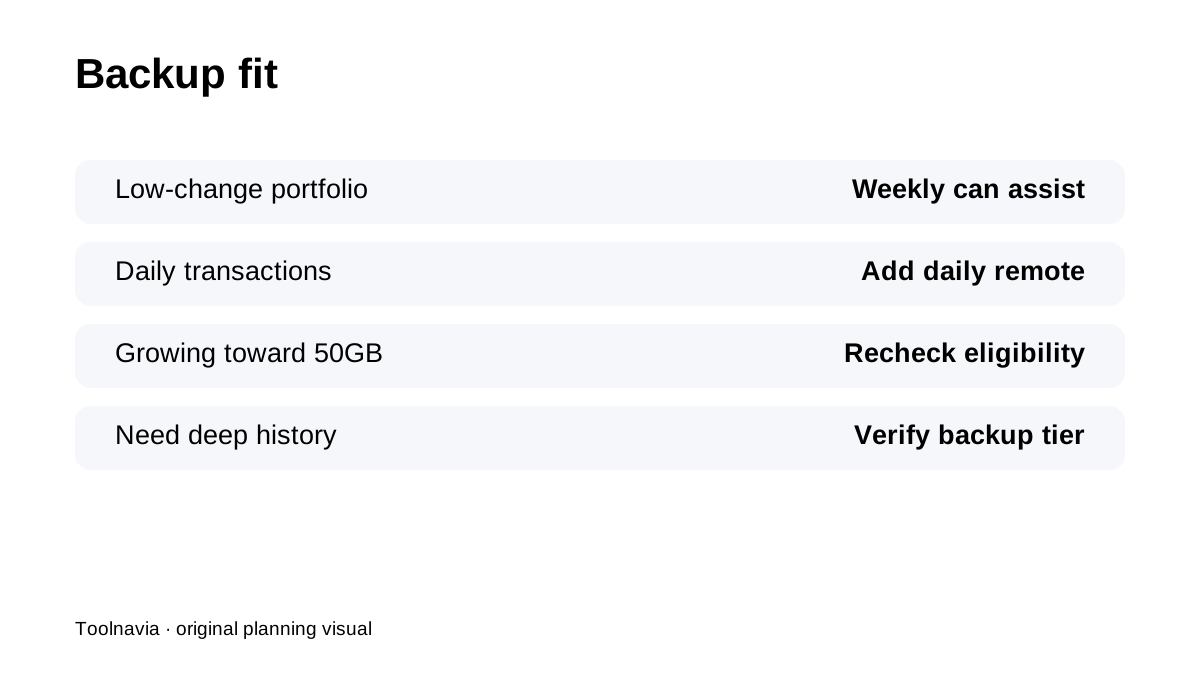
**Small multi-site portfolio under 20GB/100K inodes:** Business weekly backup plus independent copies can be straightforward. **Growing agency account approaching 50GB:** do not assume the general system-backup layer follows the plan storage ceiling; verify the exact backup product/status in your account. **WooCommerce or membership site with daily changes:** weekly provider backup is too coarse as the only recovery-point objective; add daily remote backup. **Buyer wanting long historical recovery:** verify whether a higher/additional backup product is needed rather than assuming “weekly backups” means many weeks of retained history.
**Bottom line:** Bluehost Business can be good multi-site value, but its **50GB hosting capacity and backup eligibility/history are not the same thing**. Keep an independent tested backup and verify the exact Business backup layer before scaling the account.