TOOLNAVIA / BUYING GUIDE
Advanced SystemCare PRO vs Malware Fighter PRO: Buy One or Both?
The short answer
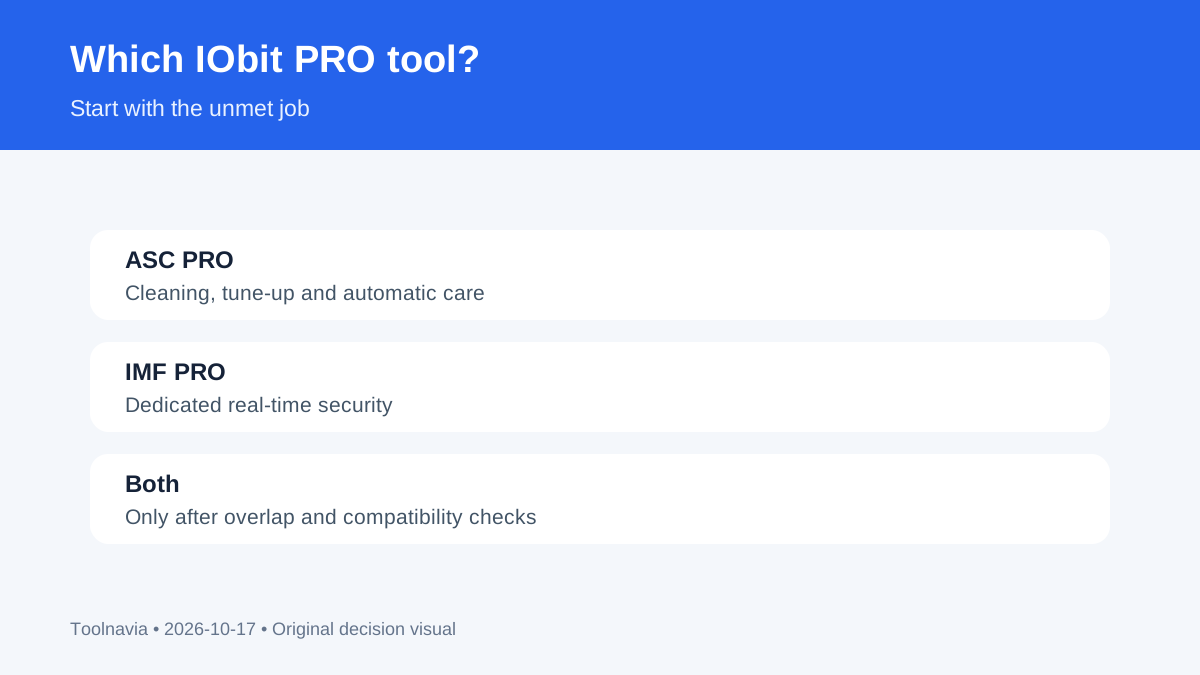
**Decision first:** buy Advanced SystemCare PRO for automated cleanup and tune-up; buy Malware Fighter PRO for IObit's dedicated real-time security layer. Buy both only when you need both roles and accept two independent subscriptions.
The three-PC price is not one stable number: Advanced SystemCare appeared at $18.99, $19.99 or $21.99 on different official surfaces, while Malware Fighter showed $23.99. Trust the live carts, not an old headline, and check compatibility with your existing security stack before adding another real-time product.
At a glance
- Best for
- Windows users deciding between IObit's optimizer, security product, or both.
- Price model
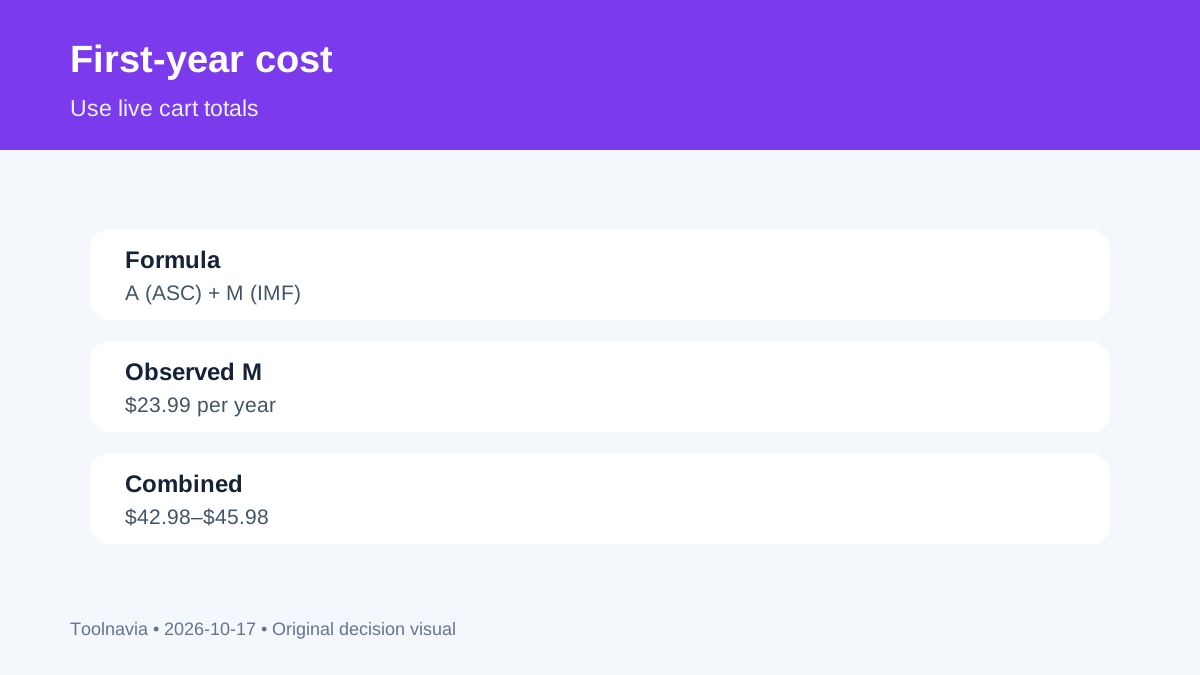
- Use live A+M; observed combined range $42.98–$45.98 before tax
- Check first
- Promotional totals vary; renewal prices and independent efficacy are not established.
The short answer: optimization, security, or both
Advanced SystemCare PRO is the optimization-first purchase. It emphasizes deeper cleaning, automatic care, startup and RAM management, software updating, privacy cleanup and performance monitoring. It also uses malware, ransomware and tracking language, but that does not make it the same purchase as Malware Fighter.
Malware Fighter PRO is the security-first purchase. Its current PRO matrix names IObit and Bitdefender engines, real-time ransomware defense, SafeBox, behavior, webcam and USB guards, web protection and scheduled scans. Independent reviews separate the roles and caution against equating a feature list with independently proven protection quality.
Price: use A + M
Let **A** be the current three-PC Advanced SystemCare checkout and **M** the current three-PC Malware Fighter checkout. First-year cost is **A + M**. M was $23.99. Official Advanced SystemCare surfaces showed $18.99 for 2+1 PCs, $19.99 in the store and $21.99 for a gift bundle. Combined snapshots are therefore $42.98, $43.98 or $45.98 before tax—not $40.76 from mistakenly adding the one-PC $16.77 price.
Across three used PCs, that is about $14.33, $14.66 or $15.33 per PC for year one. With one active PC, per-active-PC cost is the full A + M. Save the final cart totals, term and auto-renewal wording because promotions and renewal offers change.
What Advanced SystemCare uniquely adds
Its distinctive value is maintenance automation: deeper junk and registry cleaning, automatic care, startup/RAM management, performance monitoring, software updating and broader tune-up workflows. These features fit recurring housekeeping across several Windows PCs, but do not guarantee a two-times speed gain. Create a restore point and current backup before system changes.
A fresh Windows 11 review saw Malware Fighter offered during ASC installation. An optional cross-sell is not evidence that one license includes the other. Choose ASC alone when optimization is the unmet need and Windows Security or another managed security product covers protection.
What Malware Fighter uniquely adds
Its distinctive value is the dedicated security stack: Bitdefender plus IObit engines, continuous monitoring, ransomware controls, SafeBox, phishing and unsafe-download blocking, suspicious-behavior monitoring, and camera/USB privacy guards.
Choose IMF alone when those controls are the unmet need and you do not want tune-up automation. Before using it beside another real-time antivirus, verify compatibility and the active Windows security provider. Current sources do not prove that more engines automatically mean better protection.
Where overlap can waste money
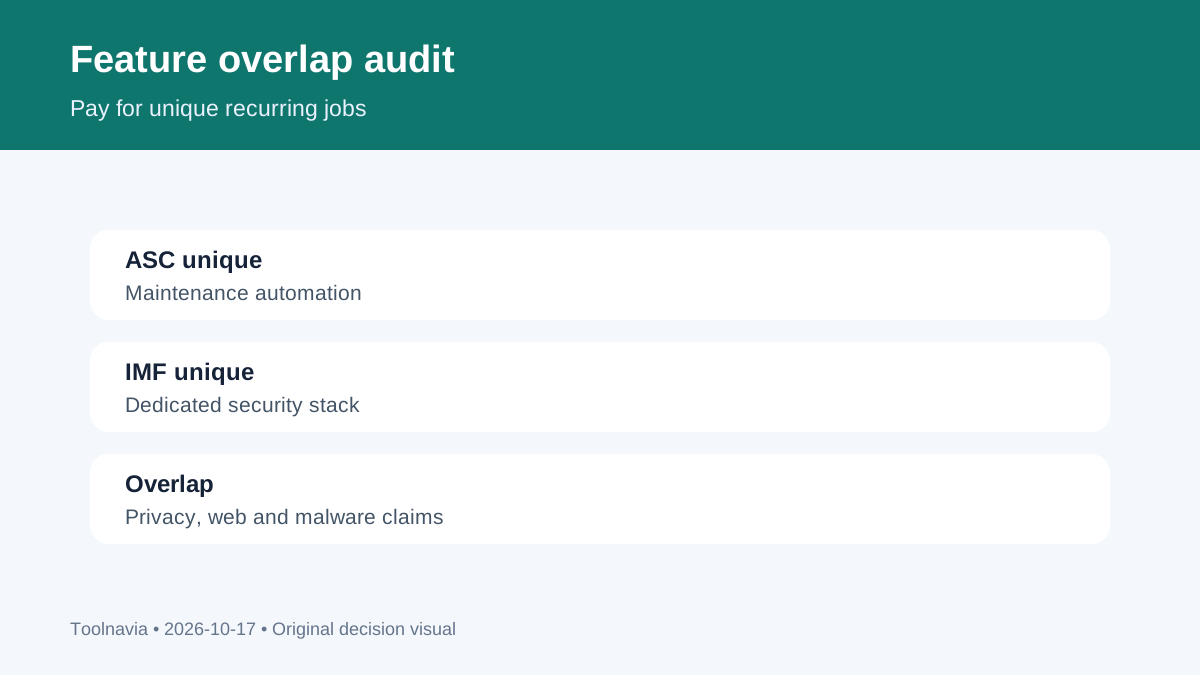
Both official sets use malware, ransomware, privacy, browser or web-protection language. Depth differs, but paying twice without identifying a unique task for each subscription is easy.
Use a two-column audit. Under ASC, list maintenance jobs you will schedule. Under IMF, list security controls missing from your current setup. If either column has no unique recurring task, skip that product. Cross-promotion is a sales path, not a bundle entitlement.
License, renewal and refund boundaries
IObit's official refund page says paid products are independent and require separate license codes. Two products mean two entitlements and potentially two renewal decisions. Do not assume ASC PRO, ASC Ultimate or a seasonal bundle activates IMF PRO unless the exact cart names it.
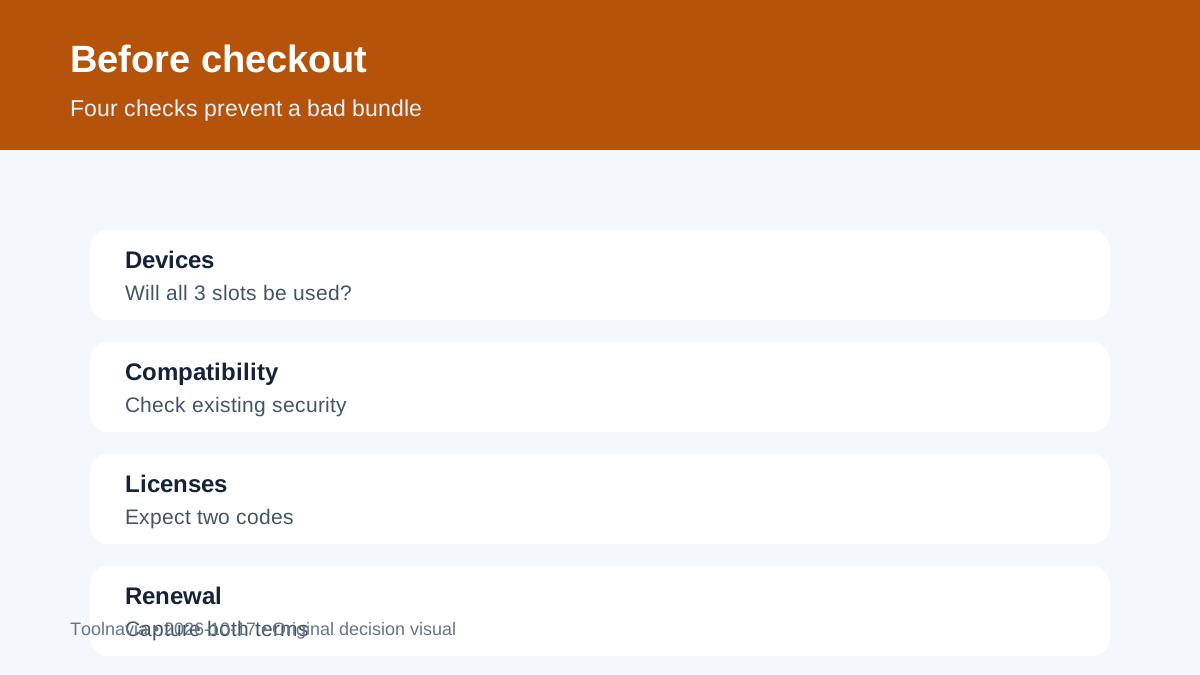
Save both order confirmations, device counts, renewal terms and refund channel. Also note which PCs use which license, whether auto-renew is enabled for each order, and the date each charge is expected. If only one program has a unique job on a given PC, installing both everywhere wastes seats and makes troubleshooting harder. Product pages show promotional annual prices and money-back language, but the cart and order record control. This guide does not claim a universal renewal price or automatic refund eligibility.
Final checklist
Buy **ASC PRO only** when scheduled cleanup and tune-up are the unique value. Buy **IMF PRO only** when its dedicated security controls are the unique value. Buy **both** only after compatibility and overlap checks and when the live total makes sense across PCs actually used.
Before checkout confirm three-PC scope, capture A and M, check auto-renewal and tax, verify two license codes, and keep a restore point plus backup. Toolnavia has no approved IObit tracking relationship for these exact offers, so no commercial buy button appears.