TOOLNAVIA / BUYING GUIDE
ClickFunnels® Free Trial: Cancel 24 Hours Early—or Risk $97?
The short answer
**Quick verdict:** ClickFunnels® advertises a **14-day trial**, but its terms say you must cancel at least **24 hours before the trial ends** to avoid automatic enrollment. If you continue into a paid plan, the terms require more lead time for subscription cancellation and do not promise a prorated annual refund. Treat any money-back language as a claim to verify on your exact checkout receipt—not as permission to miss the cancellation deadline.
Launch currently shows **$97 month-to-month** or **$81/month billed annually**. The exact amount, trial length and renewal cadence shown at checkout control. This article uses Toolnavia's approved Launch annual route but does not promise every trial converts to that annual option.
*Affiliate disclosure: Toolnavia may earn a commission if you subscribe through the approved Launch link, at no extra cost to you. This does not change the recommendation.*
At a glance
- Best for
- Buyers who can run a focused 12-day test and save cancellation evidence.
- Price model
- Current public reference: $97 monthly or $81/month billed annually; checkout controls.
- Check first
- Refund eligibility is not guaranteed; checkout and terms govern.
Three clocks, not one
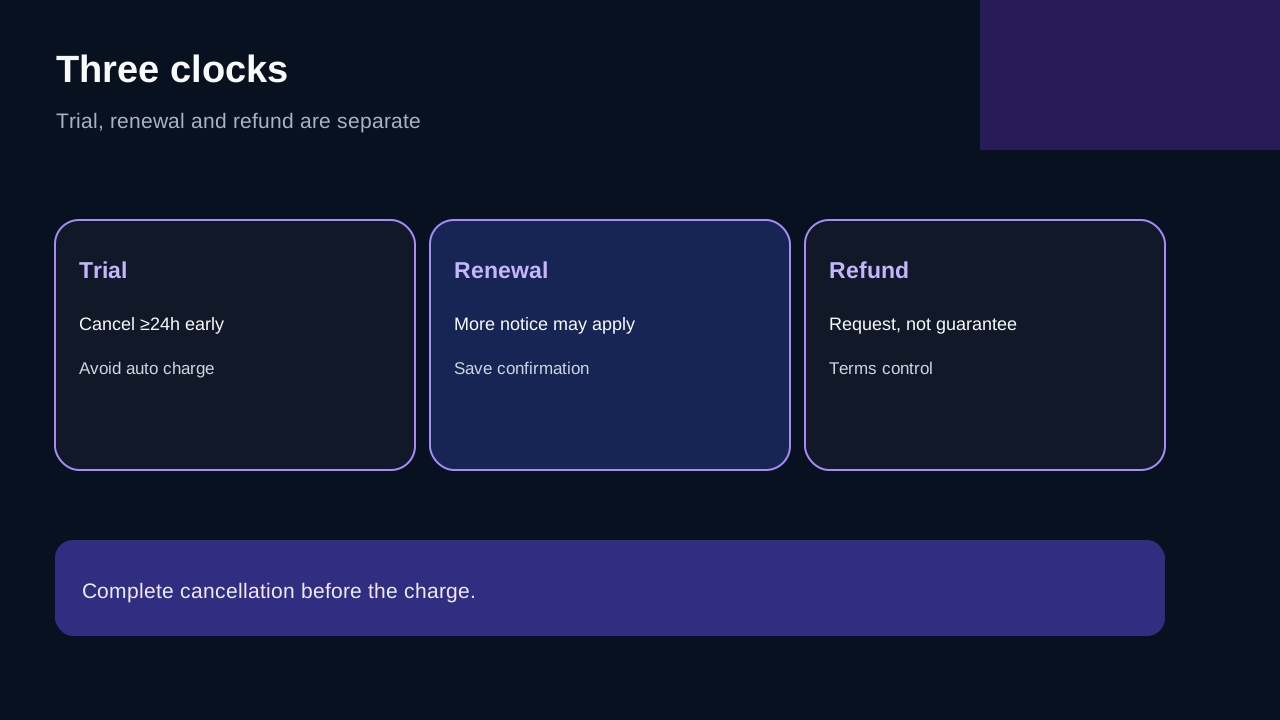
1. **Trial clock:** cancel at least 24 hours before trial end. 2. **Renewal clock:** after trial, the terms describe at least 10 days' notice for monthly or annual cancellation by email; a late request may still be charged. 3. **Refund clock:** help and review pages discuss a 30-day window, but the controlling terms contain stricter no-proration and no-refund language. Eligibility depends on the exact product, checkout and request.
Do not combine these into “44 risk-free days.” A refund request happens after money has left the account and still needs approval.
What cancellation actually requires
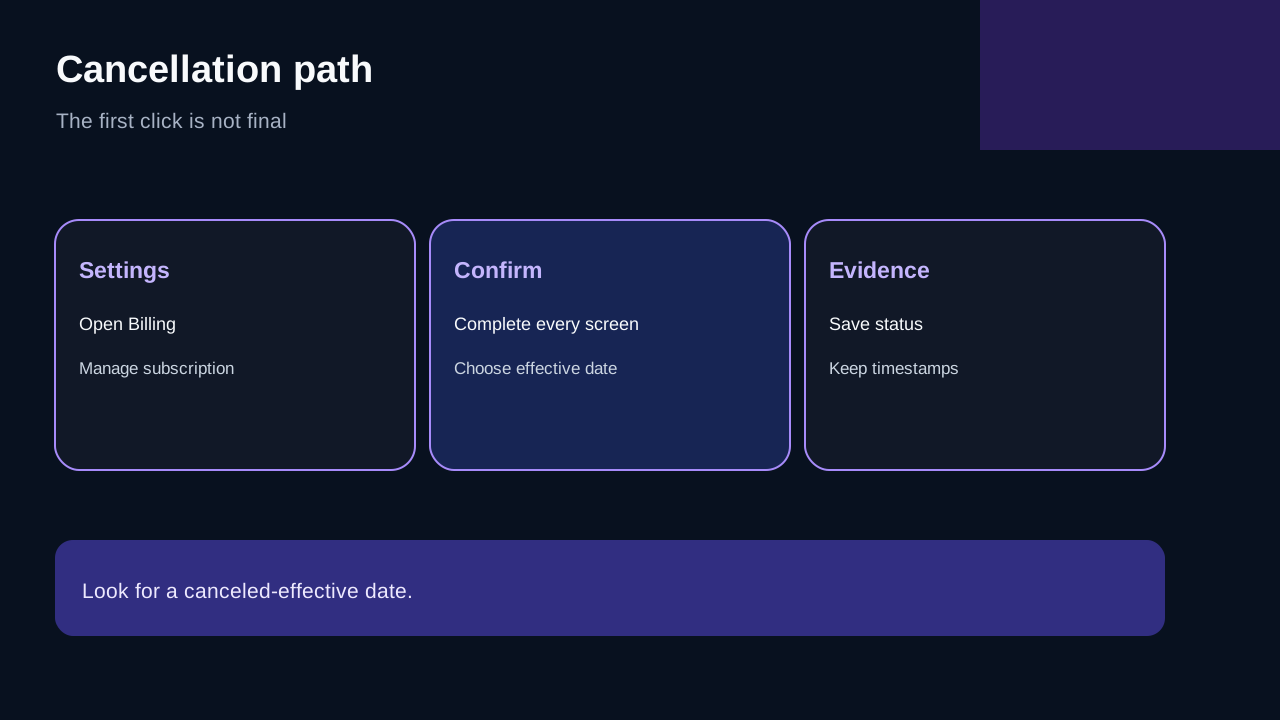
The help flow goes through Workspace Settings, Billing, Manage Subscription and several confirmations. Clicking the first “Cancel Subscription” control does not finish the process; the final confirmation must be submitted. The account should then show a canceled-effective date.
Save the checkout terms, the trial or renewal date and the final cancellation confirmation. If the interface fails, email support from the account address before the deadline and keep the timestamp.
The refund-policy conflict matters
Current sources do not tell one consistent story. ClickFunnels' help and several independent reviews describe a 30-day money-back guarantee, while the April 2025 terms say paid subscription periods are not prorated and annual early cancellation does not produce a cash refund. Another 2026 guide says refunds are unavailable.
Independent cancellation walk-throughs also repeat the need to finish cancellation before the deadline, but some describe partner-specific trial lengths. That reinforces one rule: trust the dates on your own checkout and account, not a generic review.
The safest treatment is conservative: the terms and your checkout receipt control; a support article explains how to request review but does not guarantee approval. Capture the refund statement attached to the specific Launch checkout. After a charge, contact support immediately rather than waiting for day 30.
A low-risk 14-day test plan
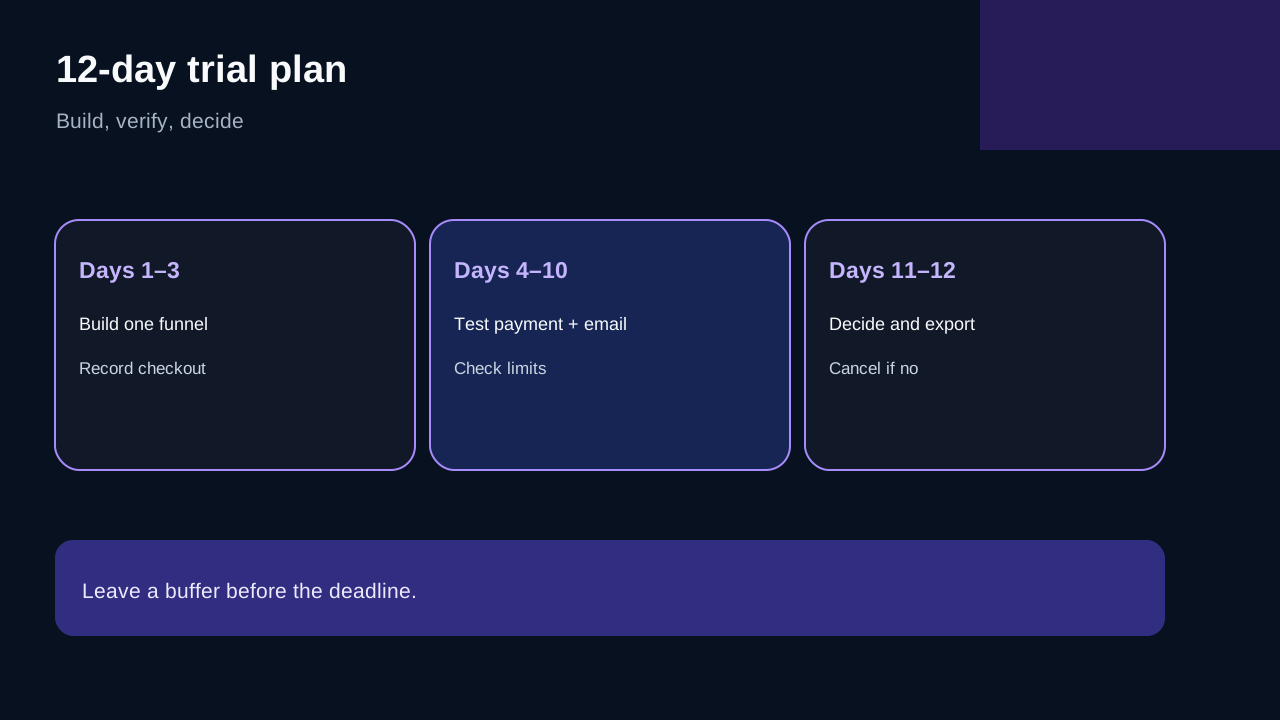
- **Days 1–3:** build one funnel and connect a test domain. - **Days 4–7:** connect payment in test mode and send an internal email sequence. - **Days 8–10:** invite the second team member and verify the Launch limits that matter. - **Day 11:** decide whether Launch fits; export key copy, contacts and assets. - **Day 12:** if the answer is no, complete cancellation and save confirmation.
That buffer protects against time-zone mistakes, support delays and an incomplete final screen.
Monthly or annual after the trial?
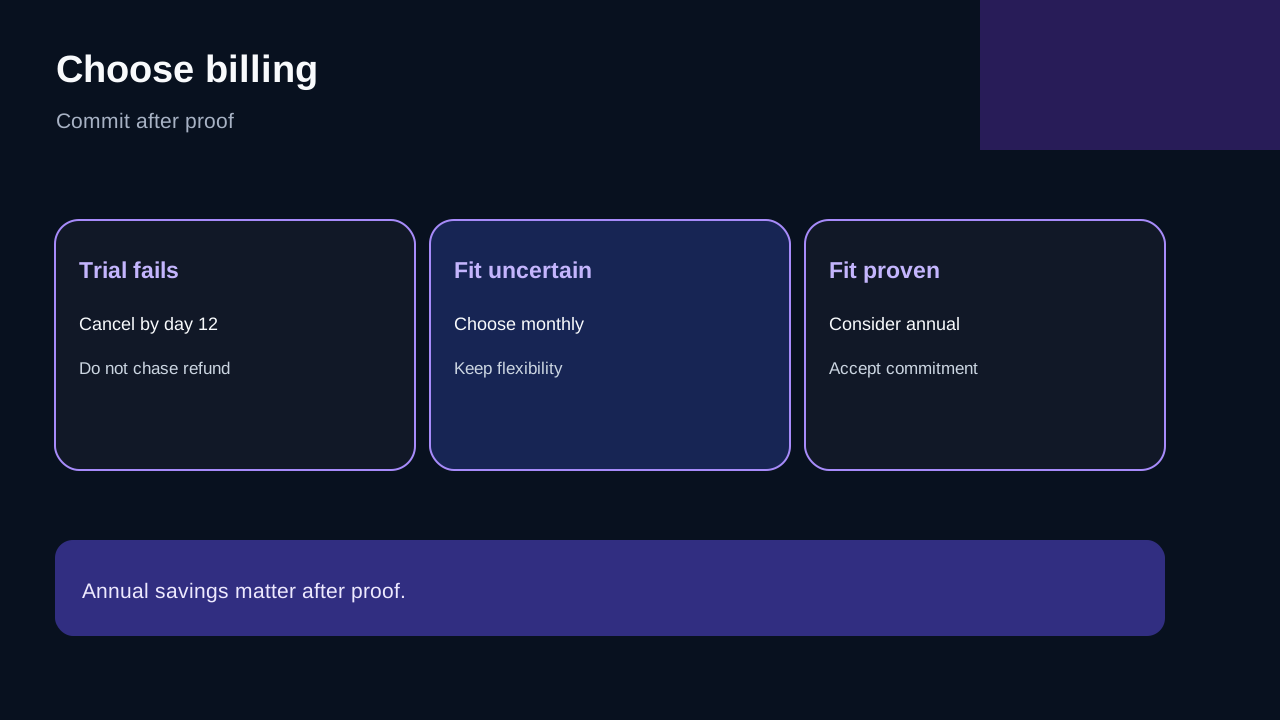
Choose monthly when the funnel is unproven, launch timing is uncertain or capacity still needs testing. Choose annual only when the workflow already works and the commitment is acceptable without assuming a refund. The headline discount is real only if you would otherwise keep paying for enough months.
If the trial proves fit, [view the approved ClickFunnels® Launch route](/go/clickfunnels-launch-annual-official-usd). Recheck live billing cadence, trial conversion, tax and refund language before payment.
Before Start Free Trial
1. Screenshot the selected plan and cadence. 2. Record the exact trial end and renewal date. 3. Set reminders at least 72 and 48 hours before expiry. 4. Test one end-to-end funnel by day 10. 5. Export anything you cannot afford to lose. 6. Complete every cancellation screen and keep confirmation. 7. Treat a refund as a support process, not the primary exit plan.
Final recommendation
Start only when you can test immediately. If Launch fails, cancel by day 12 rather than gambling on the last 24 hours. If it succeeds, use monthly while uncertainty remains and commit annually only after the economics work without relying on a refund.