TOOLNAVIA / BUYING GUIDE
ClickFunnels Payments AI vs Direct Stripe: Do Existing Subscriptions Move?
The short answer
At a glance
- Best for
- Teams already using Stripe that can test and support split subscription ownership before switching payment routes.
- Price model
- Launch reference: $97/month or $970/year; gateway fees vary.
- Check first
- Direct Stripe is on request; changing a default does not migrate existing Payments AI subscriptions; fees and payment methods vary.
Verdict
ClickFunnels® does not force every buyer to abandon Stripe, but the normal current setup is Stripe through Payments AI. A direct Stripe connection is documented as available on request through ClickFunnels Support. The decisive migration fact is less obvious: changing a workspace or funnel default to direct Stripe does not move subscriptions that were originally created through Payments AI. Those renewals stay on Payments AI, while new orders can follow the newly selected processor.
That split can be workable, but only if you are willing to operate two payment paths, reconcile two support surfaces, and test every subscription action you actually need. Do not buy ClickFunnels® on the assumption that “connect Stripe” means “all customers and subscriptions now live directly in Stripe.”
Two Stripe routes, different control planes
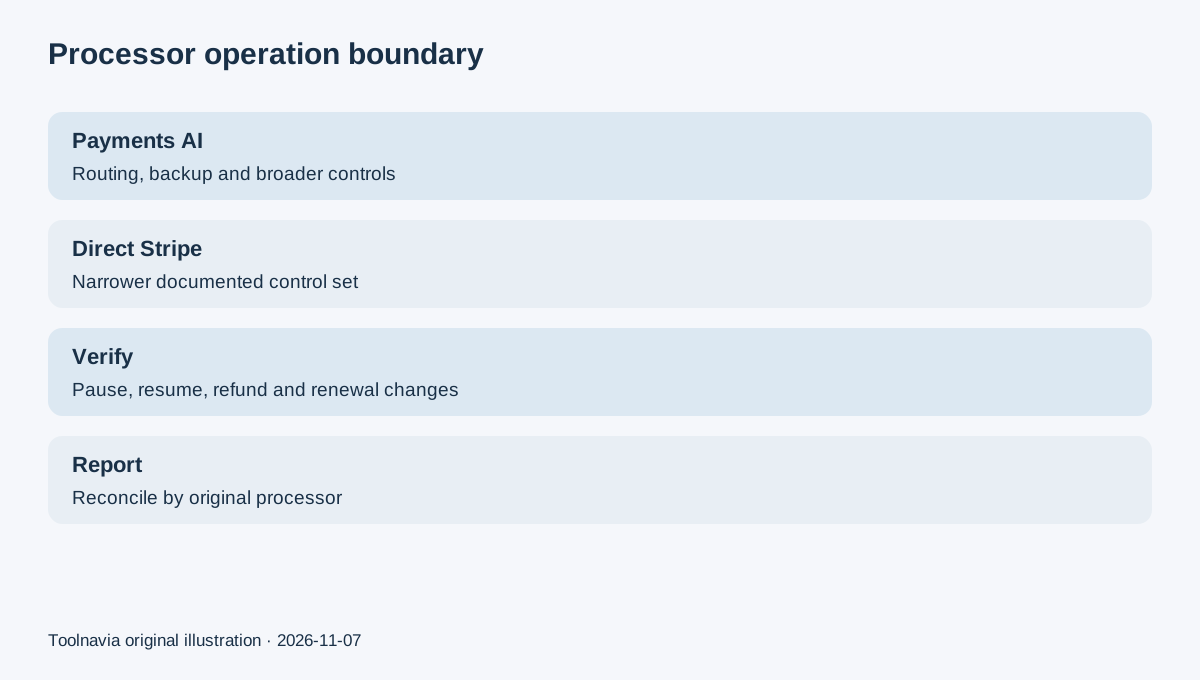
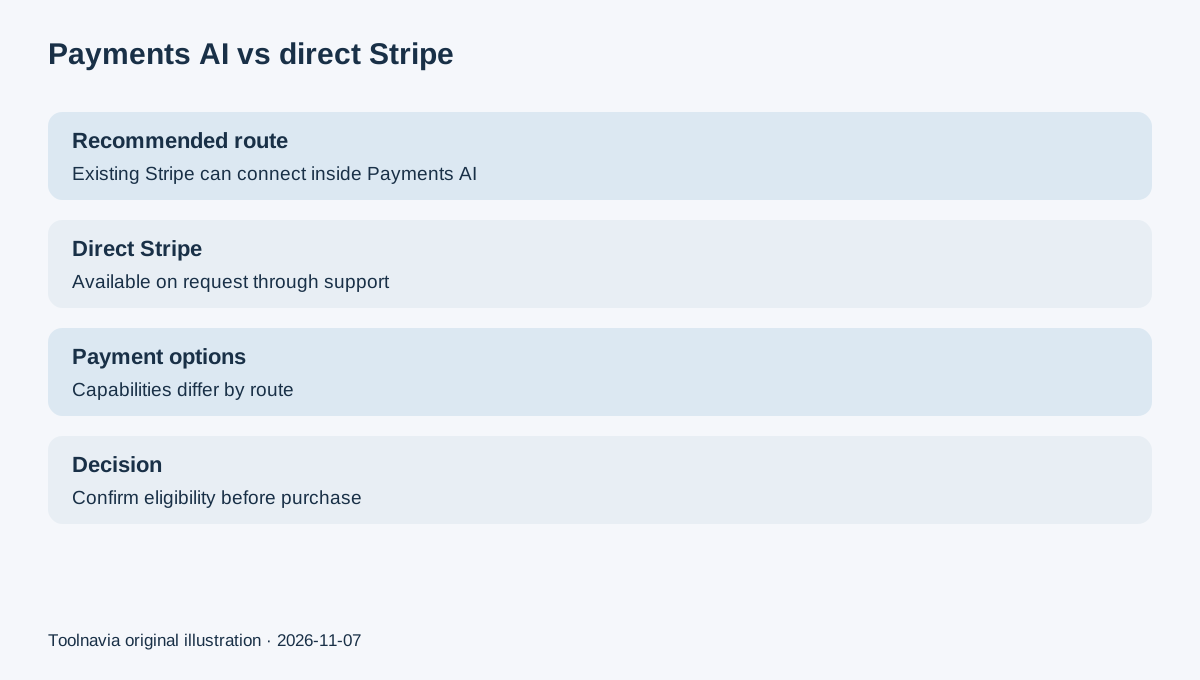
Payments AI is ClickFunnels®’ recommended route. You can connect an existing Stripe account inside it, add supported gateways, and use routing or backup behavior documented by Payments AI. Direct Stripe bypasses that orchestration layer, but current ClickFunnels® help says a new direct connection is on request. Existing direct connections may remain available.
The routes also expose different payment-method and checkout options. Current ClickFunnels® documentation lists Apple Pay for both routes, Google Pay for direct Stripe, and PayPal through Payments AI. It also reserves some settings—such as duplicate-subscription detection and certain checkout controls—for Payments AI. These are documentation findings, not a hands-on payment test, and availability can vary by account, country, currency, processor approval, and live configuration.
An older ClickFunnels® document says direct Stripe can be connected without contacting support. The newer 2026 help-center pages say it is on request, so this guide follows the current help center and tells buyers to confirm eligibility before purchase.
Existing subscriptions do not migrate automatically
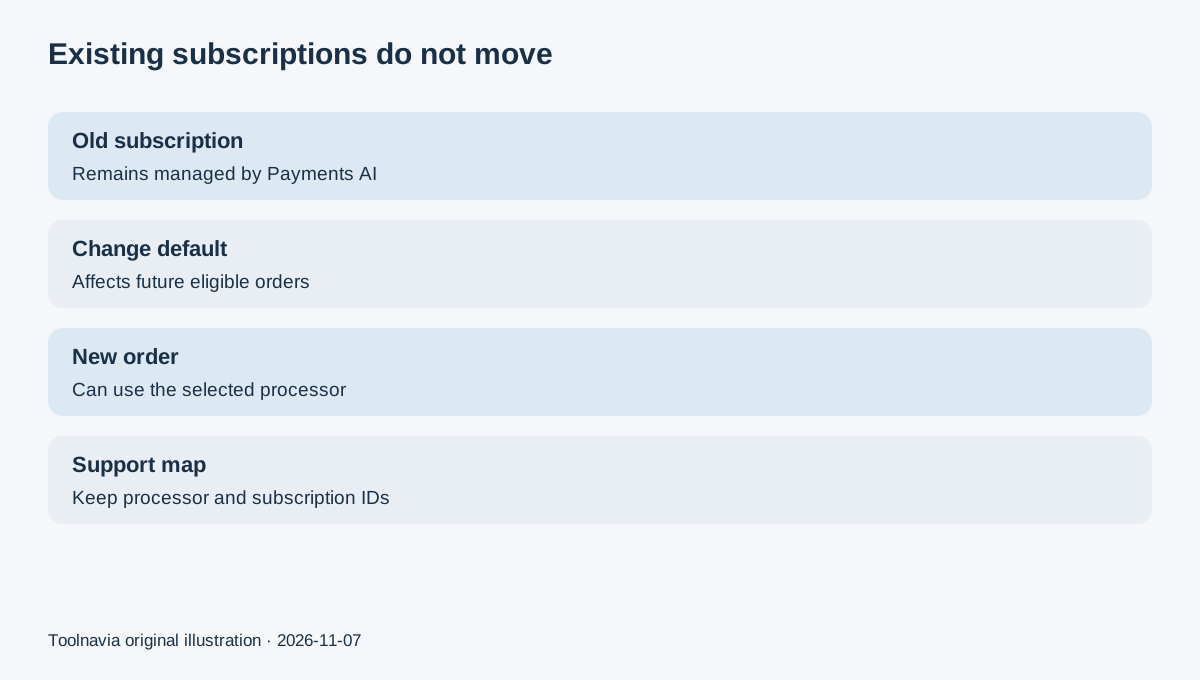
The current Stripe-gateway setup guide states that subscriptions first processed through Payments AI continue to be handled by Payments AI after the default processor is changed to Stripe. Changing the default selects a processor for future eligible orders; it is not a bulk migration tool.
This boundary is common in subscription commerce. Shopify documents a legacy secondary gateway that can continue billing existing subscription contracts while new payment processing changes, and HighLevel documents existing subscriptions continuing through their original Stripe or PayPal integrations after a different default gateway is selected. Those platforms are not proof of ClickFunnels® behavior, but they show why “new default” and “migrate stored recurring payment credentials” must be treated as separate projects.
Stripe’s own customer-portal documentation also separates customer payment-method updates, subscription cancellation, and duplicate-subscription prevention. A saved card or portal session does not by itself recreate a subscription under another platform’s orchestration layer.
The operational differences that matter
Before choosing a route, list the subscription operations your team performs after checkout. ClickFunnels® documents that pause, resume, renewal-date changes, early payment, backup payment methods, and some order-management actions vary by processor. Payments AI subscriptions can use backup payment methods; some operations are unavailable or handled differently for Stripe-processed orders.
The customer-support question is equally important. With a split estate, an agent must first identify which processor owns the subscription before changing a payment method, retrying a renewal, issuing a refund, or investigating a failed charge. Your reporting should preserve the original processor, gateway transaction ID, subscription ID, funnel/product, currency, tax/invoice path, and next renewal date. Otherwise the apparent simplicity of direct Stripe can turn into manual reconciliation.
Fees also need a live checkout check. ClickFunnels® says it does not add a platform processing percentage, while Stripe or another gateway still charges its own fees. Current ClickFunnels® help also distinguishes invoicing behavior for subscriptions and payment plans from one-time transactions. Tax, invoicing, processor, currency-conversion, and card fees can change, so this article does not calculate a universal cheaper route.
A safe pre-purchase migration test
Run a controlled test before changing a live default:
1. Ask ClickFunnels Support whether direct Stripe is enabled for your workspace and record the answer. 2. Create one test product for a one-time order and one for a recurring subscription. 3. Verify the intended payment methods, currency, receipt, invoice, tax, refund, cancellation, failed-payment, and customer-update flows. 4. Change the default only in a noncritical funnel first, then confirm which processor receives a new order. 5. Confirm that an existing Payments AI subscription still renews through Payments AI and remains manageable. 6. Export or document a processor map for support and finance before routing production traffic.
This is an acceptance checklist, not a claim that Toolnavia ran a live charge or migrated a subscriber. A buyer who cannot test both a new order and an existing renewal should pause rather than infer behavior from a dashboard label.
Price and approved offer boundary
The exact approved Toolnavia offer is ClickFunnels® Launch at the current official USD reference: $97 monthly or $970 annually, with the annual option saving $194 against twelve monthly payments. Pricing and plan capacity can change, and direct Stripe eligibility is not promised by the Launch checkout itself.
The approved referral in this article goes directly to the account-issued ClickFunnels® signup URL. It does not guarantee a discount, direct-Stripe approval, migration service, fee reduction, or a particular affiliate payout. Toolnavia may earn a commission from an eligible purchase, but our specific commission rate and payout readiness are not represented as verified.
Buy, pause, or skip
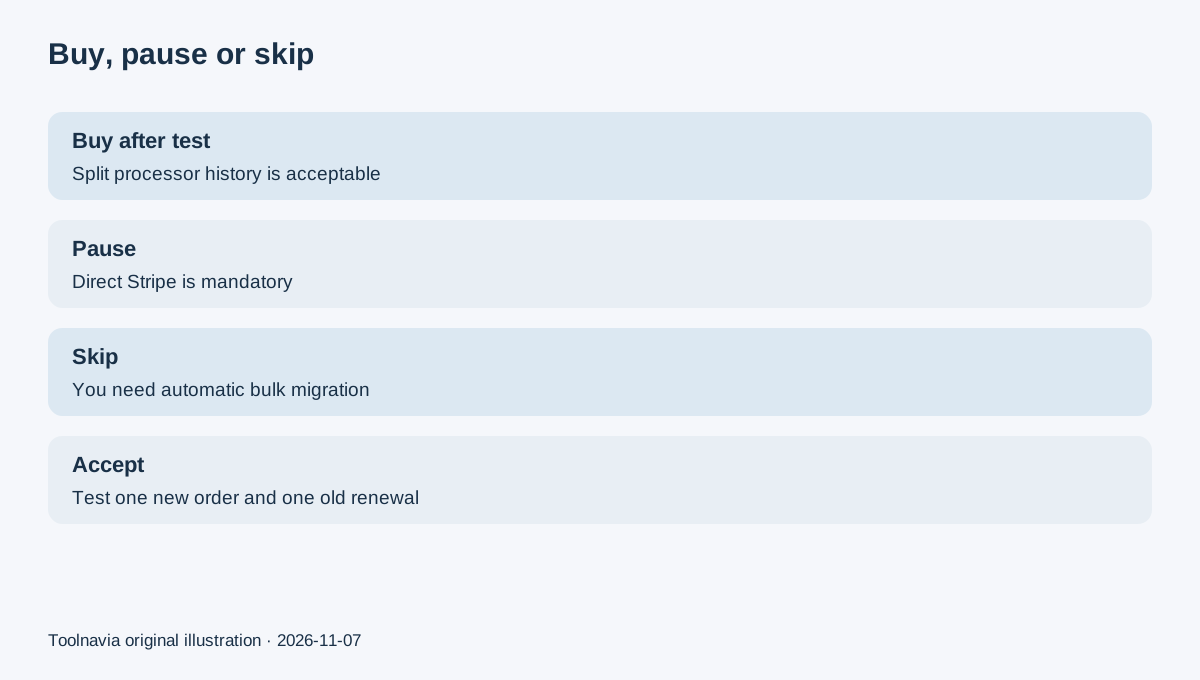
Buy after testing if you want ClickFunnels®’ funnel stack, accept Payments AI as the recommended route, and can operate a split processor history for existing versus new subscriptions. Pause if direct Stripe is mandatory, because current documentation says the connection is on request and gateway-specific operations differ. Skip if you require an automatic bulk migration of existing subscriptions into direct Stripe, a single processor record from day one, or a guaranteed fee advantage.
The most useful buying question is not “Does ClickFunnels® support Stripe?” It is “Which system will own each existing and future subscription, and can our team support both paths without losing billing context?”