TOOLNAVIA / BUYING GUIDE
WPX Starter vs Powerstore: Is WooCommerce Worth $680 More?
The short answer
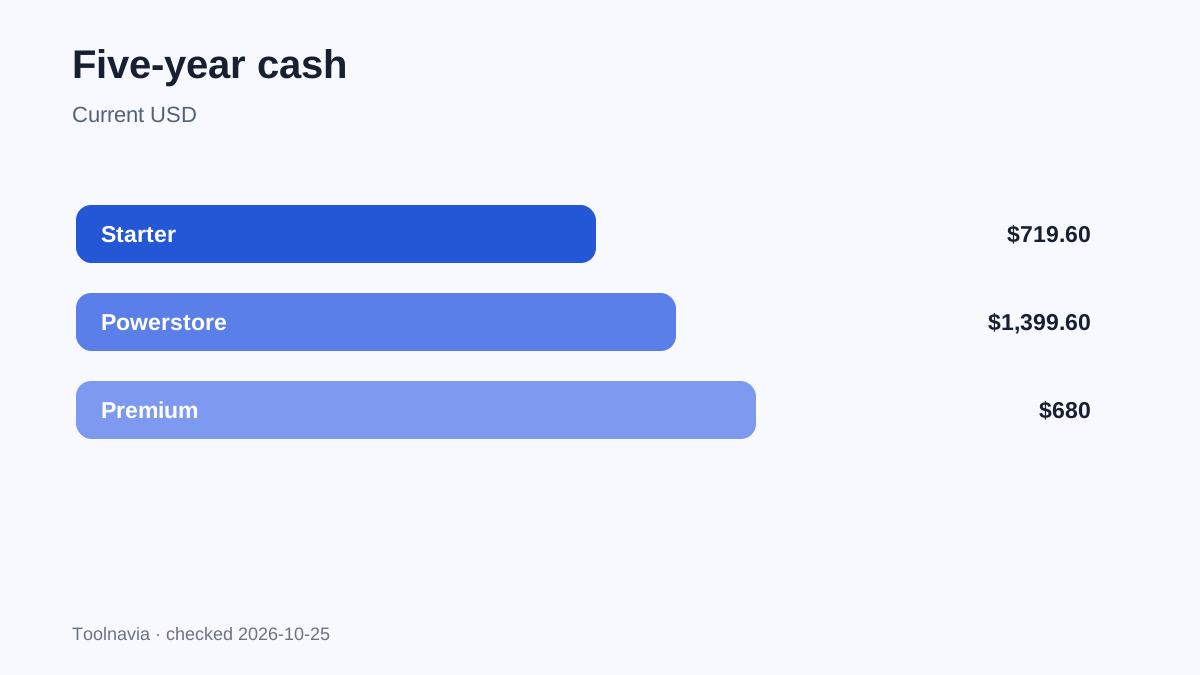
WPX Starter and Powerstore both host one website, but they are not the same one-site product. Starter is the lowest-cost managed WordPress plan: 10GB storage, 100GB bandwidth, 3GB RAM, 0.5 CPU core and 9 PHP workers. Powerstore is a WooCommerce plan: 20GB storage, 400GB bandwidth, 8GB RAM, 2 CPU cores, 10 PHP workers, Redis and WooCommerce optimization. At the current five-year prices, that specialization costs $680 more—$1,399.60 versus $719.60.
Affiliate disclosure: Toolnavia may earn a commission from qualifying WPX purchases through approved internal links. The unconfirmed TOOLNAVIA promo code is not presented as active.
At a glance
- Best for
- One-site buyers choosing ordinary WordPress or a revenue-critical WooCommerce workload.
- Price model
- $719.60 vs $1,399.60 prepaid five years
- Check first
- Published resources do not guarantee performance; test an identical store before long prepayment.
Verdict: buy for workload, not the shared one-site label
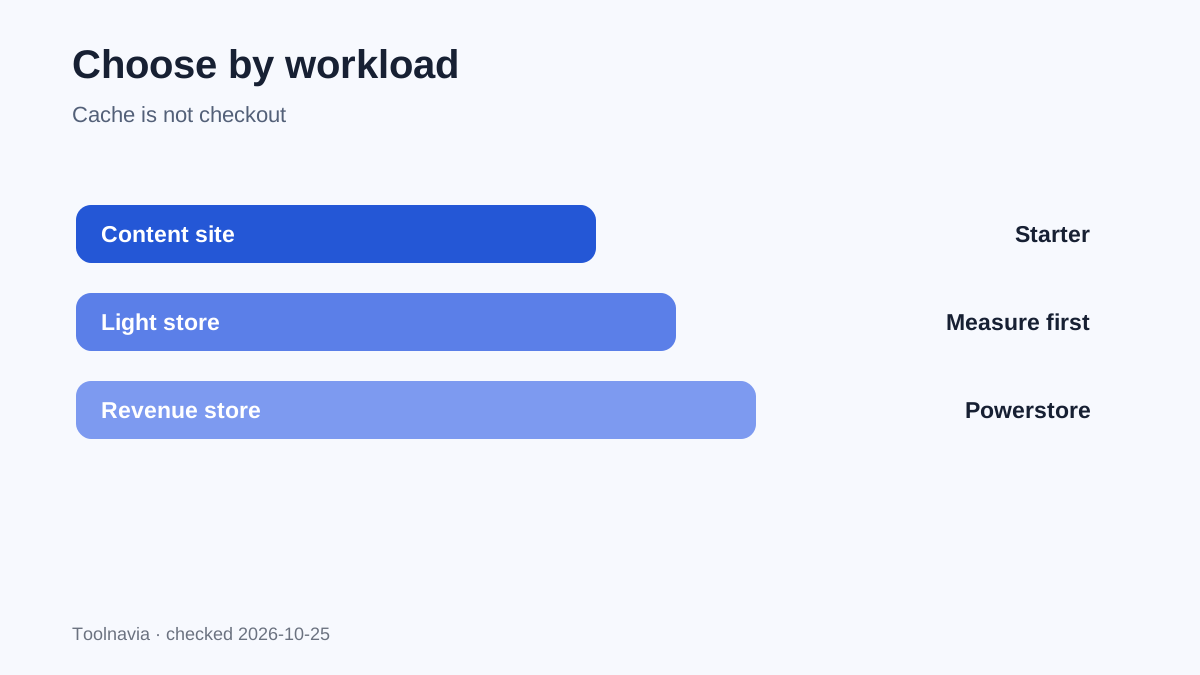
Choose Starter for one primarily informational WordPress site when measured disk, transfer and CPU demand fit the smaller envelope. Choose Powerstore when one WooCommerce store produces meaningful revenue and uncached cart, checkout, account, search or scheduled-job work justifies more CPU, RAM and transfer. The extra spend buys capacity and ecommerce configuration; it does not guarantee a fixed speed gain.
Current price difference: $680 for five years
The official surface shows Starter at an $11.99 monthly equivalent when $719.60 is prepaid for five years. Powerstore is $23.33 monthly equivalent when $1,399.60 is prepaid for five years. The five-year cash gap is $680, or about $11.33 per prepaid month. Month-to-month reference prices are $17.99 for Starter and $34.99 for Powerstore, a $17 gap. Independent trackers reproduce those figures, but some label the monthly list price as the starting price while the official page leads with the five-year equivalent. This article keeps the billing bases separate.
The same site count hides a fourfold CPU difference
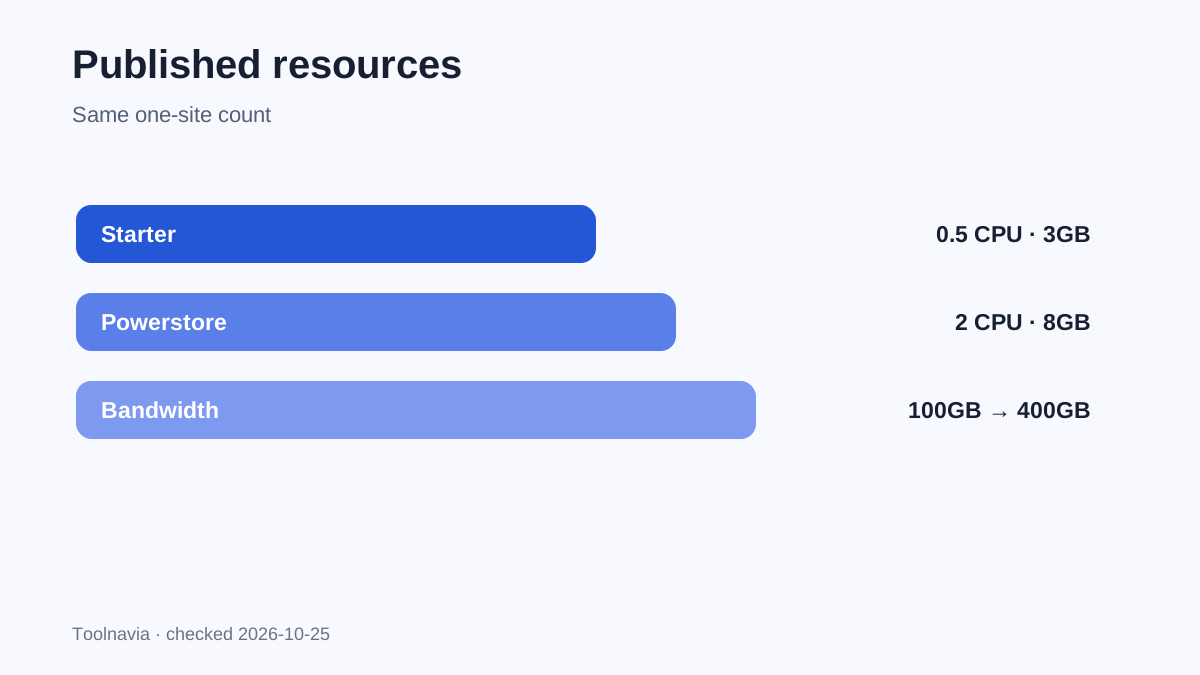
Both allow one website. Starter publishes 0.5 CPU core and 3GB RAM; Powerstore publishes 2 CPU cores and 8GB RAM. That is four times the CPU allocation and 2.67 times the RAM, but it is not evidence that every page loads four times faster. Cached pages, plugin code, database work, external APIs and traffic shape all affect the result.
Powerstore matters most for dynamic work that cannot be served as a simple cached page: simultaneous checkouts, logged-in accounts, product filtering, inventory updates, subscription renewals and WooCommerce Action Scheduler jobs. Measure these paths rather than relying only on a homepage score.
Storage doubles; bandwidth quadruples
Starter lists 10GB storage and 100GB bandwidth. Powerstore lists 20GB and 400GB. A content site with compressed images can stay within Starter. A large catalog or downloadable files can consume 10GB or 100GB much sooner.
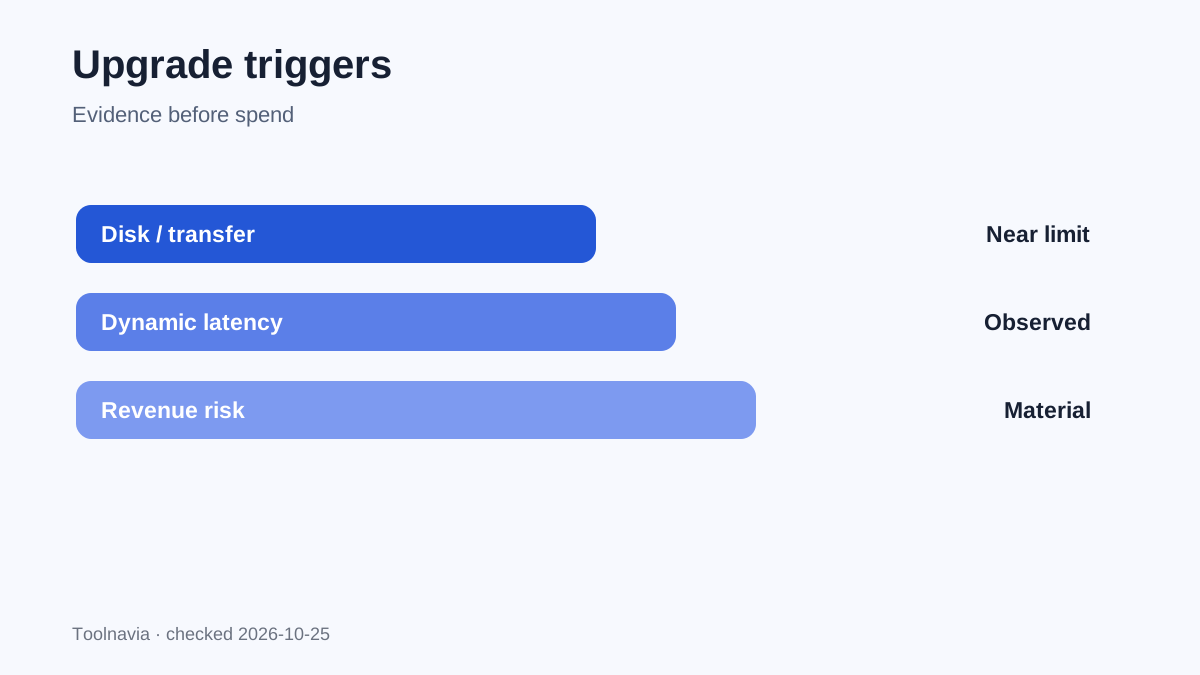
Do not upgrade merely because the numbers look safer. Check disk use, monthly transfer, backup growth and the next 12 months of catalog expansion. If storage is the only pressure, cleanup or external media may be cheaper.
PHP workers rise from 9 to 10
Starter lists 9 PHP workers and Powerstore 10. The small change prevents a simplistic “four times everything” claim. Powerstore combines a slightly larger worker pool with much more CPU, RAM, bandwidth and WooCommerce configuration. Real concurrency still depends on how long each request occupies a worker.
A slow payment gateway or heavy plugin can hold a worker even with spare CPU. Before a long commitment, test cart updates, checkout, account pages and admin actions under realistic concurrency.
Redis and WooCommerce optimization are the product boundary
WPX says its WooCommerce plans were created because normal WordPress plans sometimes did not provide enough CPU for growing stores. Powerstore adds Redis and is explicitly optimized for WooCommerce. WPX describes the difference as fewer sites with more resources for high-traffic periods.
A brochure site with a tiny shop does not automatically need Powerstore. A store whose revenue depends on dynamic transactions has a stronger reason to pay—even though both plans say one website.
The managed-service baseline is largely shared
The current surface lists CDN, SSL, daily backups, malware removal, migration, Fixed For You and 24/7 support across the service. Powerstore additionally lists business email and ecommerce features. The $680 decision is therefore capacity and specialization inside the same managed provider, not managed versus unmanaged.
Practical upgrade checklist
Stay on Starter when the site is mainly content or lead generation; disk is well below 10GB and transfer below 100GB; CPU alerts and uncached queues are absent; store revenue is still unproven; and preserving cash matters more than spare capacity.
Choose Powerstore when WooCommerce is the revenue center; cart, checkout, account or scheduled-job latency appears under real demand; the catalog approaches 10GB or transfer approaches 100GB; the larger CPU/RAM/bandwidth and Redis solve a measured problem; and $680 is small relative to sales risk.
Test before the long commitment
WPX advertises a 30-day money-back window. Migrate a copy, replay checkout flows, verify payment and email integrations, inspect slow queries and confirm backups. Use a shorter term while fit is unproven; a cheap five-year equivalent is not a reason to prepay before workload fit is known.
Independent evidence is not unanimous. One recent test-focused review reports strong cached WordPress results but weaker uncached transaction behavior. That does not invalidate Powerstore’s published resources; it reinforces the need for an identical-store test instead of treating resource numbers as a benchmark.
**Bottom line.** Starter is rational when ordinary WordPress work fits the smaller limits. Powerstore is rational when WooCommerce transactions are material and the extra $680 buys capacity you can use. If you cannot name the workload, revenue risk or near-term limit the upgrade solves, keep the cash.