TOOLNAVIA / BUYING GUIDE
Verpex Bronze Email Limit: Can 100 per Hour Handle WooCommerce?
The short answer
Verpex Bronze can create **unlimited email accounts**, but the current plan table also lists an **hourly sending limit of 100**. Those statements describe different resources: mailbox count is not outbound throughput. For a brochure site that sends password resets and contact replies, the limit may be comfortable. For a WooCommerce store, the purchasing question is whether a short order burst can crowd out receipts, admin notices and password emails.
At a glance
- Best for
- One-site buyers with modest transactional email volume.
- Price model
- 100 sends/hour published; $6/month renewal reference
- Check first
- Counting unit is not publicly defined; excessive mail may be queued, rejected or blocked.
What “100 per hour” actually tells you
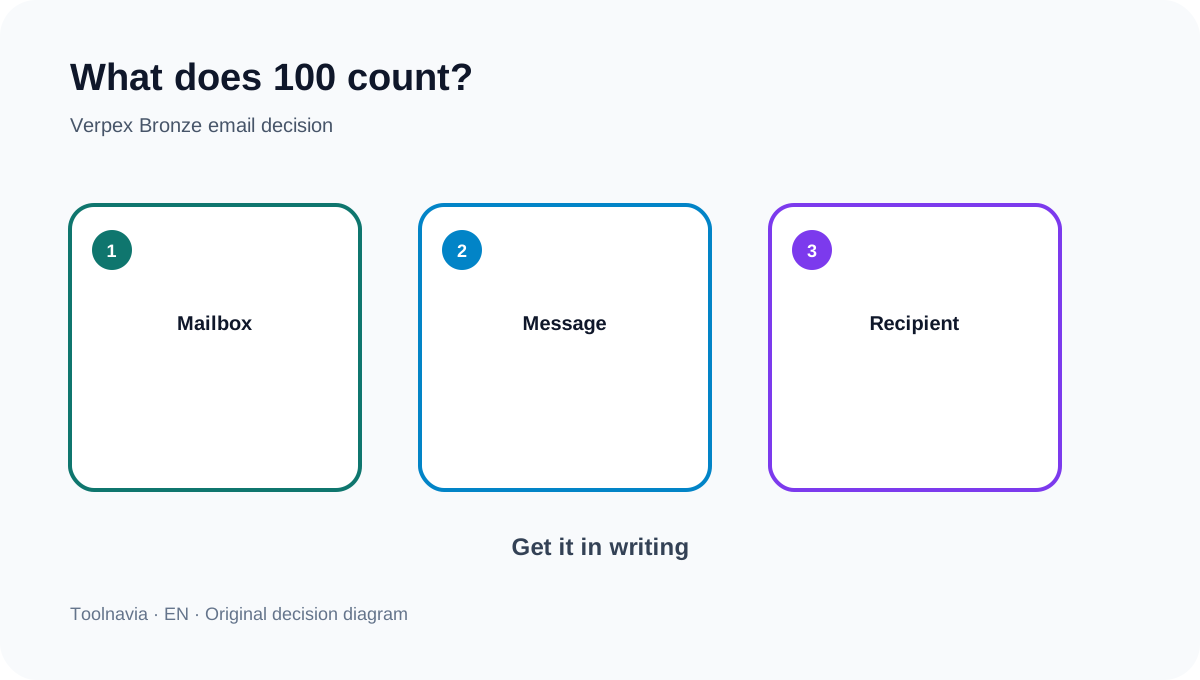
The official tables publish the number 100, but they do not clearly say whether it is counted per mailbox, domain, cPanel account, sender, message submission or recipient. An independent review calls it 100 messages per hour, while a separate plan record leaves daily and external-mail details unspecified. Treat 100 as an account-planning ceiling, not permission to multiply it by every mailbox. Ask Verpex for the exact counting unit in writing if email is revenue-critical.
This uncertainty matters more than a neat calculator. A message sent to two recipients may be one submission or two counted recipients depending on the mail system. The public Verpex text does not settle that distinction, so this guide does not claim a guaranteed order capacity.
Unlimited mailboxes do not multiply capacity
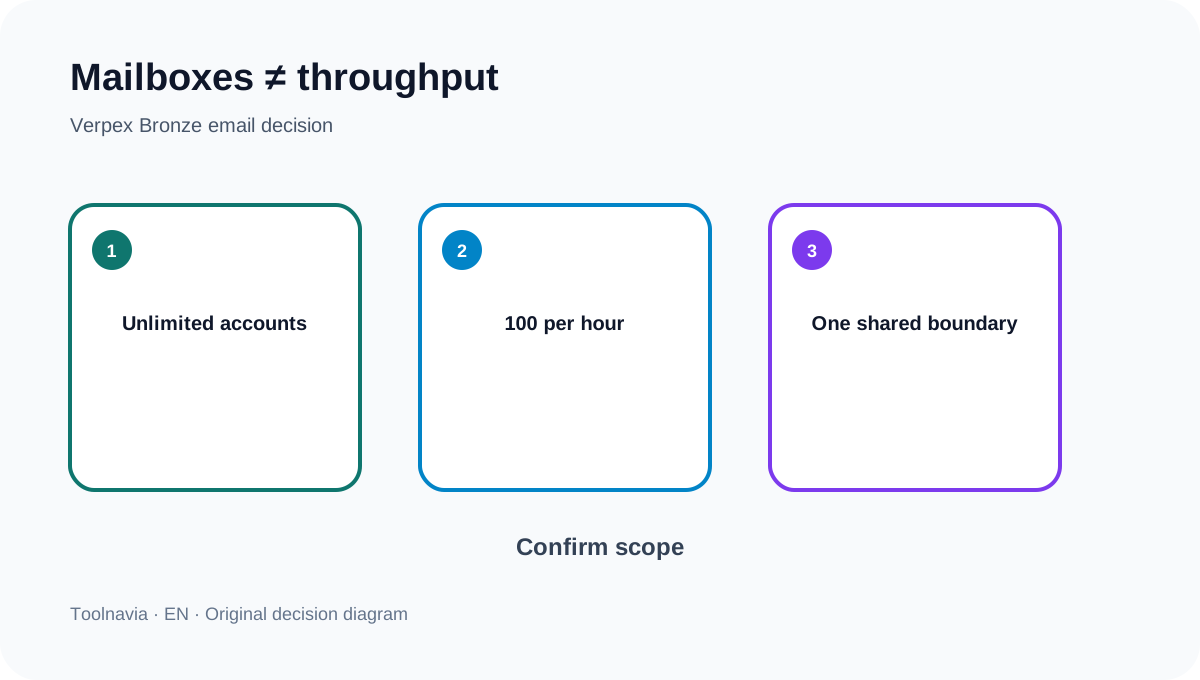
Creating sales@, support@ and orders@ can separate workflows, but it does not prove that each address receives its own 100-send allowance. The safer operating assumption is one shared hosting boundary until support confirms otherwise. Verpex shows the same 100 figure across Bronze, Silver and Gold on the current table, so an upgrade should not be sold as an automatic mail-throughput increase.
Use mailboxes for organization, not for limit avoidance. Rotating senders to evade a provider cap can create compliance and reputation problems.
Model WooCommerce bursts—not just daily averages
WooCommerce transactional email can include a customer confirmation, an admin new-order alert, password resets, refund notices and status updates. WooCommerce's own documentation says transactional messages count against the connected provider's volume and recipient allowances. Its SMTP documentation recommends an authenticated provider and logs so failures are observable.
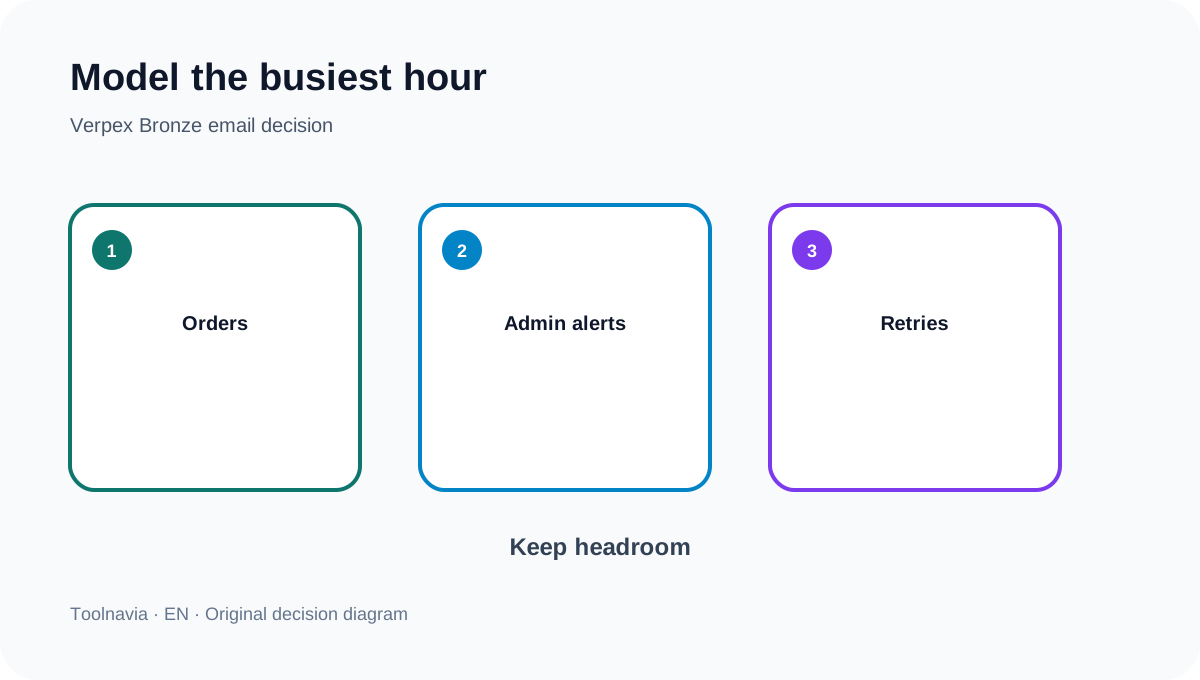
A simple illustration: if a store generates two message submissions for each order, 40 orders in a concentrated hour could create about 80 submissions before password resets, support replies or retries. That is not a Verpex counting promise; it is a stress-test scenario. Model your busiest hour, include retries and recipient copies, then keep headroom.
The AUP can queue, reject or block mail
Verpex describes hosted SMTP as suitable for day-to-day communication, applies reasonable sending limits and scans outbound traffic. Its acceptable-use policy says excessive messages may be queued internally, temporarily rejected or blocked, and unsolicited bulk mail is prohibited. That means “the website generated the email” is not the same as “the provider accepted and delivered it.”
Do not use Bronze shared SMTP for newsletters or list blasts. Queueing can delay an order receipt; rejection can make a WordPress plugin retry; blocking can create a silent business incident if nobody watches logs.
Build a measurable mail path
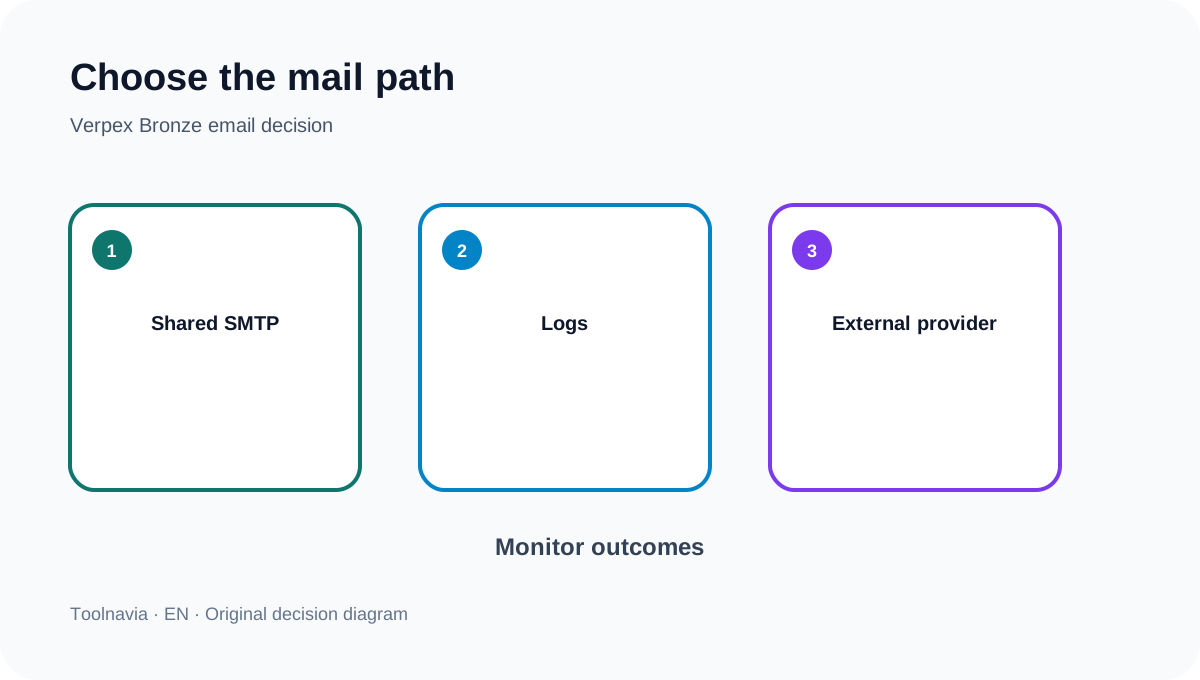
First, authenticate the sending domain with the records required by the chosen mail service. Second, send WooCommerce through a documented SMTP/API connector. Third, retain message logs with timestamp, recipient domain, provider response and retry result. WooCommerce's logging guidance makes this separation practical.
Authentication and logs improve diagnosis, but they do not guarantee inbox placement. Recipient filtering, domain reputation, complaint rates and provider policy still matter. Microsoft similarly distinguishes ordinary outbound safeguards from purpose-built bulk delivery and recommends a specialized service for high-volume mail.
When external transactional email earns its cost
Move order-critical mail away from shared-host SMTP before regular bursts approach the public limit, when retries cannot be tolerated, or when the business needs provider-level logs, suppression handling and independent scaling. WPMU DEV's hosting guidance uses the same operational pattern: monitored host quotas can trigger temporary blocking, while external SMTP or a transactional provider carries routine higher volume.
External mail does not remove Verpex's AUP from other account activity, and it does not guarantee delivery. It separates website hosting capacity from the service that accepts and reports transactional messages.
Buy Bronze only if the boundary fits
Bronze remains a one-site plan with 30GB NVMe, 1GB memory, 1 vCPU, daily backups and a displayed $6/month renewal reference; checkout and regional terms control the purchase. It is a reasonable fit when site traffic and transactional mail are modest, the team monitors failures, and a burst below 100 leaves margin.
It is a poor fit when the store depends on an undocumented multiplication of 100 by mailbox count, sends newsletters through cPanel, or cannot tolerate queued/rejected receipts. Before purchase, ask one exact question: “For Bronze, is the 100-per-hour limit counted per cPanel account, mailbox, message submission or recipient, and what happens after the threshold?” Save the answer.
Affiliate disclosure: Toolnavia may earn a commission through the eligible Verpex route. That does not change the conservative interpretation of the public 100-per-hour table or the AUP.