TOOLNAVIA / BUYING GUIDE
Canceling UltaHost VPS Basic: Refund Rules and a Safe Server Exit
The short answer
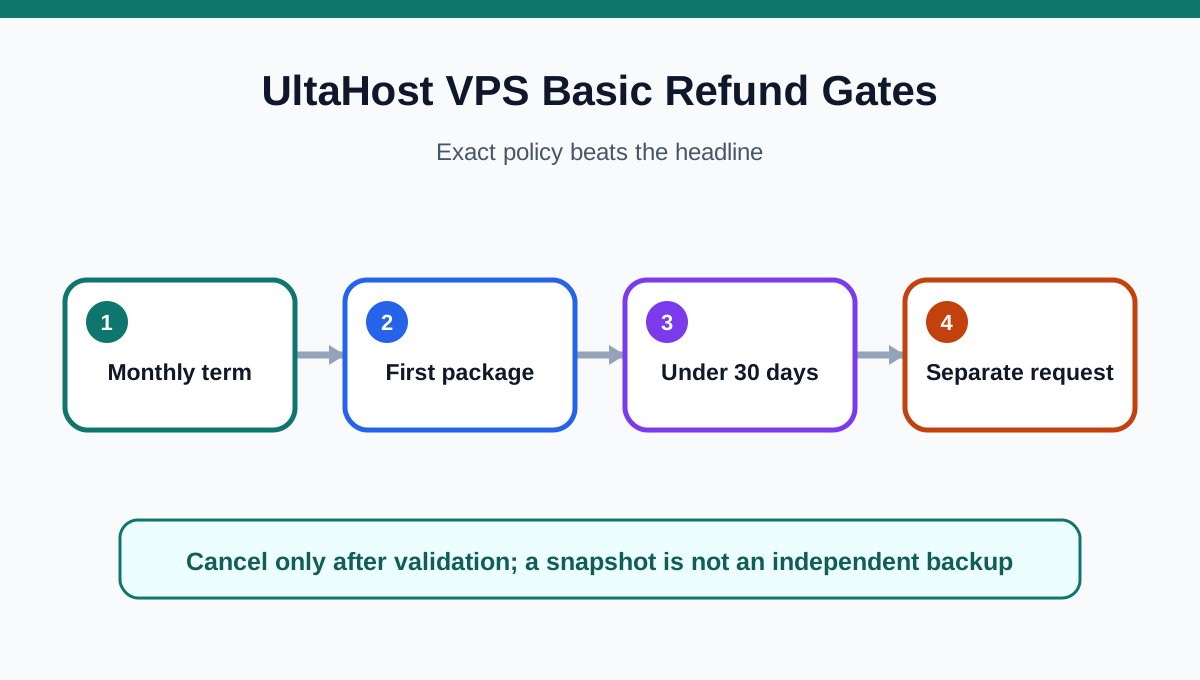
Canceling UltaHost VPS Basic is a server-exit project, not a single billing click. The safe order is to separate cancellation from refund eligibility, inventory the whole server, create independent copies, prove the destination works, move live traffic, and only then close the service. UltaHost's headline “30-day money-back” language is narrower in the detailed policy: monthly Linux or Windows VPS service may qualify only for a first package on an account under 30 days, while yearly, biennial and triennial VPS plans are excluded.
At a glance
- Best for
- UltaHost VPS Basic buyers who need a refund-aware, restore-tested whole-server exit plan.
- Price model
- Monthly VPS may qualify only under exact first-package and 30-day policy gates
- Check first
- Only UltaHost can approve a specific refund; provider snapshots do not prove portable recovery.
1. Cancellation, refund and shutdown are different decisions
A valid cancellation request must go through the UltaHost Client Area. Cancellation does not automatically issue a refund, and the refund request must be made before the account is closed. Treat four actions separately: stop future renewal, preserve evidence for a refund request, migrate workloads, and terminate the source VPS. Domains, SSL certificates and control-panel licenses can have separate or nonrefundable treatment; cryptocurrency payments are not refundable under the published policy. Never delete the server simply because a ticket has been opened.
2. Check the billing term before assuming a refund
For VPS Basic, the decisive facts are the billing term, whether this is the first package, and the account age. A monthly first package inside the initial 30-day window may qualify; an annual, two-year or three-year VPS does not qualify under the detailed VPS clause. Save the invoice, order date, selected term, the dated refund page and the cancellation confirmation. Ask support to confirm eligibility in writing before treating any expected refund as cash. “Cancel anytime” describes the ability to end service, not a guaranteed refund outcome; independent current reviews likewise direct users back to the detailed policy and Client Area request.
3. Inventory the server, not only the websites
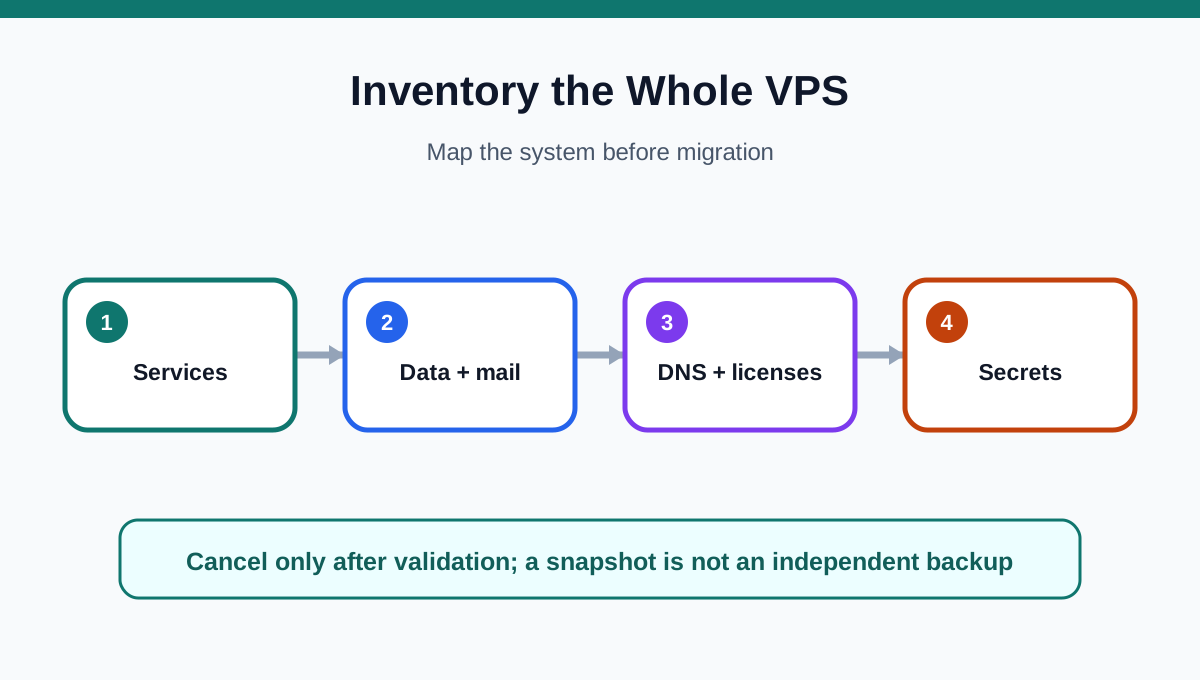
A VPS exit must record more than files. Build an inventory of public and private IPs, domains, DNS owner and zone records, reverse DNS, websites, databases, database users, mailboxes, SMTP relays, TLS certificates, SSH keys, system users, firewall rules, open ports, systemd services, containers, mounts, cron jobs, runtime versions, API keys, webhooks, allowlists and control-panel licenses. Mark which items contain secrets and rotate those secrets after cutover. If cPanel or another panel is installed, record its account list and license state separately because the panel may not move with the VPS.
4. Build independent backups and a rollback point
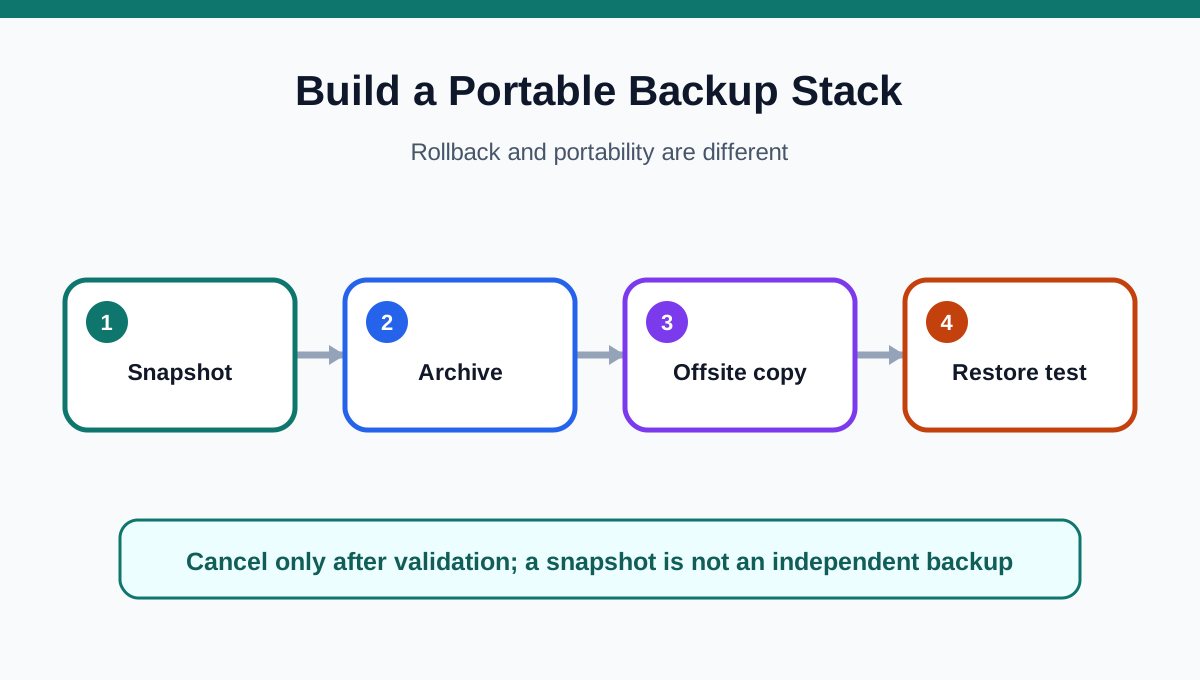
Take an UltaHost snapshot before major migration work, but do not confuse the snapshot with an exit archive: it remains provider-side and is designed for rollback. Create portable copies you control: rsync or archive file trees, dump every database, export panel accounts where applicable, save mail and DNS records, and store configuration files plus package and service inventories off the VPS. Encrypt the archive, verify checksums and perform a restore test. A backup that has never been restored is only a hope, not an exit plan.
5. Rebuild and test the destination before DNS changes
Match the destination OS, architecture, control panel and runtime versions closely enough for the application to start. Restore into a private address or staging hostname, then test authentication, write paths, database migrations, scheduled jobs, mail delivery, certificates, forms, webhooks and external allowlists. If using cPanel, confirm that the destination has the privileges and license required for transfer or restore, and resolve account-name or IP conflicts before the final copy. Do not point production DNS at an untested server.
6. Perform a controlled final sync and cutover
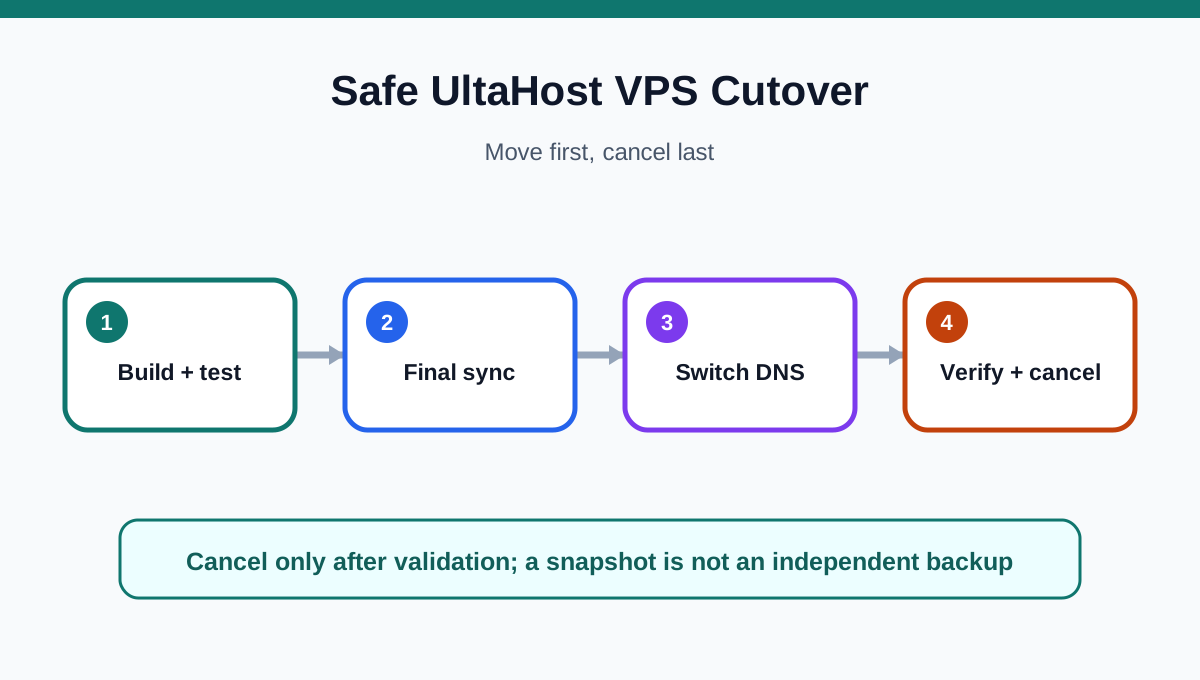
Lower DNS TTLs in advance when practical, pause or control writes, take a final database dump and file sync, then change DNS and any reverse-DNS or API allowlists. Monitor both servers while caches expire. Check HTTPS, forms, queues, cron jobs, backups, outbound mail and inbound delivery from outside the new network. Keep the old VPS available until new writes land only on the destination and at least one independent destination backup has completed successfully.
7. Cancel only after the exit is proven
The go/no-go rule is simple: cancel only when the destination serves production traffic, data and mail have been reconciled, jobs and integrations run, secrets have been rotated, and the new backup can be restored. Submit the Client Area cancellation request, save its confirmation, and if eligible submit the refund request before account closure. Remove obsolete DNS records and revoke old keys only after the source is no longer needed. Buyers who want to inspect the exact approved VPS Basic offer can use Toolnavia's current offer route; it does not promise a coupon, refund or migration outcome.