TOOLNAVIA / BUYING GUIDE
Cloudways Premium 1GB Staging Guide 2026: When $14 Is Enough
The short answer
**Quick answer:** Cloudways Premium 1GB is strongest as a **temporary staging or testing server**, not the default production tier. It costs **$14/month or $0.0208/hour**, and Cloudways explicitly recommends **2GB or larger for live sites**.
At a glance
- Best for
- Short-lived managed staging, migration rehearsal and QA environments.
- Price model
- $14/month cap or $0.0208/hour; backups $0.033/GB
- Check first
- Cloudways says 1GB is primarily for testing/staging and recommends 2GB+ for live sites; backups are separate.
What the $14 plan actually is
Premium 1GB currently includes **1GB RAM, 1 vCPU, 25GB NVMe and 1TB transfer**. The provider-specific DigitalOcean table independently confirms the same 1GB/1-core/25GB/1TB shape.
Cloudways describes Premium droplets as using NVMe storage and newer/faster CPU hardware than Standard, but the defining limit here is still memory: only 1GB RAM.
That makes it a useful managed environment for controlled testing, not a reason to force a busy production workload into the cheapest Premium size.
Hourly billing makes short staging runs inexpensive
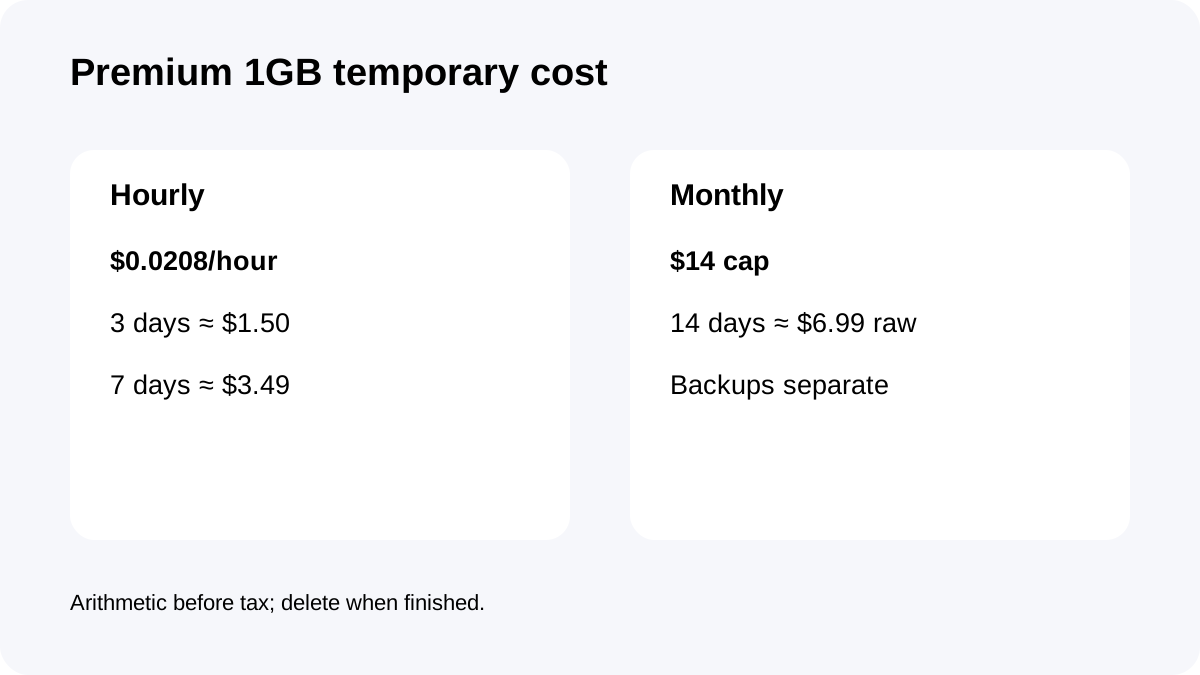
The server is listed at **$0.0208/hour** with a $14 monthly cap.
At that hourly reference, three continuous days are roughly **$1.50**, seven days roughly **$3.49**, and fourteen days roughly **$6.99**, before tax. Those are simple 24-hour arithmetic examples, not fixed packages.
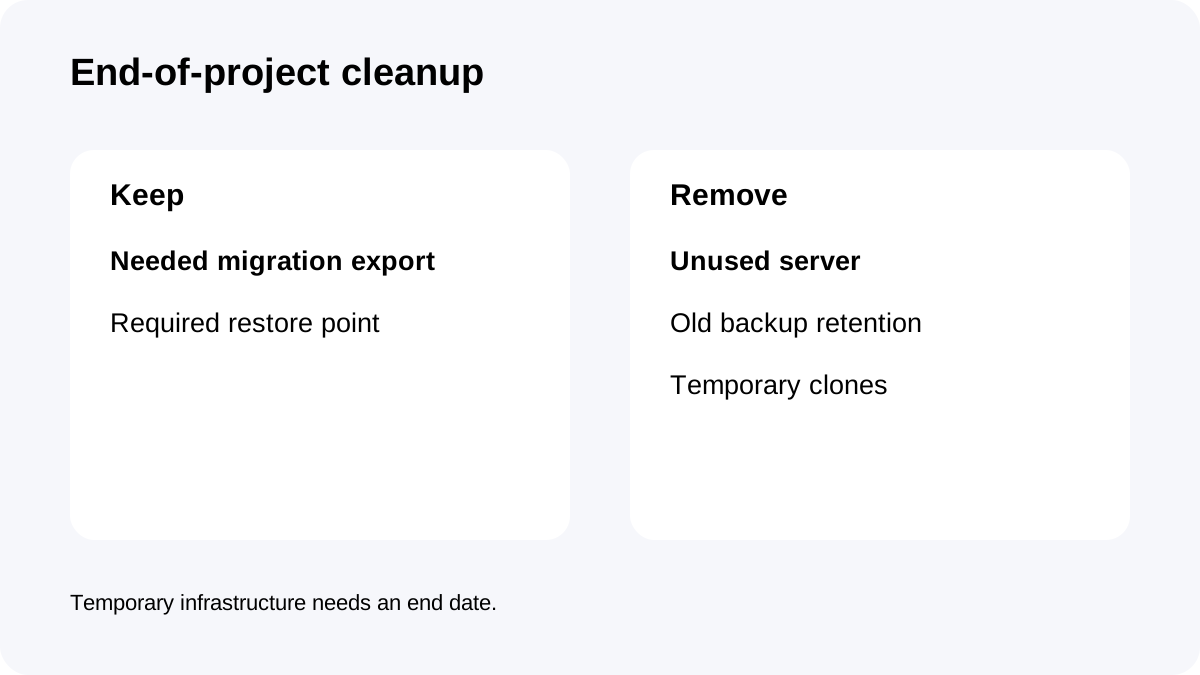
The economics are attractive only if the server is genuinely temporary. Create it for a defined test, finish the acceptance work, export anything needed and delete it rather than leaving a forgotten environment running for months.
Cloudways itself says 1GB is mainly for staging/testing
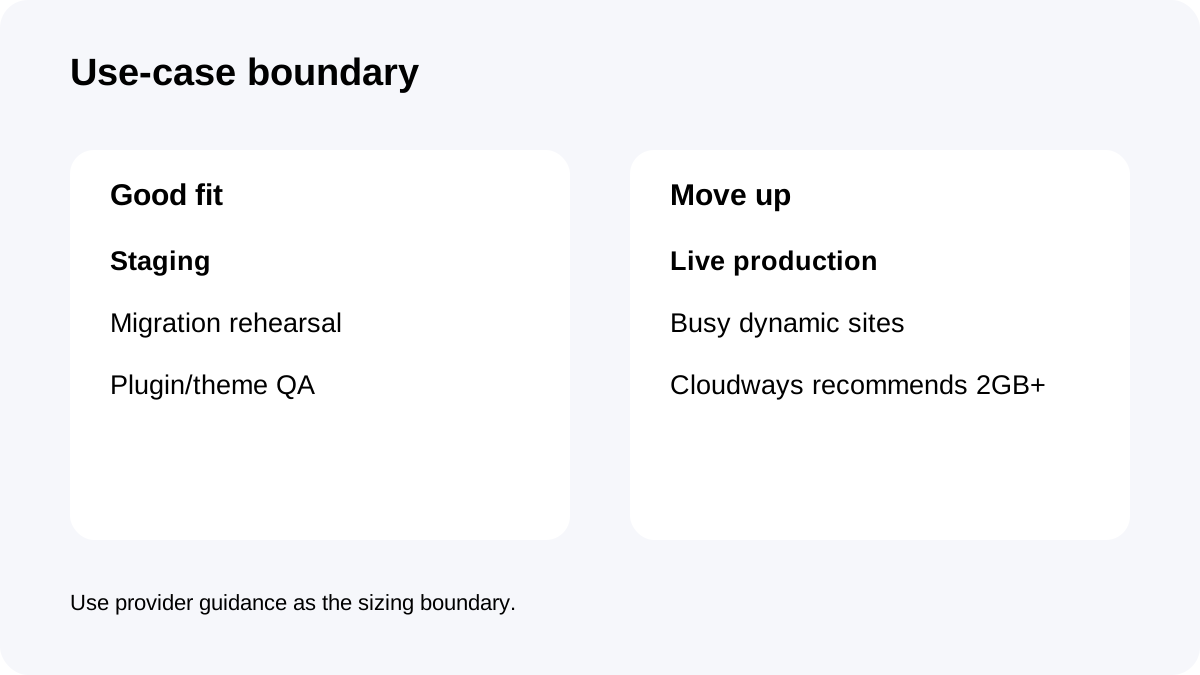
Cloudways' current getting-started guidance recommends **2GB or larger for best performance on live sites** and says 1GB servers are primarily intended for testing and staging.
That provider statement should control the purchase decision more than a marketing desire to run production at the lowest possible price.
Use 1GB to test themes, plugins, PHP versions, migrations, cache changes and deployment steps. If the environment begins serving real traffic or becomes business-critical, treat that as a signal to move production to 2GB+.
A practical staging workflow
Cloudways Flexible supports staging environments and cloning workflows.
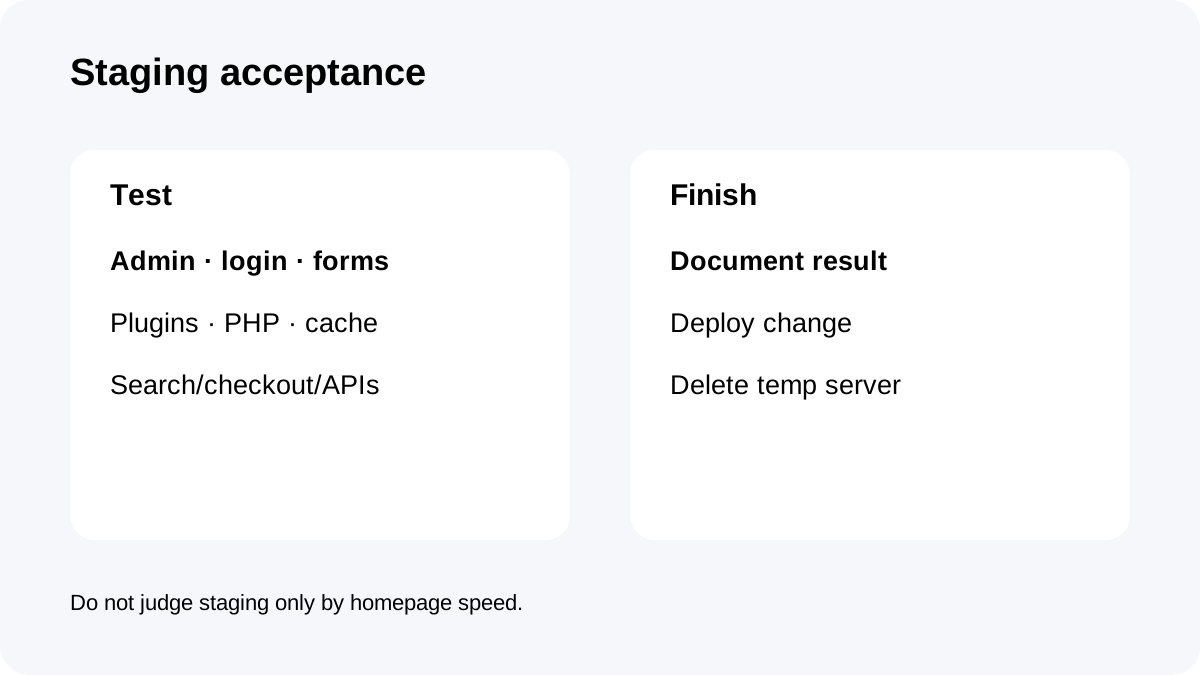
Start with a copy of the production application, sanitize sensitive data where appropriate, and write down the exact acceptance criteria before testing. Check admin responsiveness, login, forms, scheduled actions, plugin updates, search, checkout if relevant, and any external API callbacks.
Do not judge staging only by the homepage. A 1GB server can look fine on cached public pages while admin tasks or concurrent PHP work expose memory pressure.
When the change is approved, deploy using a documented process and remove the temporary server if it is no longer needed.
Backups can cost more than expected on a long-lived test server
Off-site backups are separately billed at **$0.033/GB**.
A small staging site may create very little backup cost, but repeated cloning, media copies and long retention can grow the footprint. For short QA work, choose the retention needed to recover the test—not a production-grade history by default.
If the staging server contains the only copy of a critical migration state, keep a deliberate backup. If it is reproducible from production, avoid letting backup history grow forever after the project ends.
Three staging scenarios
A **three-day migration rehearsal** can cost roughly $1.50 of raw server time at the current hourly reference. That is a sensible use of the plan.
A **one- or two-week plugin/theme QA sprint** can remain far below the $14 monthly cap while providing a separate managed environment.
A **permanent live WooCommerce, membership or busy content site** is the wrong default target because Cloudways itself recommends 2GB+ for live sites. The cheapest server is not cheaper if memory pressure creates incidents or repeated emergency scaling.
Checkout and cleanup checklist
Confirm **DigitalOcean Premium 1GB**, **$14/month or $0.0208/hour**, **1GB RAM, 1 vCPU, 25GB NVMe and 1TB transfer**.
Confirm that your use case is staging/testing, understand the separately billed **$0.033/GB** backups, and set a project end date.
After acceptance, either move the workload to the appropriate production size or delete the temporary server. Do not let a successful test quietly become an undocumented permanent 1GB production system.
**Bottom line:** Premium 1GB is valuable because it is cheap, managed and disposable. Its best use is a short-lived staging tool with a clear creation-test-delete lifecycle—not a way to ignore Cloudways' own 2GB+ production guidance.