TOOLNAVIA / BUYING GUIDE
Cloudways DigitalOcean Premium 1GB Review 2026: $14 for Staging?
The short answer
At a glance
- Best for
- Staging, development, migration rehearsal and temporary environments where hourly billing and Premium NVMe hardware matter more than production memory headroom.
- Price model
- $14 monthly cap or $0.0208/hour; off-site backup $0.033/GB separately
- Check first
- Provider guidance says 1GB is primarily for testing/staging; live sites should generally start at 2GB+; backups are separate; Premium hardware does not remove memory limits.
Verdict
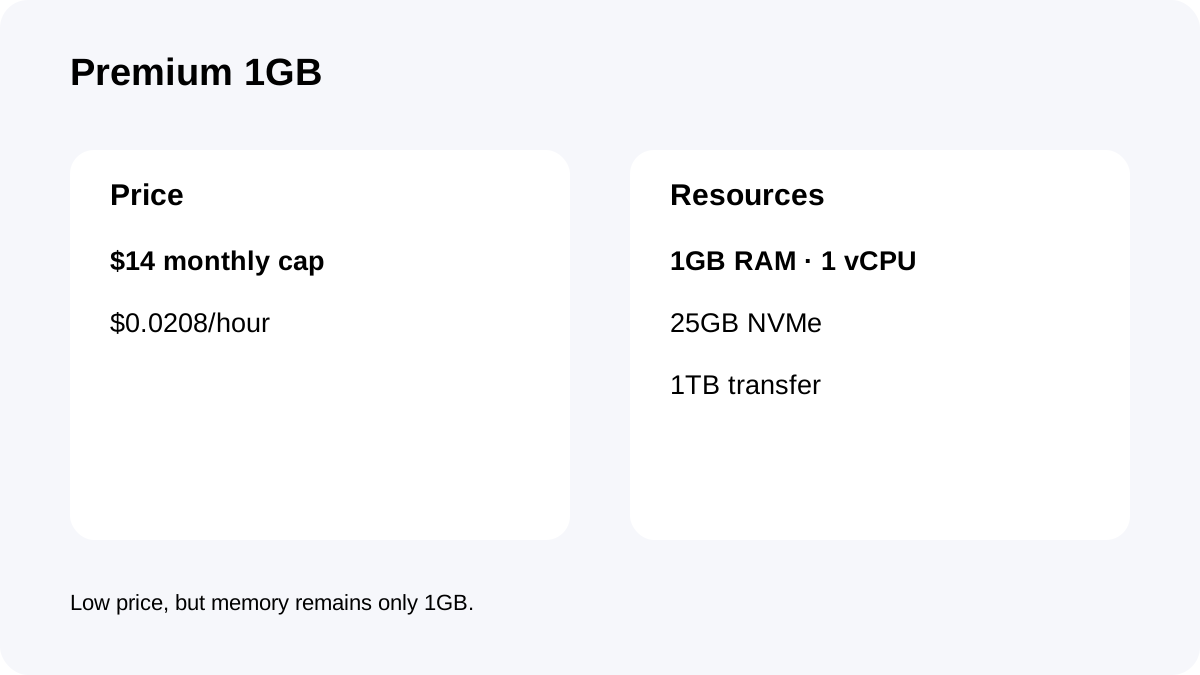
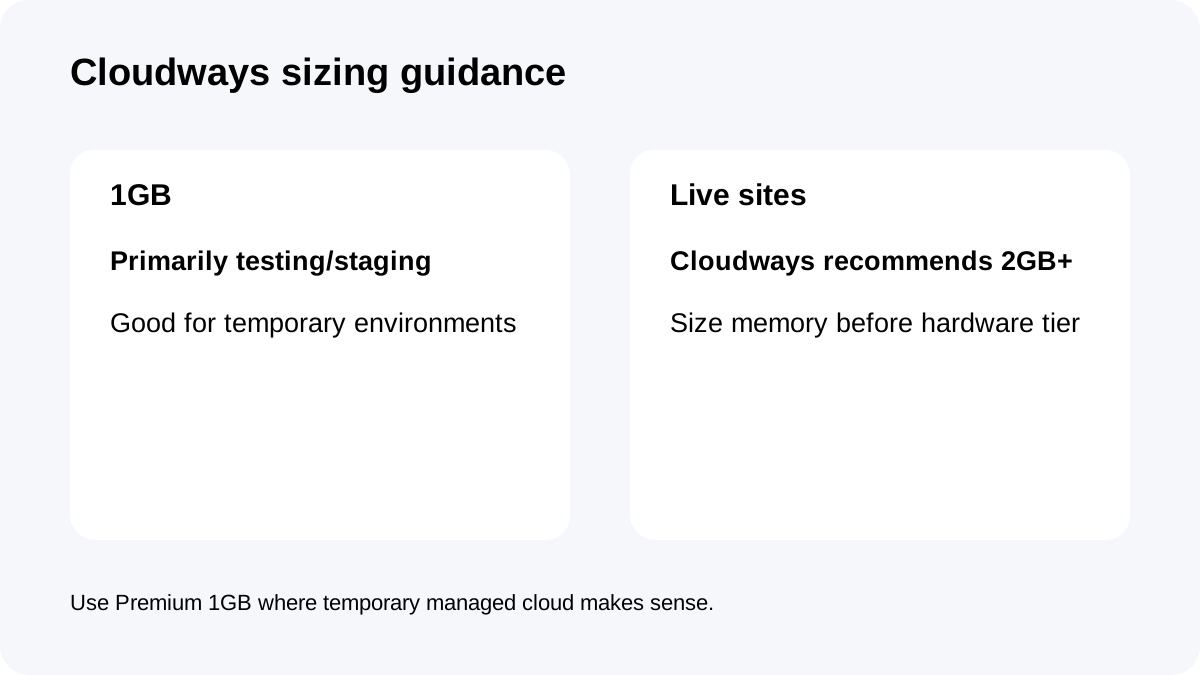
Cloudways DigitalOcean Premium 1GB costs **$14/month or $0.0208/hour** and gives 1GB RAM, 1 vCPU, 25GB NVMe storage and 1TB transfer. But Cloudways itself says **1GB servers are primarily for testing and staging** and recommends 2GB or more for live sites.
What the $14 plan includes
The current Premium DO1GB plan includes **1GB RAM, 1 vCPU, 25GB NVMe and 1TB transfer**, plus unlimited visits/websites at the platform level and Cloudways' managed stack.
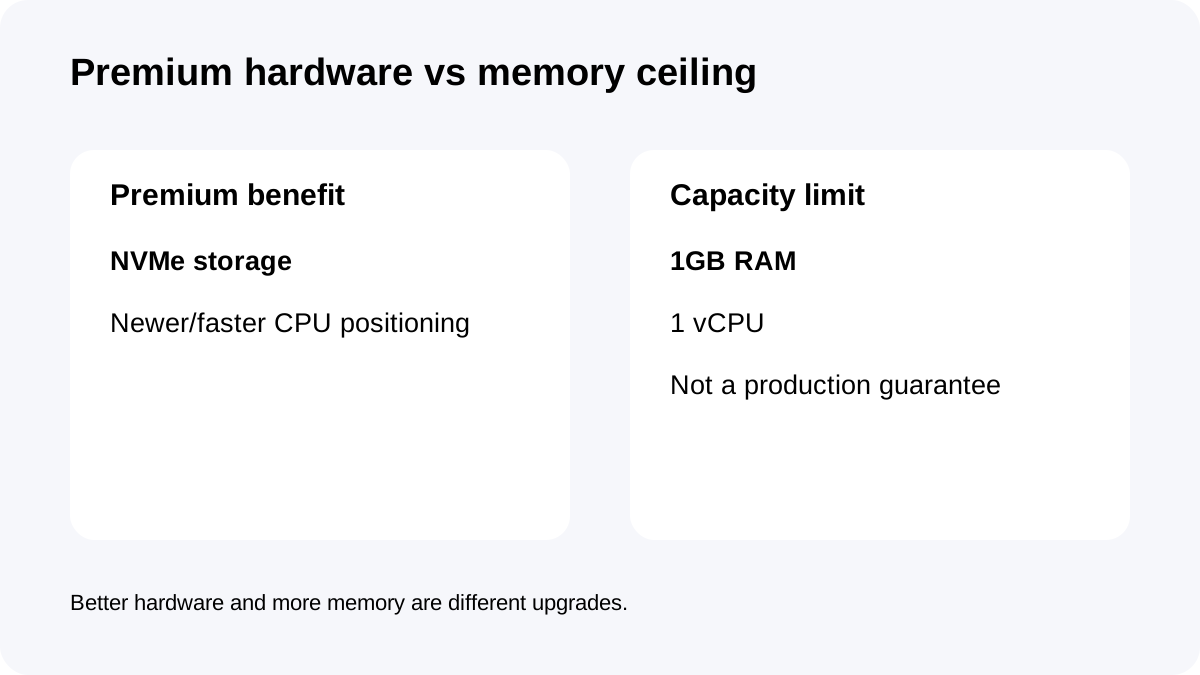
The Premium label refers to the DigitalOcean hardware tier: Cloudways describes Premium droplets as using NVMe storage and newer/faster CPU hardware than Standard.
That does not remove the most important limit: **only 1GB of RAM**. Hardware quality and memory capacity solve different problems.
Best use case: staging, testing and lightweight development
Cloudways' current getting-started FAQ is unusually clear: for live websites, it recommends **2GB or larger**; 1GB servers are mainly intended for **testing and staging**.
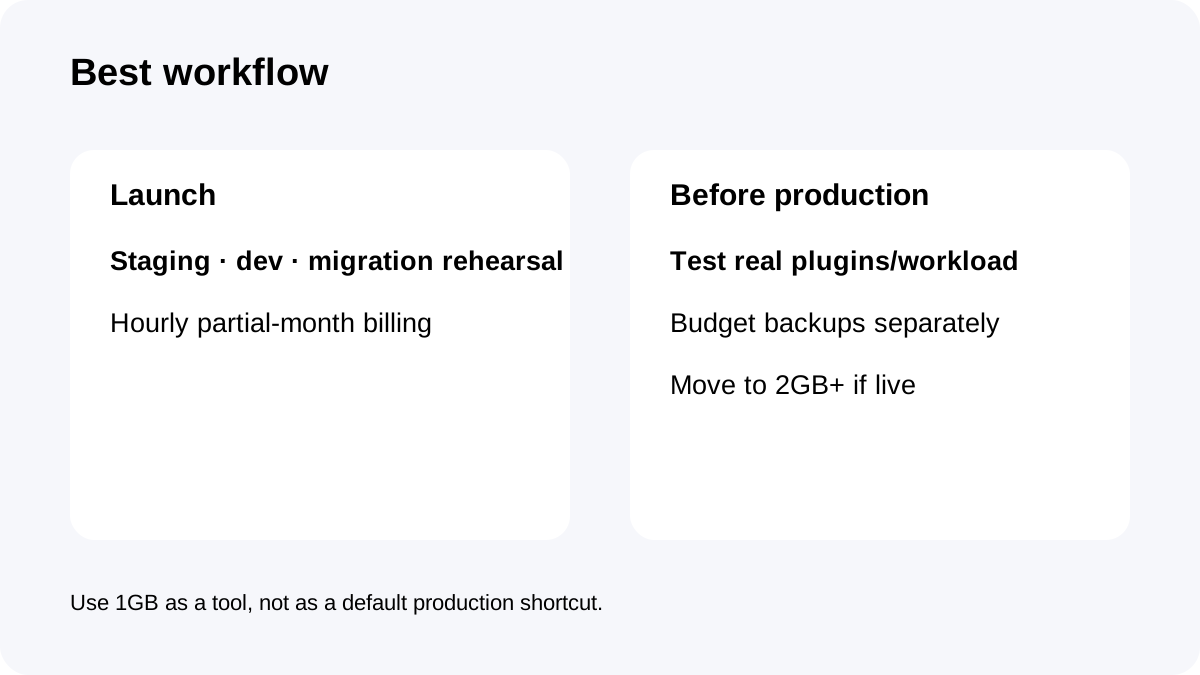
That makes Premium 1GB a strong fit for staging copies, development/testing, migration rehearsals, low-traffic demo sites and temporary client previews.
Cloudways Flexible also supports staging/cloning workflows directly, so the plan maps naturally to non-production environments.
A serious production store, membership site or busy WordPress installation should usually start by pricing 2GB or more instead of treating the cheapest Premium server as the default.
Hourly billing makes short-lived environments economical
DigitalOcean Flexible servers use hourly billing when active for part of a month and a monthly cap if they remain active for the full month.
That is valuable for staging. A temporary server can exist for a migration rehearsal, plugin test or release window without necessarily costing the entire $14.
But the buyer still needs to remove resources correctly when the environment is no longer needed. Cloud hosting bills resources, not just whether you are actively clicking in the dashboard.
For teams that spin environments up and down deliberately, hourly billing can be more useful than the low headline monthly price itself.
Premium hardware does not make 1GB a production recommendation
Cloudways says Premium droplets offer NVMe storage and stronger hardware characteristics, and its own benchmark documentation shows Premium can outperform Standard under certain tested loads.
That is useful context, but it should not override the provider's separate guidance that **1GB is primarily testing/staging capacity**.
A faster storage layer cannot compensate for an application that simply needs more memory. If WordPress admin becomes sluggish, WooCommerce/background jobs are active, memory usage stays high or multiple applications share the server, move to 2GB or more before treating hardware tier as the main optimization.
Premium 1GB is best seen as a temporary or lightweight tool, not a production shortcut.
Backups and real monthly cost
Off-site backup storage is charged separately at **$0.033/GB**.
A small staging server may generate little backup cost, but it is still not accurate to call the $14 server price an all-in total.
For disposable test environments, decide whether scheduled off-site backups are needed at all. For staging that contains important client or pre-release data, enable an appropriate backup routine and minimize copied production-sensitive data.
The cheapest environment is not always the safest place to duplicate a full production database.
Checkout checklist
Confirm **DigitalOcean Premium 1GB**, $14 monthly cap, $0.0208 hourly rate, 1GB RAM, 1 vCPU, 25GB NVMe and 1TB transfer; verify backup billing at $0.033/GB; choose the intended region; and confirm that the workload is truly staging/testing rather than a production site that should start at 2GB+.
**Bottom line:** Cloudways Premium 1GB is a good managed-cloud **testing/staging plan**, not the strongest default for a live business site. The $14 price is attractive because hourly billing and Premium hardware make temporary environments easy; production buyers should follow Cloudways' own 2GB+ guidance.